Behaviors

A behavior is ready-made movement or logic you add to an object in one tap: walk and jump with the joystick, drive like a car, follow the player, spin, float up and down… Add one with Inspect → + Add behavior.
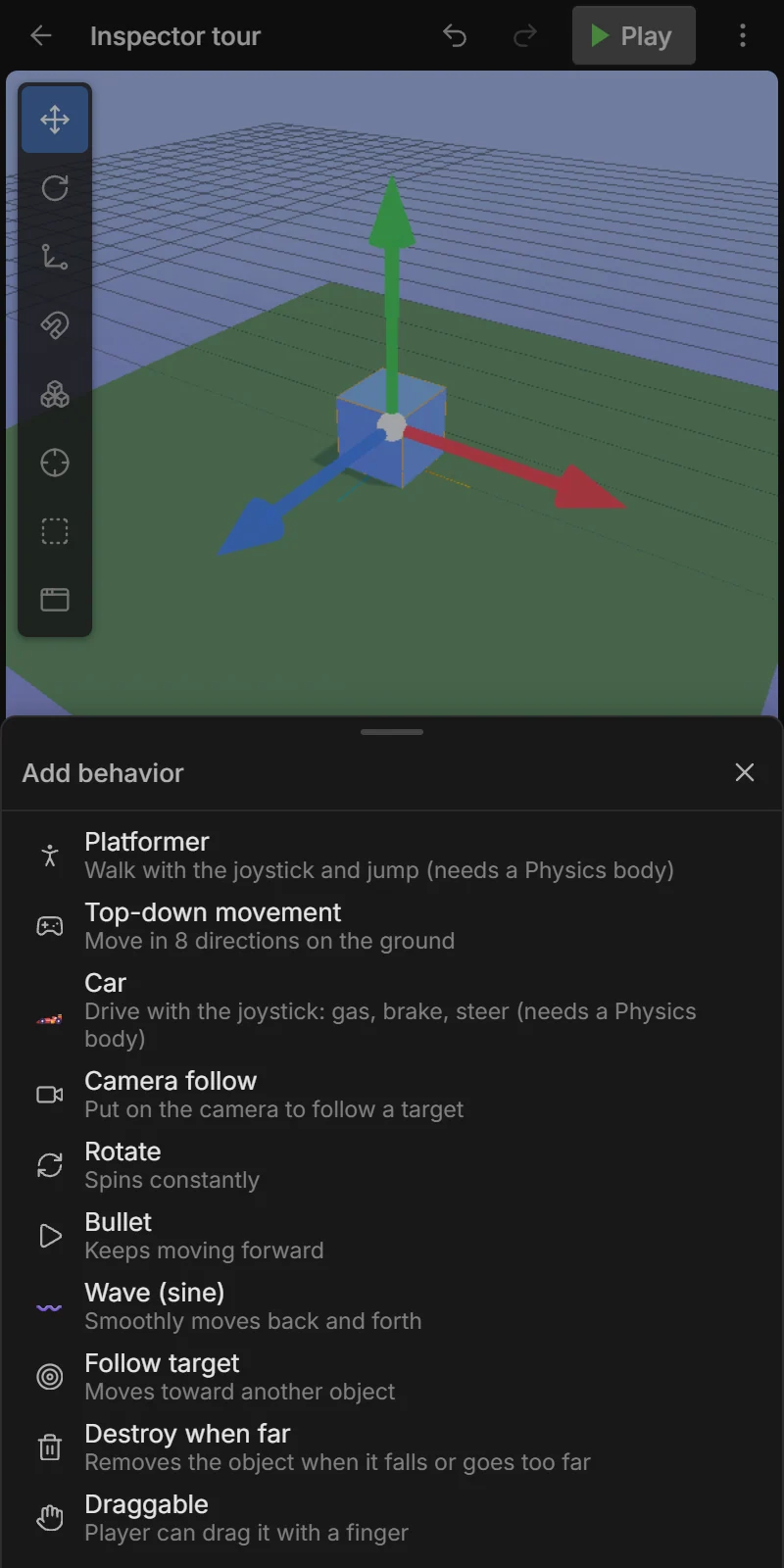
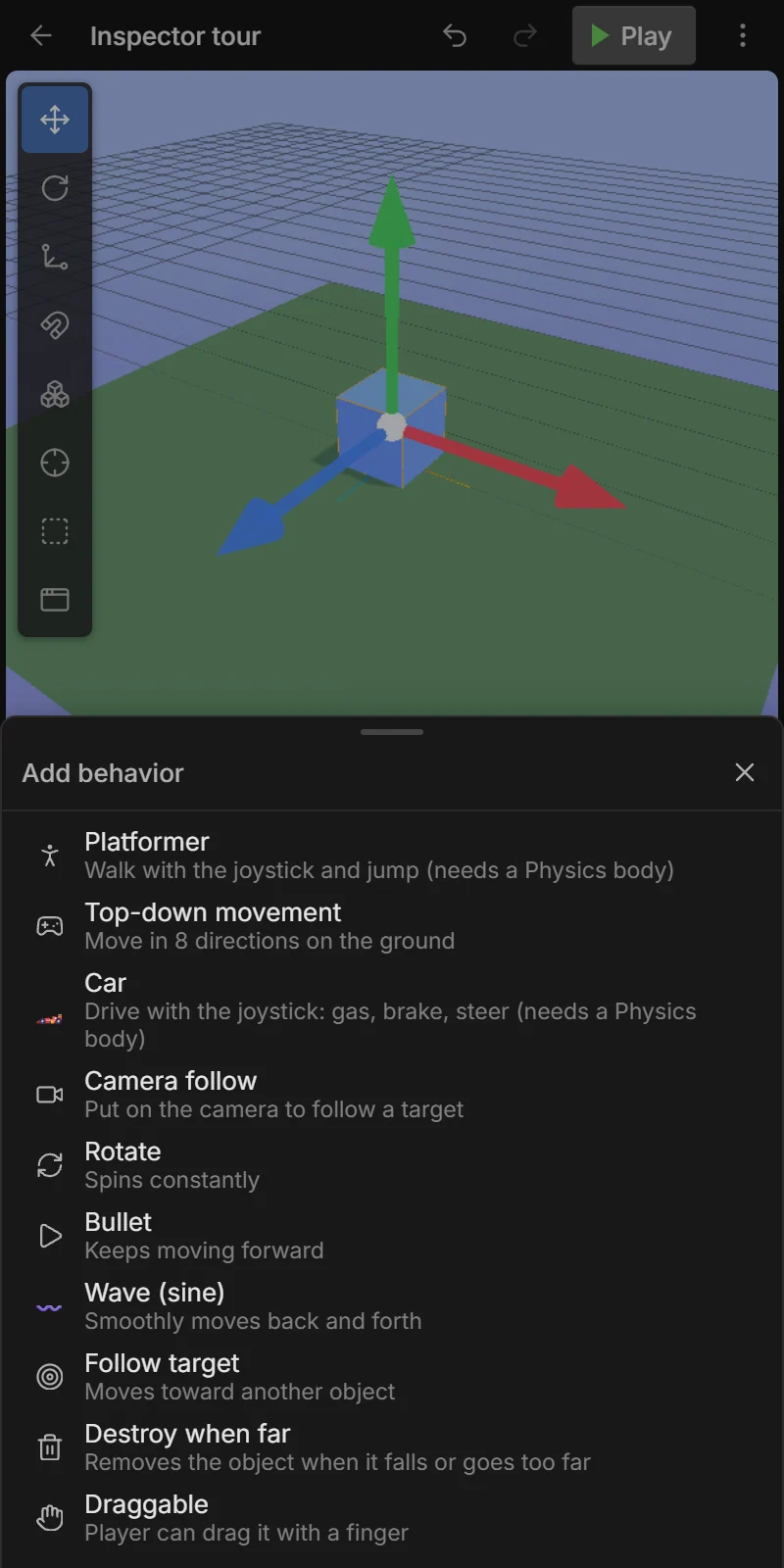
Each behavior card has a switch to turn it on/off and 🗑 to remove it. Events can do the same while playing (Enable/disable behavior) and change any setting (Set behavior setting); scripts use entity.setBehaviorParam('platformer', 'speed', 8). In expressions: Player.behavior("platformer", "speed").
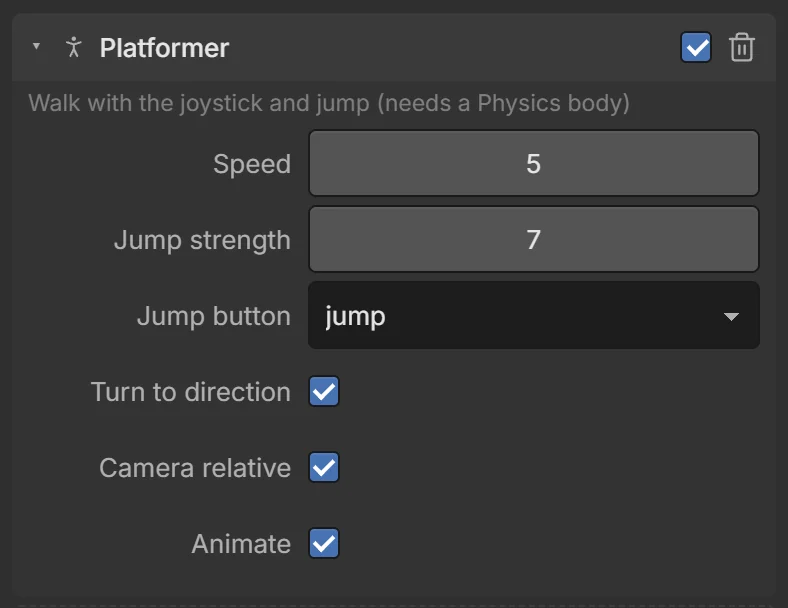
🏃 Platformer
Walk with the joystick (or WASD / arrows) and jump with a button. Needs a dynamic Physics body — adding the behavior adds one that doesn’t tip over, and a Collider.
| Setting | Default | What it does |
|---|---|---|
| Speed | 5 | Walking speed (m/s). |
| Jump strength | 7 | How high it jumps. |
| Jump button | jump | The touch button that jumps (see Touch controls). |
| Turn to direction | on | Face the way it moves. |
| Camera relative | on | “Up” on the joystick means away from the camera, not a fixed direction. |
| Animate | on | Play the model’s idle / walk / sprint / jump / fall clips automatically. |
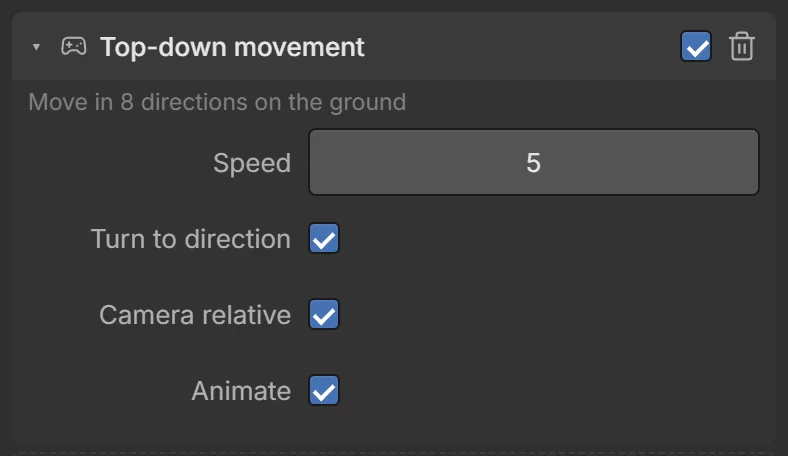
🕹️ Top-down movement
Move in 8 directions on the ground with the joystick — no jumping. For top-down, twin-stick and rolling-ball games. Works with or without a Physics body (with one, it pushes and gets blocked by things).
| Setting | Default | What it does |
|---|---|---|
| Speed | 5 | Movement speed. |
| Turn to direction | on | Face the way it moves. |
| Camera relative | on | Joystick directions follow the camera. |
| Animate | on | Idle / walk / sprint clips automatically. |
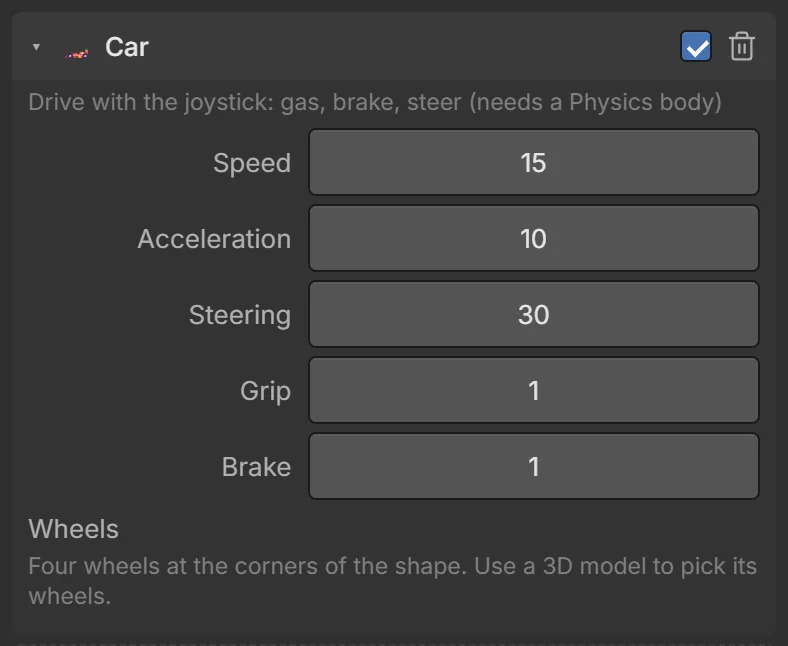
🏎️ Car
Drive with the joystick: up = gas, down = brake, then reverse, left/right = steer. Real ray-cast vehicle physics with suspension. Needs a dynamic Physics body.
| Setting | Default | What it does |
|---|---|---|
| Speed | 15 | Top speed (m/s). |
| Acceleration | 10 | How fast it speeds up. |
| Steering | 30 | Largest steering angle (degrees). |
| Grip | 1 | Tyre grip. Lower = drifty, higher = sticky. |
| Brake | 1 | Braking strength. |
| Wheels | — | Which nodes of the car model are the wheels (they spin and steer). Tap to choose; mark the front ones. |
Wheels are found automatically in models whose parts are named “wheel…” (like the Kenney car kit). Otherwise pick them in Wheels; without wheels it drives on 4 invisible wheels at the corners.
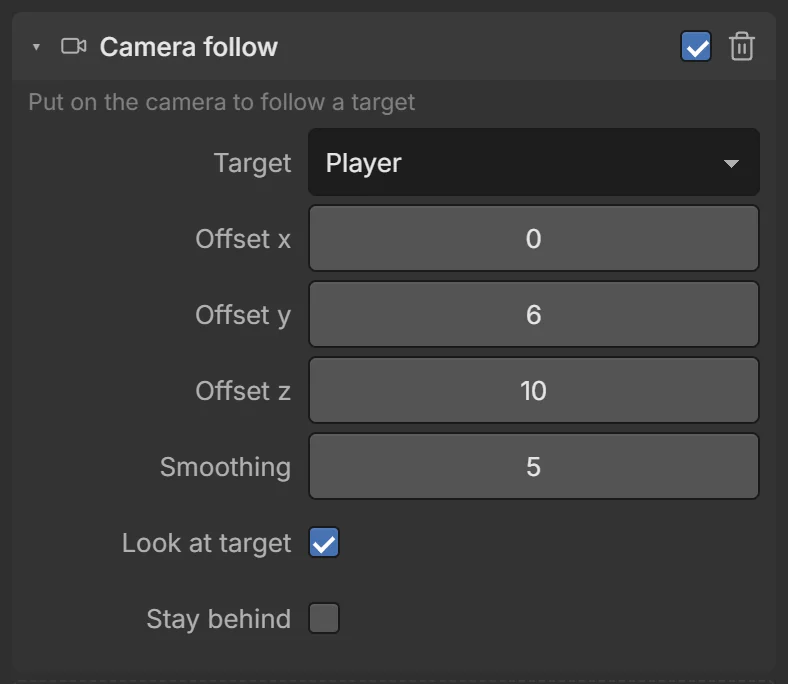
🎥 Camera follow
Put it on the camera: it smoothly follows a target.
| Setting | Default | What it does |
|---|---|---|
| Target | Player | The object to follow. |
| Offset X / Y / Z | 0, 6, 10 | Where the camera stays, relative to the target (6 up, 10 behind). |
| Smoothing | 5 | Higher = snappier, lower = floatier. |
| Look at target | on | Keep pointing at the target. |
| Stay behind | off | Turn the offset with the target’s heading — a chase camera for cars and runners. |
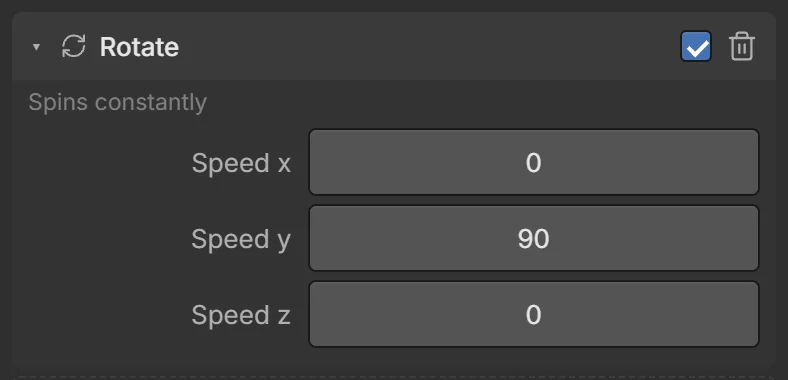
🔄 Rotate
Spins constantly — coins, fans, windmills, planets.
| Setting | Default | What it does |
|---|---|---|
| Speed X / Y / Z | 0, 90, 0 | Degrees per second around each axis. |
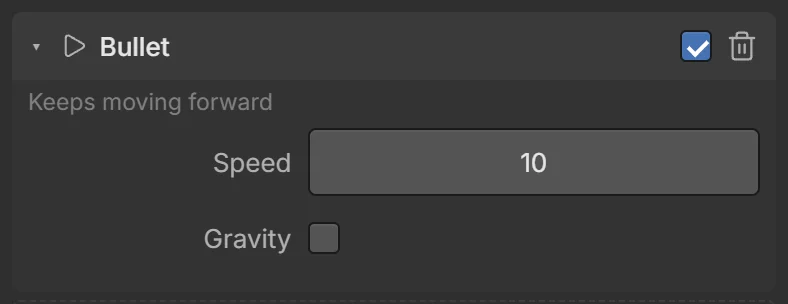
➤ Bullet
Keeps moving forward (its −Z direction) — bullets, arrows, rockets, moving obstacles. Spawn it facing the right way (e.g. Create object at the gun, then Set angle).
| Setting | Default | What it does |
|---|---|---|
| Speed | 10 | Meters per second. |
| Gravity | off | Falls over time (arrows, cannonballs). |
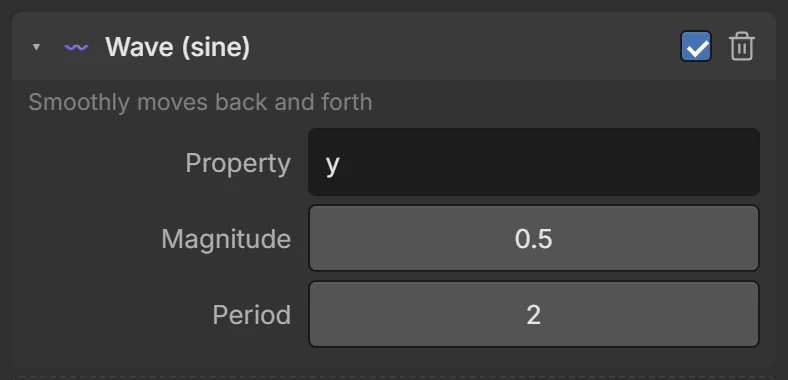
〰️ Wave (sine)
Smoothly moves back and forth forever — floating pickups, bobbing boats, moving platforms, pulsing lights.
| Setting | Default | What it does |
|---|---|---|
| Property | y | What waves: x, y, z, angle, scale or opacity. |
| Magnitude | 0.5 | How far (meters; degrees for angle). |
| Period | 2 | Seconds for one full wave. |
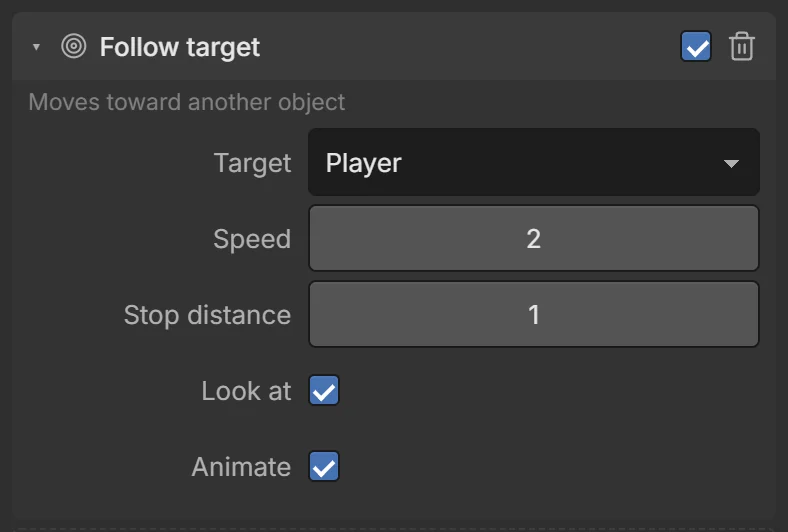
🎯 Follow target
Moves toward another object — chasing enemies, pets, homing missiles.
| Setting | Default | What it does |
|---|---|---|
| Target | Player | What to follow. |
| Speed | 2 | Meters per second. |
| Stop distance | 1 | Stops this close. |
| Look at | on | Face the target. |
| Animate | on | Walk / idle clips automatically. |
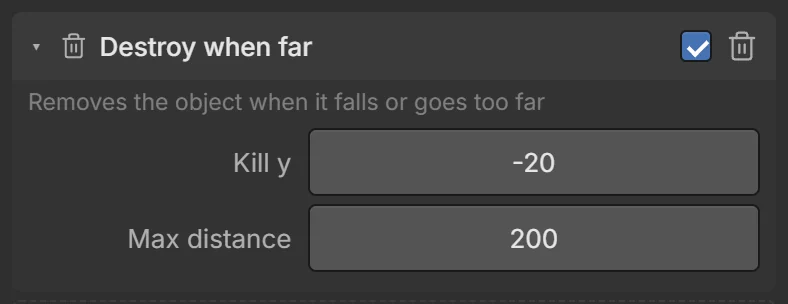
🗑️ Destroy when far
Removes the object when it falls or goes too far — keeps games with many bullets or spawned obstacles fast.
| Setting | Default | What it does |
|---|---|---|
| Kill Y | −20 | Destroyed when it falls below this height. |
| Max distance | 200 | Destroyed this far from the camera (0 = never). |
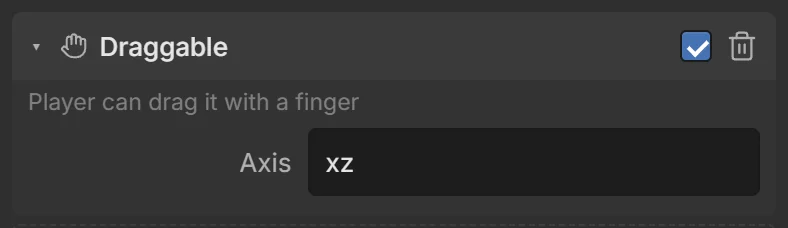
✋ Draggable
The player can drag it with a finger — puzzles, sorting games, placing things.
| Setting | Default | What it does |
|---|---|---|
| Axis | xz | xz = along the ground, xy = up/down and sideways (facing the camera), or a single axis x, y, z. |