Editor overview
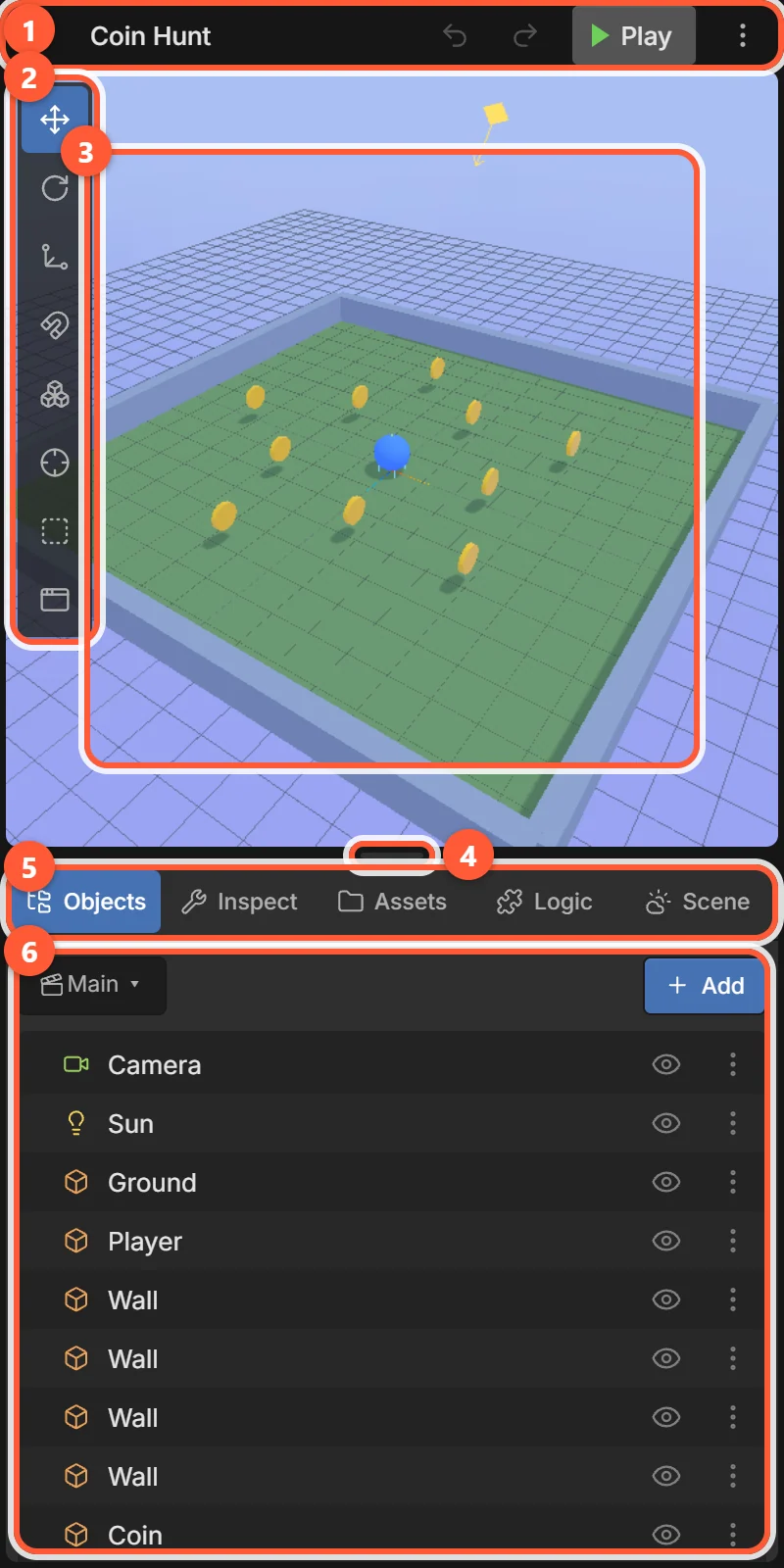
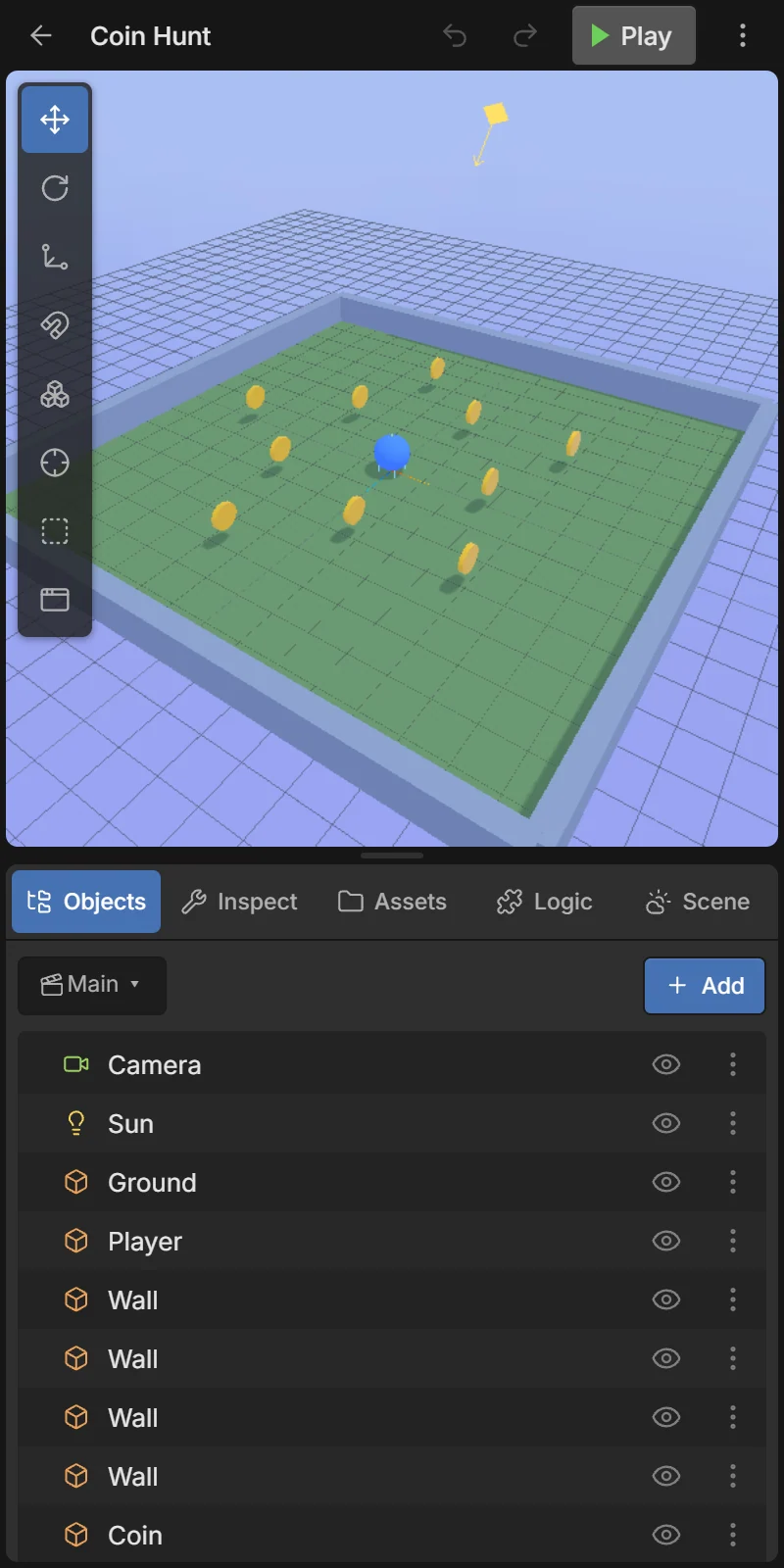
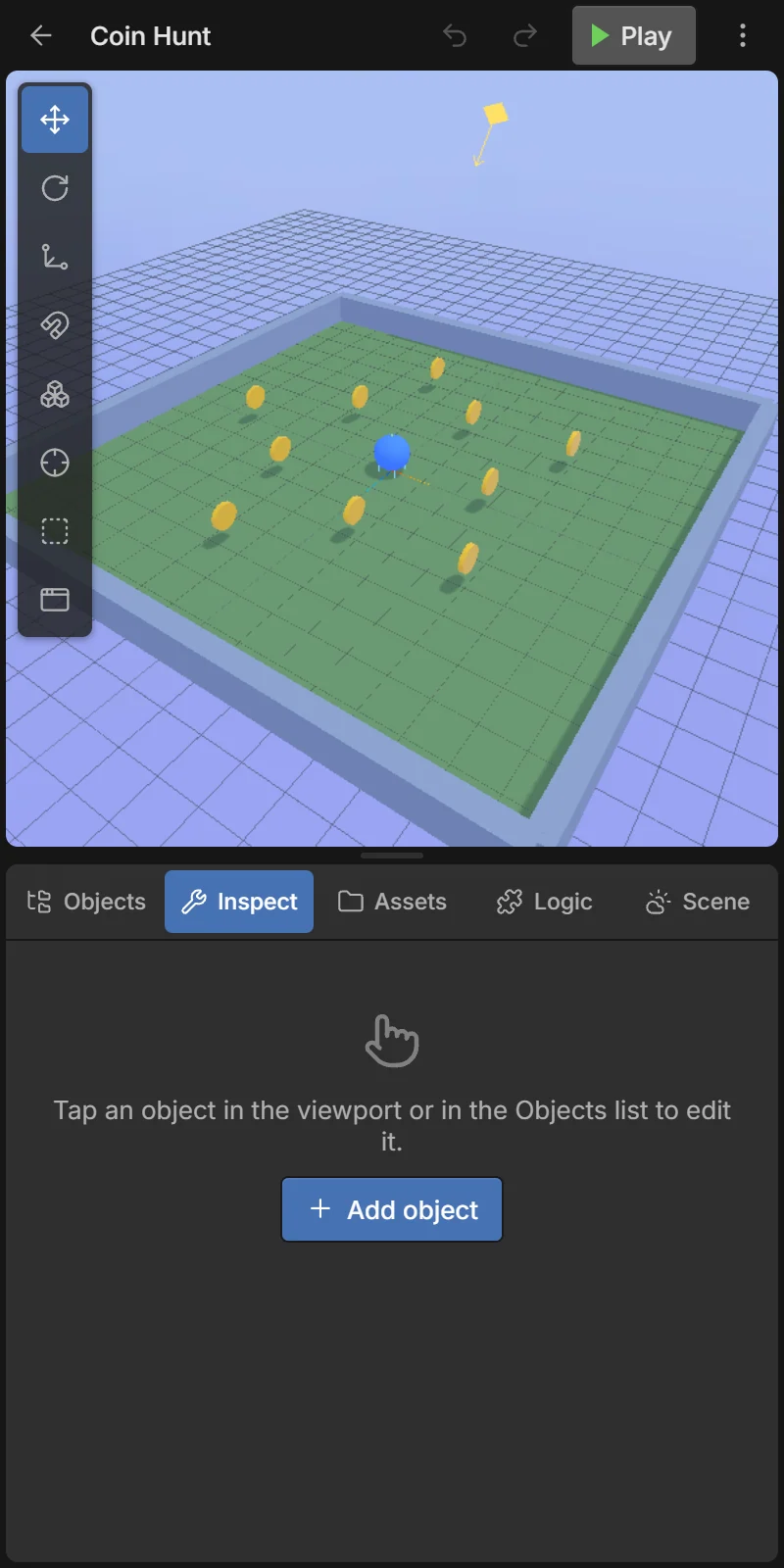
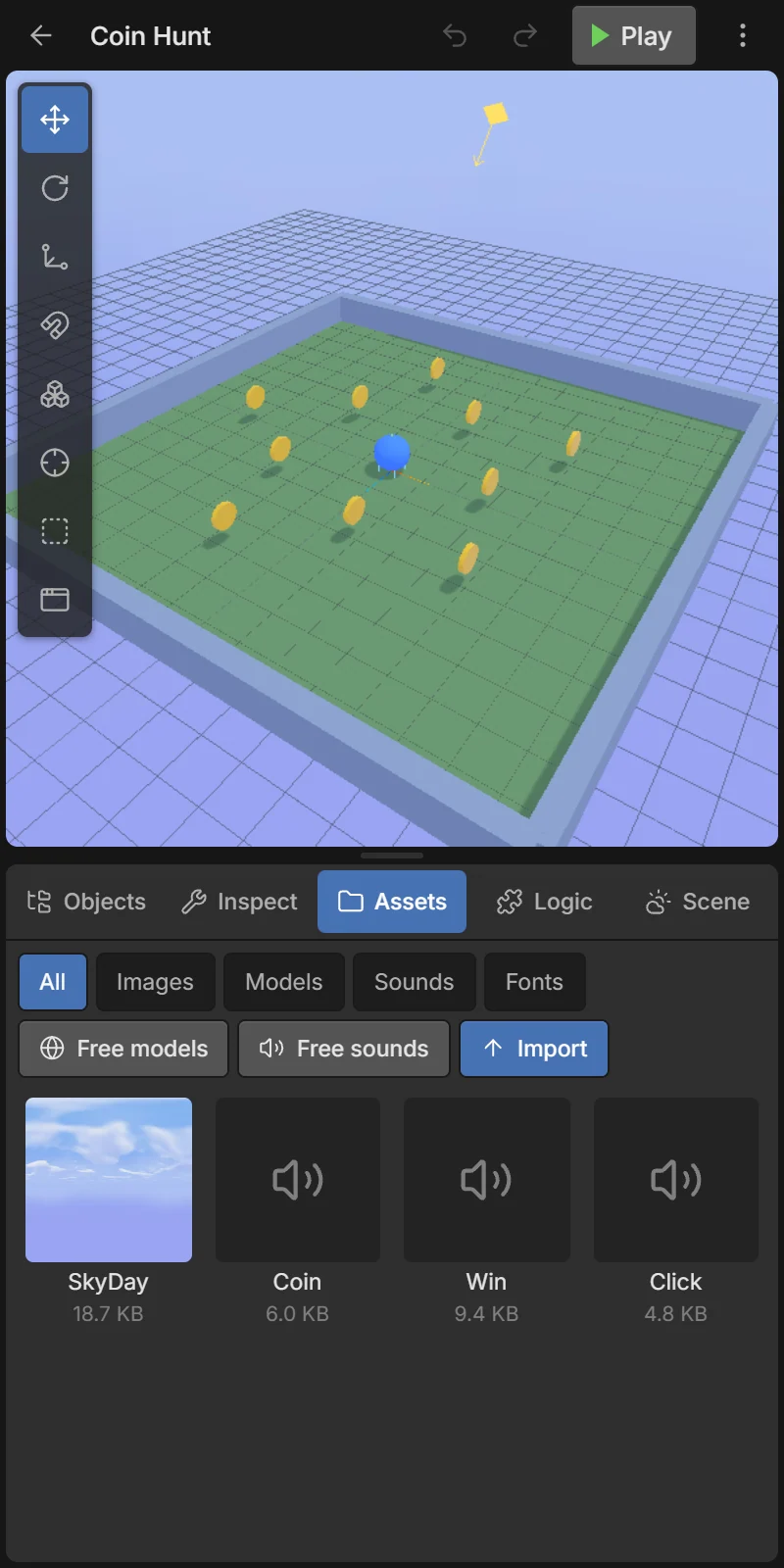
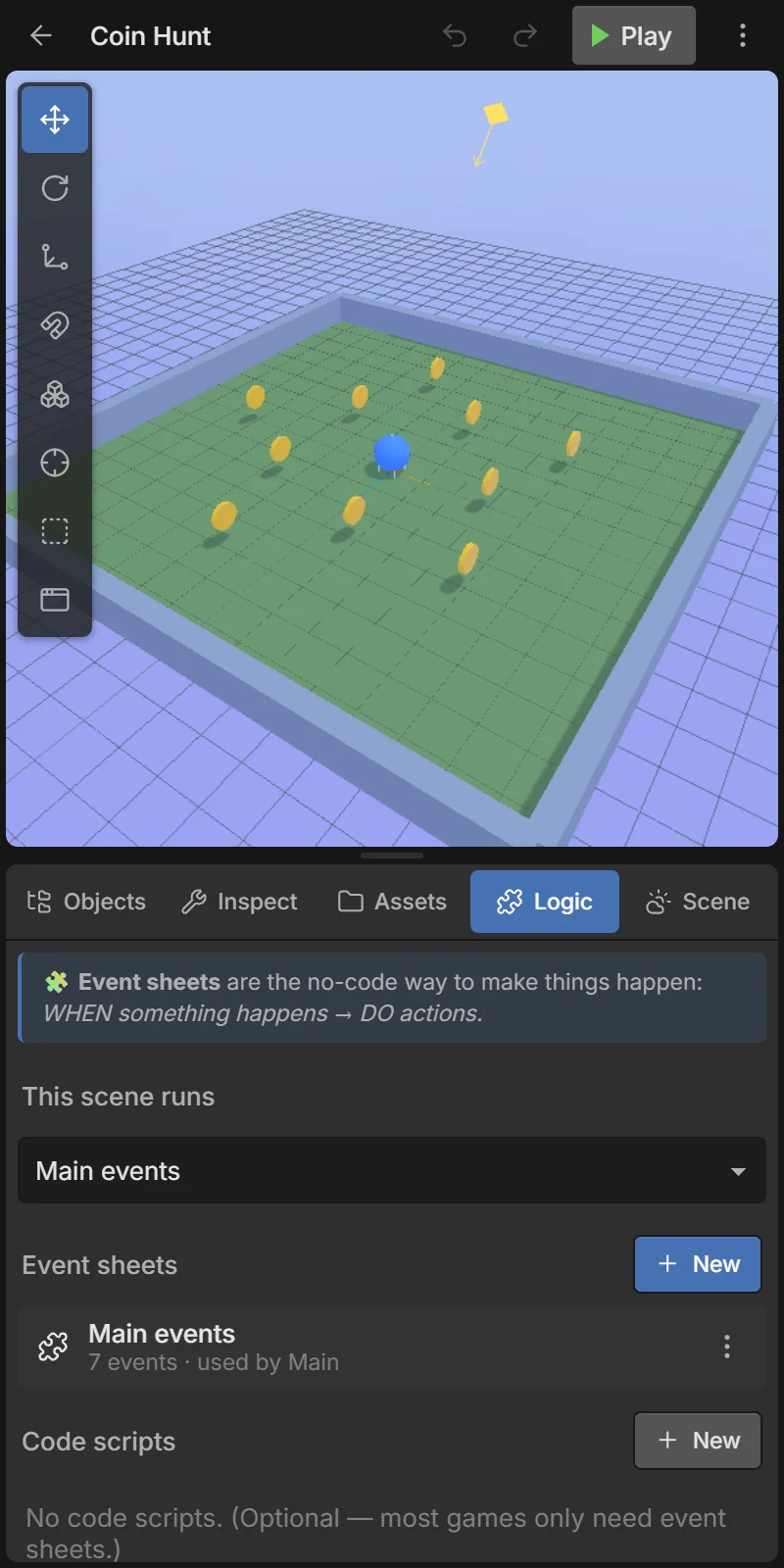
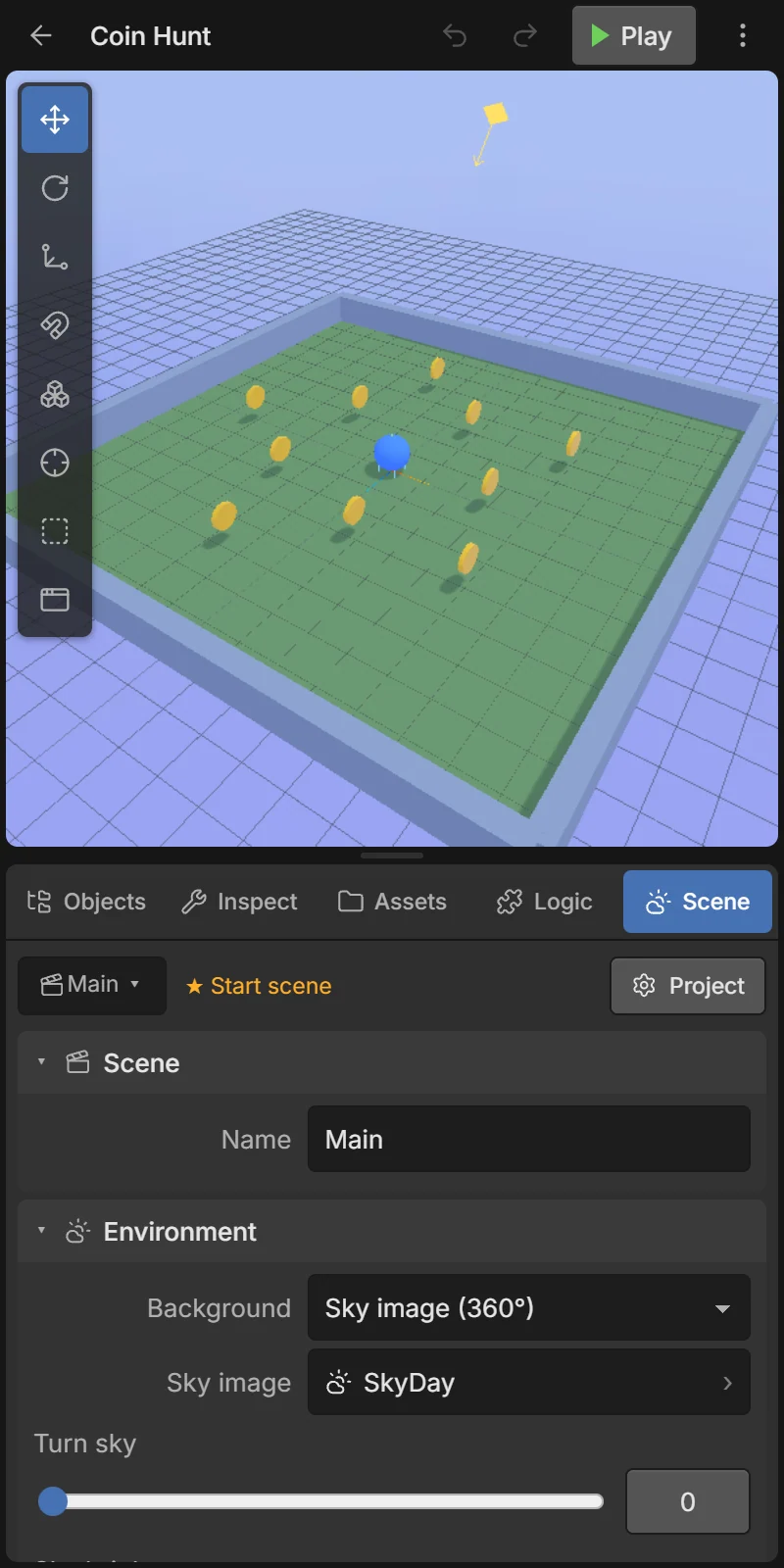
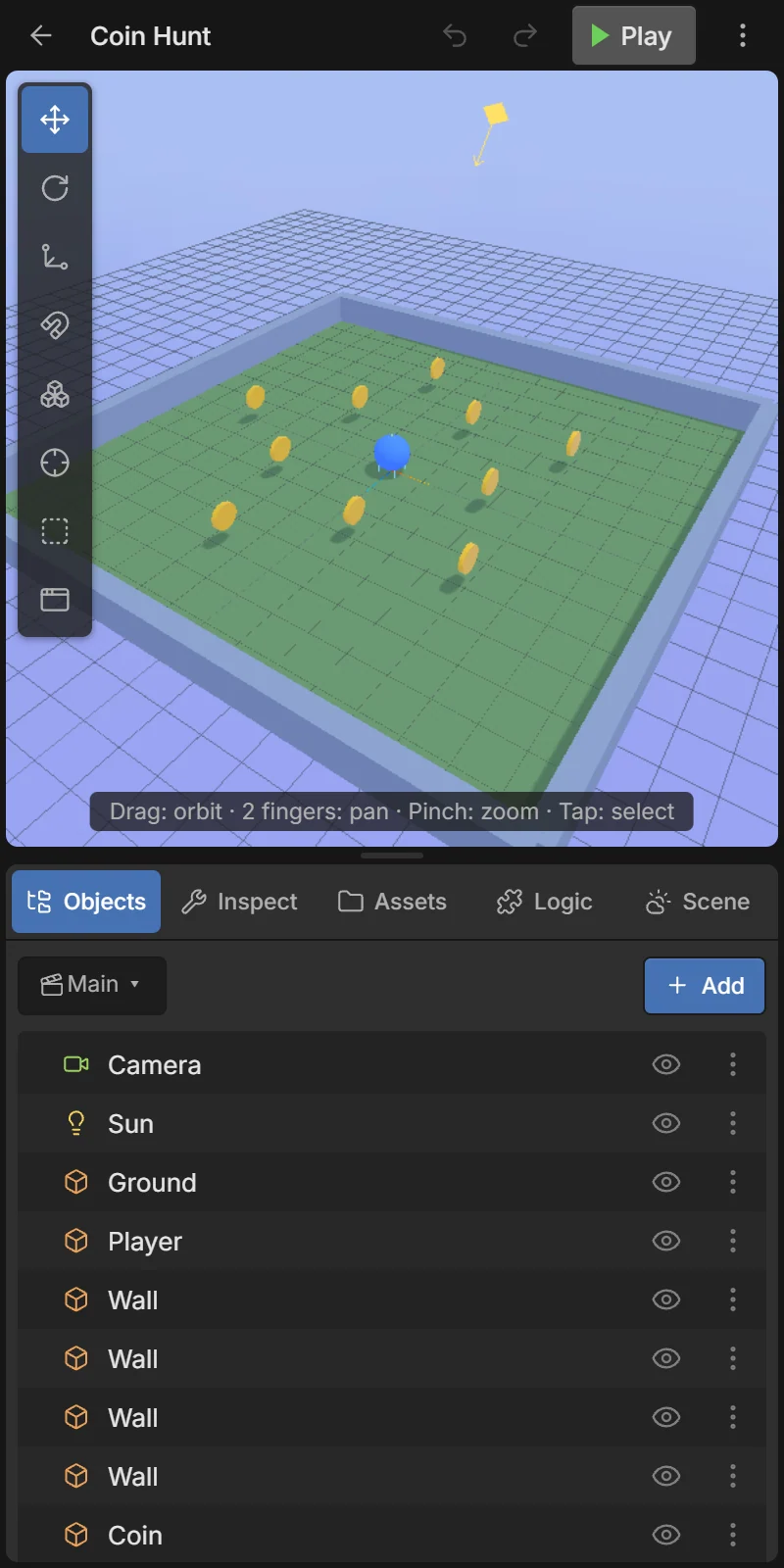
When you open a project you see the editor. It has three areas: the top bar, the 3D view of your scene, and the dock with five tabs at the bottom.
- 1Top bar — back, project name, undo/redo, Play and the project menu.
- 2Viewport tools — move/rotate/scale, snap, multi-select, focus, colliders, UI mode. See The 3D view.
- 33D view — your scene as it looks in the game. Tap to select, drag to look around.
- 4Split handle — drag to resize the two areas; tap to hide the dock and get a big 3D view.
- 5Dock tabs — Objects, Inspect, Assets, Logic, Scene.
- 6Tab content — the open tab.
Top bar

- 1← Back to the home screen. Your work is already saved.
- 2Project name — tap to rename the project.
- 3↶ Undo — undo the last change (every change can be undone).
- 4↷ Redo — redo what you undid.
- 5▶ Play — play the game from its start scene. See Play mode.
- 6⋮ — the project menu.
Saving
There is no Save button: every change is saved on the phone automatically a moment after you make it.
The dock tabs

| Tab | What it’s for |
|---|---|
| 🗂 Objects | The list of objects in the current scene, the + Add menu, parenting and prefabs. More |
| 🛠 Inspect | Everything about the selected object: name, tags, position, components, behaviors, variables. More |
| 📁 Assets | Your images, 3D models, sounds and fonts; the free model and sound libraries. More |
| 🧩 Logic | Event sheets and code scripts — the rules of your game. More |
| 🌤 Scene | Background, sky, fog, lights, variables and touch controls. More |
Resize or hide the dock
Drag the split handle (the small bar between the 3D view and the tabs) up or down to give more room to either side. Tap it to hide the dock and use the whole screen for the 3D view; tap it again (or any tab) to bring the dock back. The editor remembers your layout.
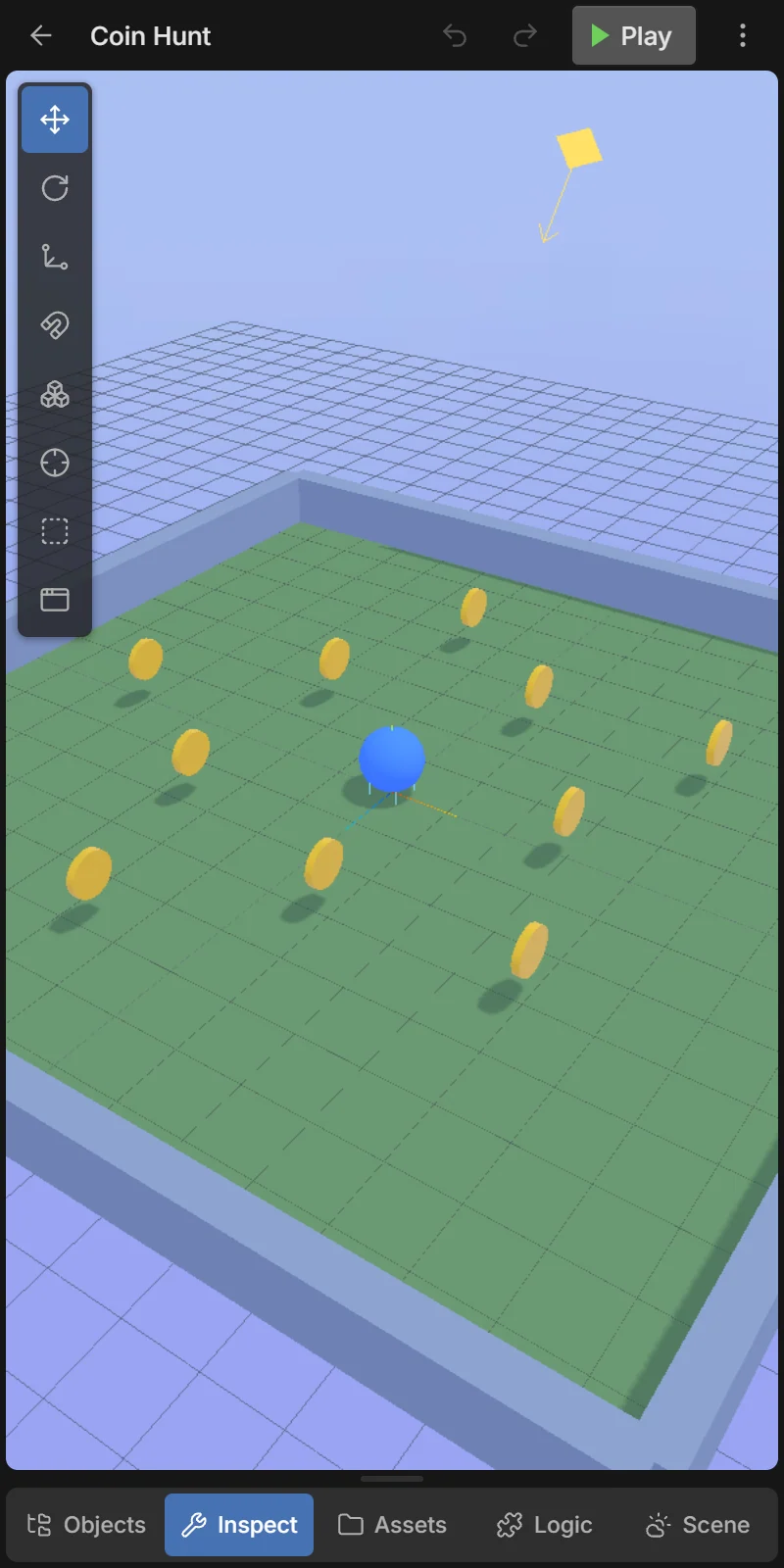
Landscape: turn the phone sideways and the 3D view goes on the left with the dock on the right.
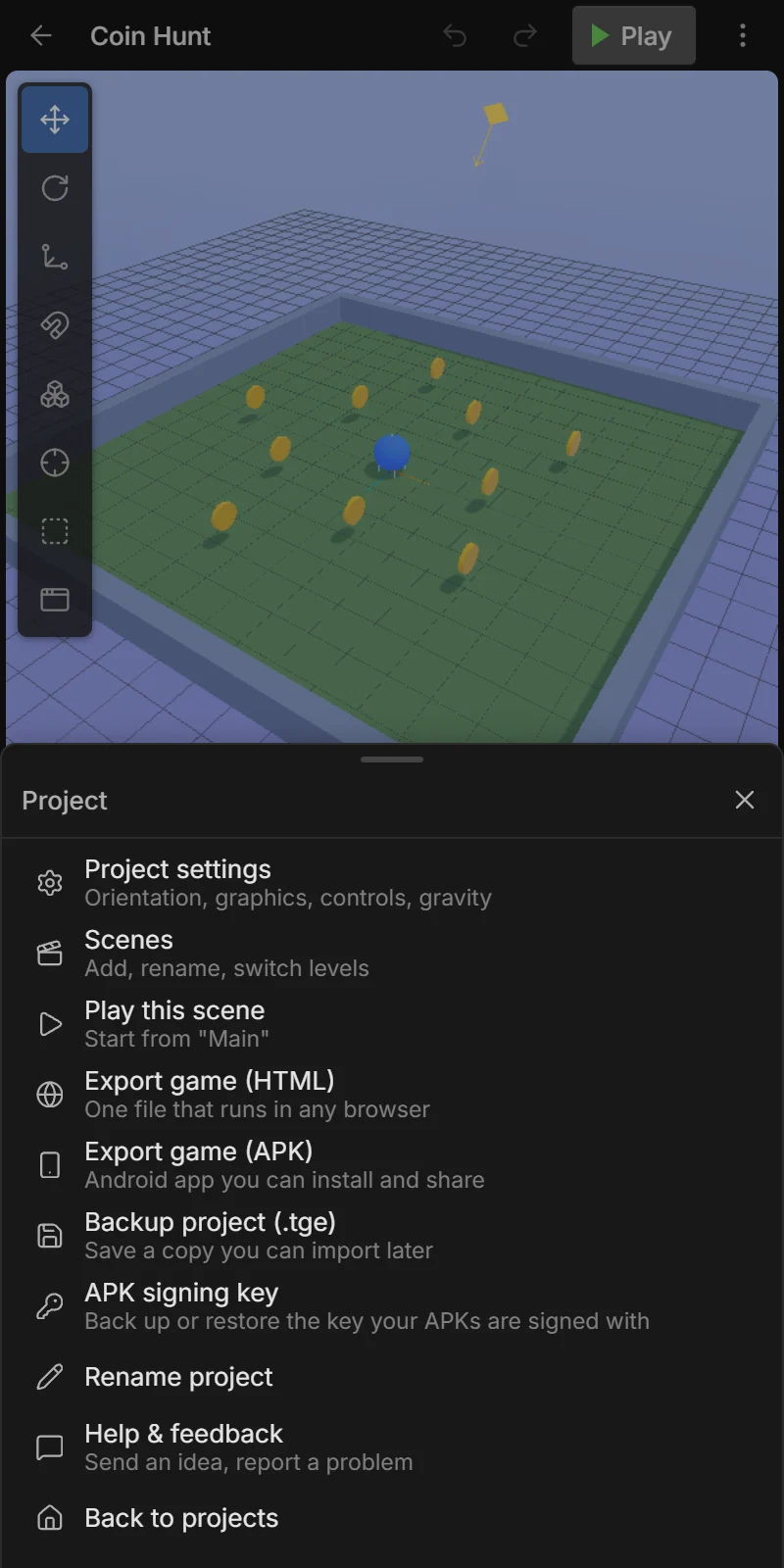
The project menu (⋮)
| Item | What it does |
|---|---|
| Project settings | Orientation, graphics, controls, gravity. More |
| Scenes | Add, rename, switch levels. More |
| Play this scene | Play starting from the scene you are editing (▶ Play always starts from the start scene). |
| Export game (HTML) | One file that runs in any browser. More |
| Export game (APK) | An Android app you can install and share. More |
| Backup project (.tge) | Save a copy you can import later. More |
| APK signing key | Back up or restore the key your APKs are signed with. More |
| Rename project | Same as tapping the name. |
| Help & feedback | Send an idea, report a problem. More |
| Back to projects | The home screen. |