Play mode
Tap ▶ Play in the top bar to play your game full screen, exactly as players will see it. ⋮ → Play this scene plays from the scene you are editing instead of the start scene.
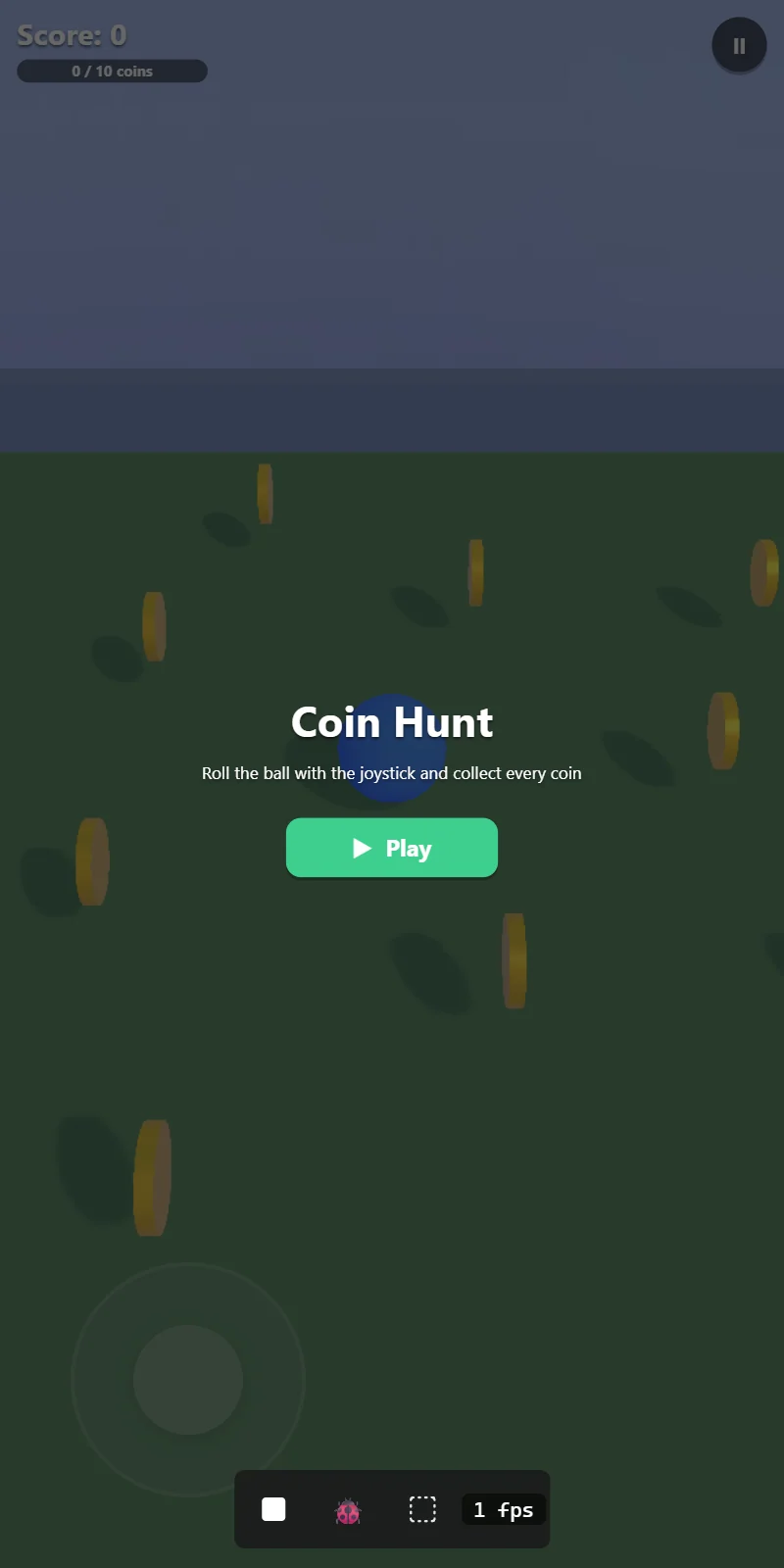
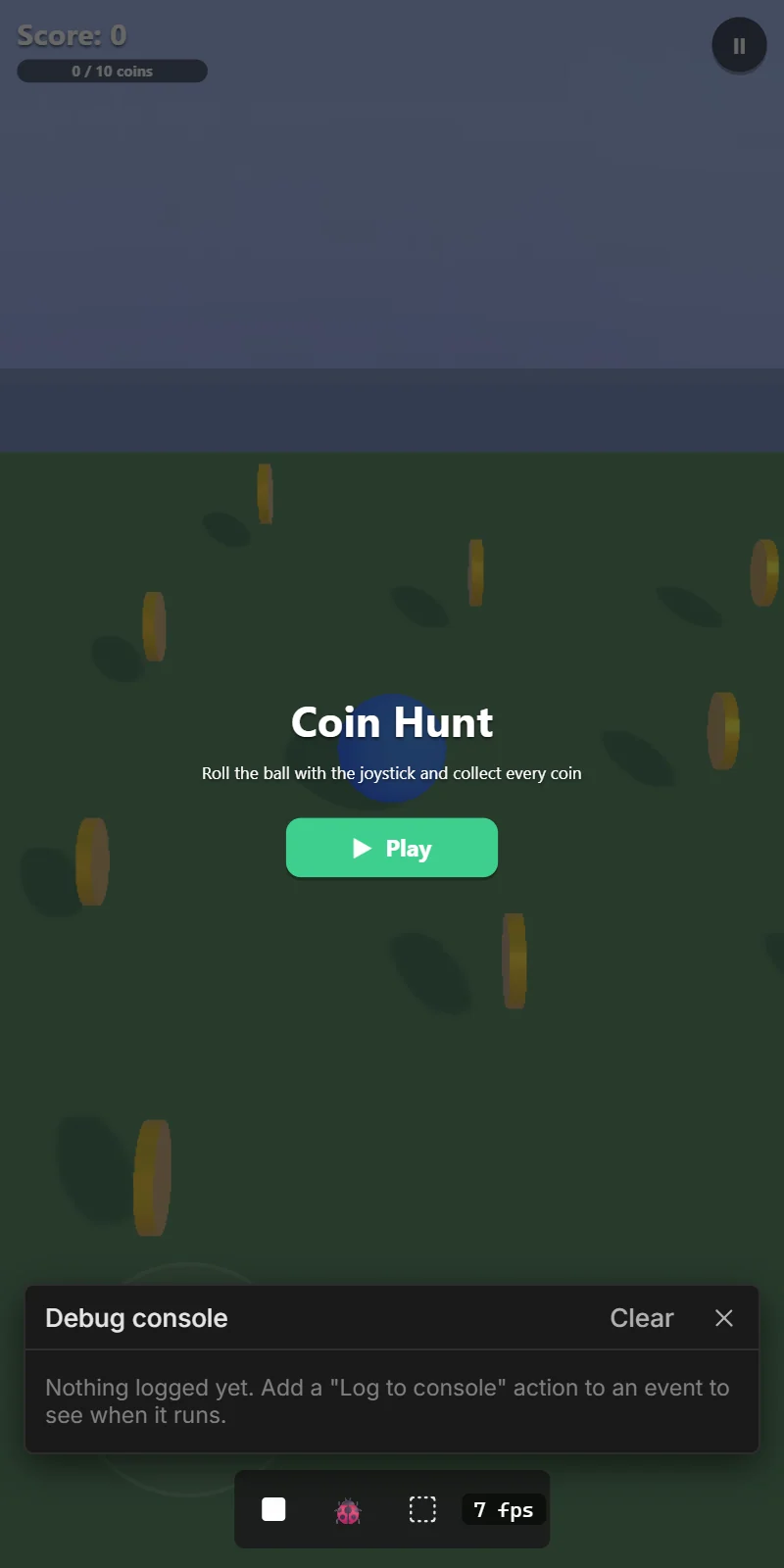
At the bottom of the screen:
| Button | What it does |
|---|---|
| ■ Stop | Back to the editor. Also the phone’s Back button. |
| 🐞 Debug console | Messages from Log to console actions and game.log() in scripts, plus errors. Clear empties it. |
| ⬚ Colliders | Draw the physics shapes while playing. |
| fps | Frames per second. 60 is smooth; under 30 feels slow — see Performance. |
- The game runs on a copy of your project: anything that happens while playing (objects destroyed, variables changed) is forgotten when you stop.
- The screen turns to the project’s orientation while playing and back afterwards.
- Errors in events or scripts show as a red message; the event gets a red badge in the sheet and the script line is highlighted.
Log to console
To check that an event runs, add the action System → Log to console with a message such as "Coin hit, score " + Score, then open the console while playing.