Project settings
Open with ⋮ → Project settings or Scene tab → ⚙ Project.
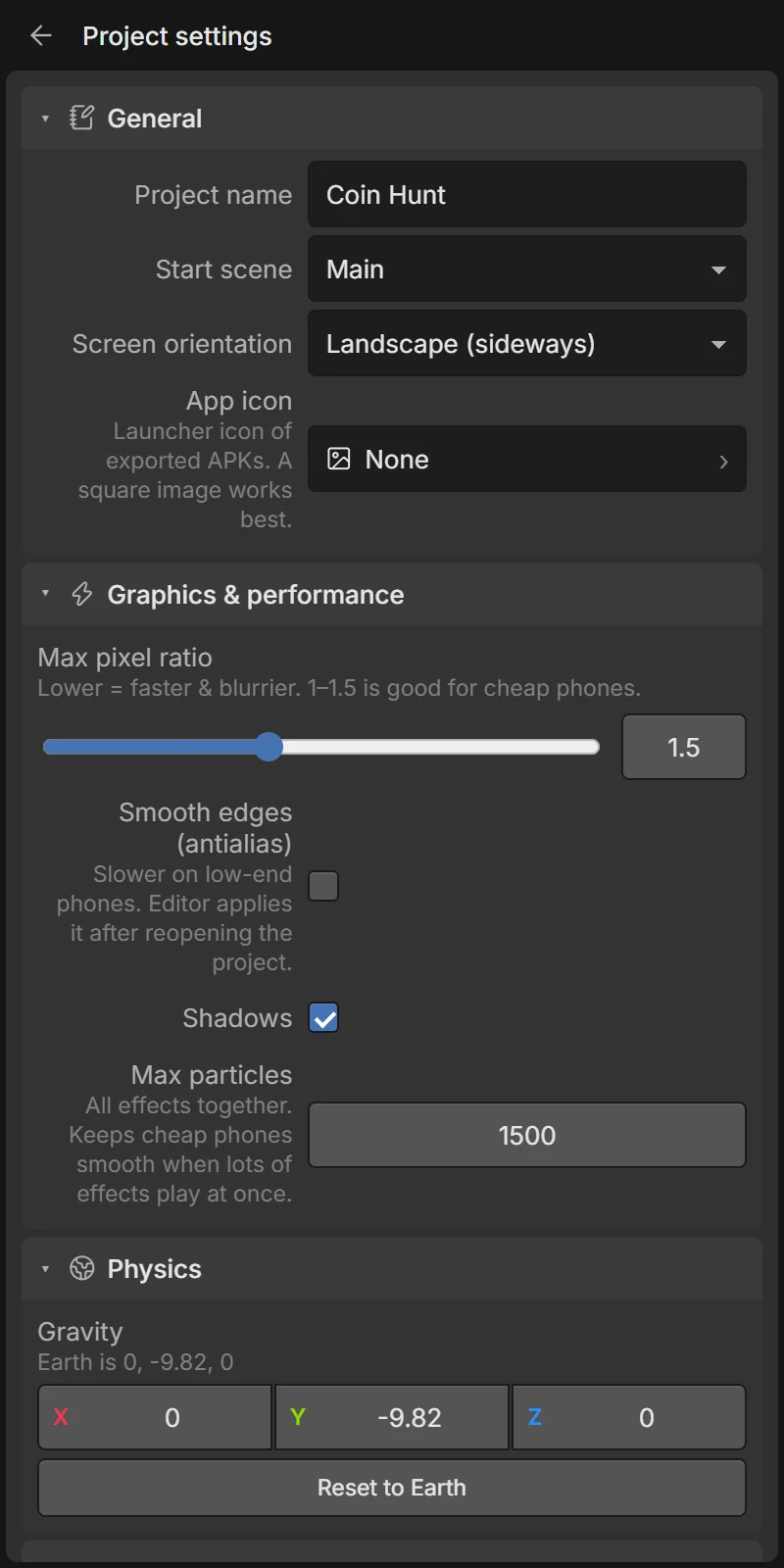
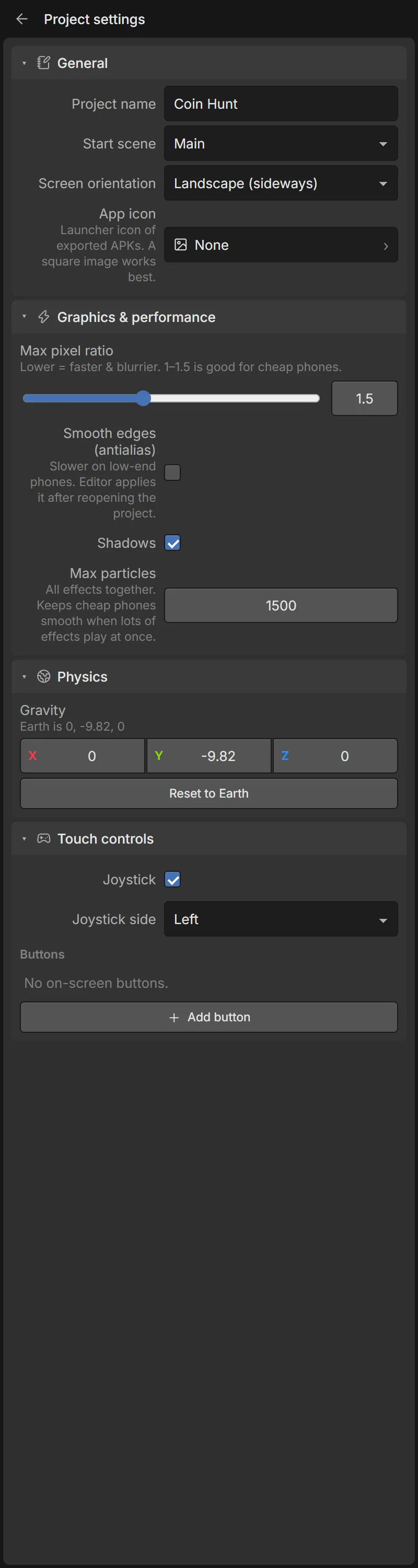
General
| Field | What it does |
|---|---|
| Project name | Also the default app name when exporting. |
| Start scene | The scene the game begins with. |
| Screen orientation | Landscape (sideways), Portrait (upright) or Any. Play mode and exported games lock to it. |
| App icon | An image used as the launcher icon of exported APKs. A square image works best. |
Graphics & performance
| Field | What it does |
|---|---|
| Max pixel ratio | How sharp the game is drawn (0.5–3). Lower is faster and blurrier; 1–1.5 is good for cheap phones. |
| Smooth edges (antialias) | Smoother edges, slower on low-end phones. The editor applies it after reopening the project. |
| Shadows | Turn all shadows on or off. Off is much faster. |
| Max particles | The most particles alive at once, all effects together. Keeps cheap phones smooth. |
See Performance tips.
Physics
Gravity — X, Y, Z in m/s². Earth is 0, -9.82, 0 (Reset to Earth). Try 0, -4, 0 for a moon, or a sideways gravity for a strange world.
Touch controls
The joystick and on-screen buttons — the same editor as in the Scene tab.