Tutorial 1: Your first game

In about 5 minutes you will make a ball that rolls around and collects a coin. You will use the three things behind every game: objects, the Inspector and events.
The app has this tutorial built in: on the home screen tap New here? Make your first game → Part 1. A card at the top of the screen tells you what to do and an orange ring shows where to tap; it moves on by itself when you have done each step. This page shows the same steps, so you can follow along or read ahead.
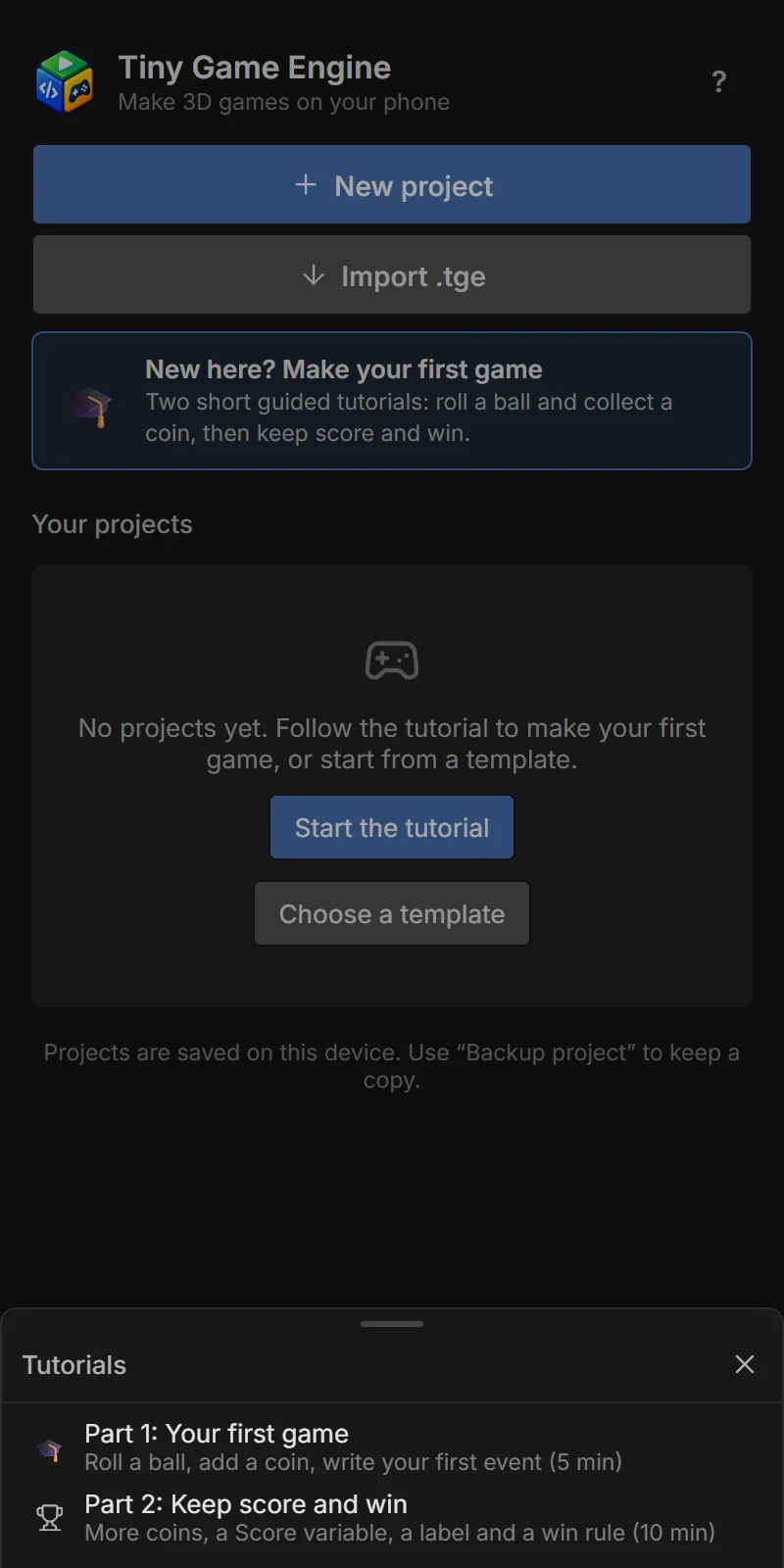
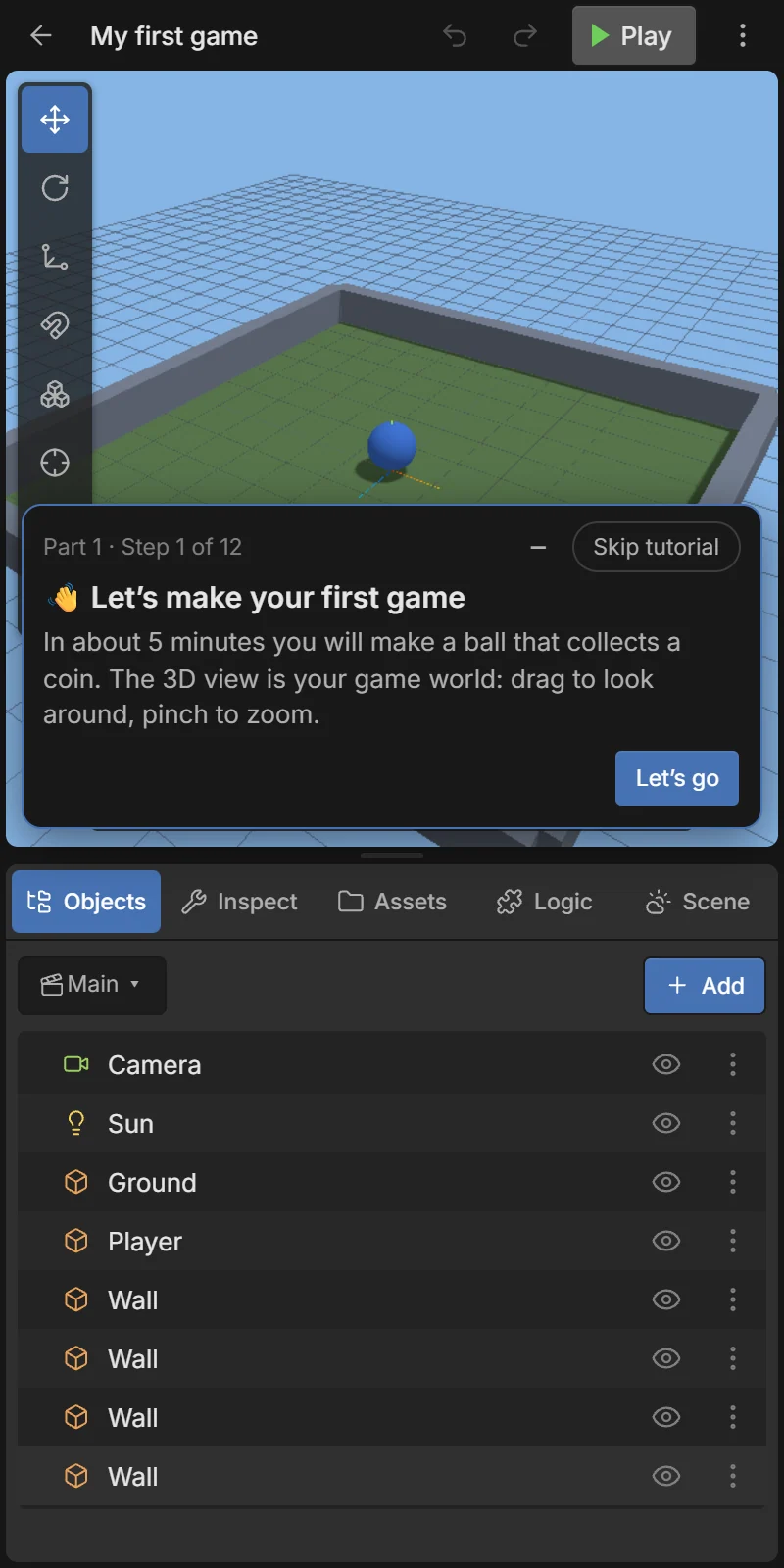
The tutorial starts with a small project called My first game: a ground with walls, a camera, a light and a blue ball called Player that already rolls with the joystick. The card at the top can be folded with – (tap the pill to bring it back) or closed with Skip tutorial.
The big 3D view is your game world. Drag with one finger to orbit around, pinch to zoom, drag with two fingers to pan. Tap Let’s go.
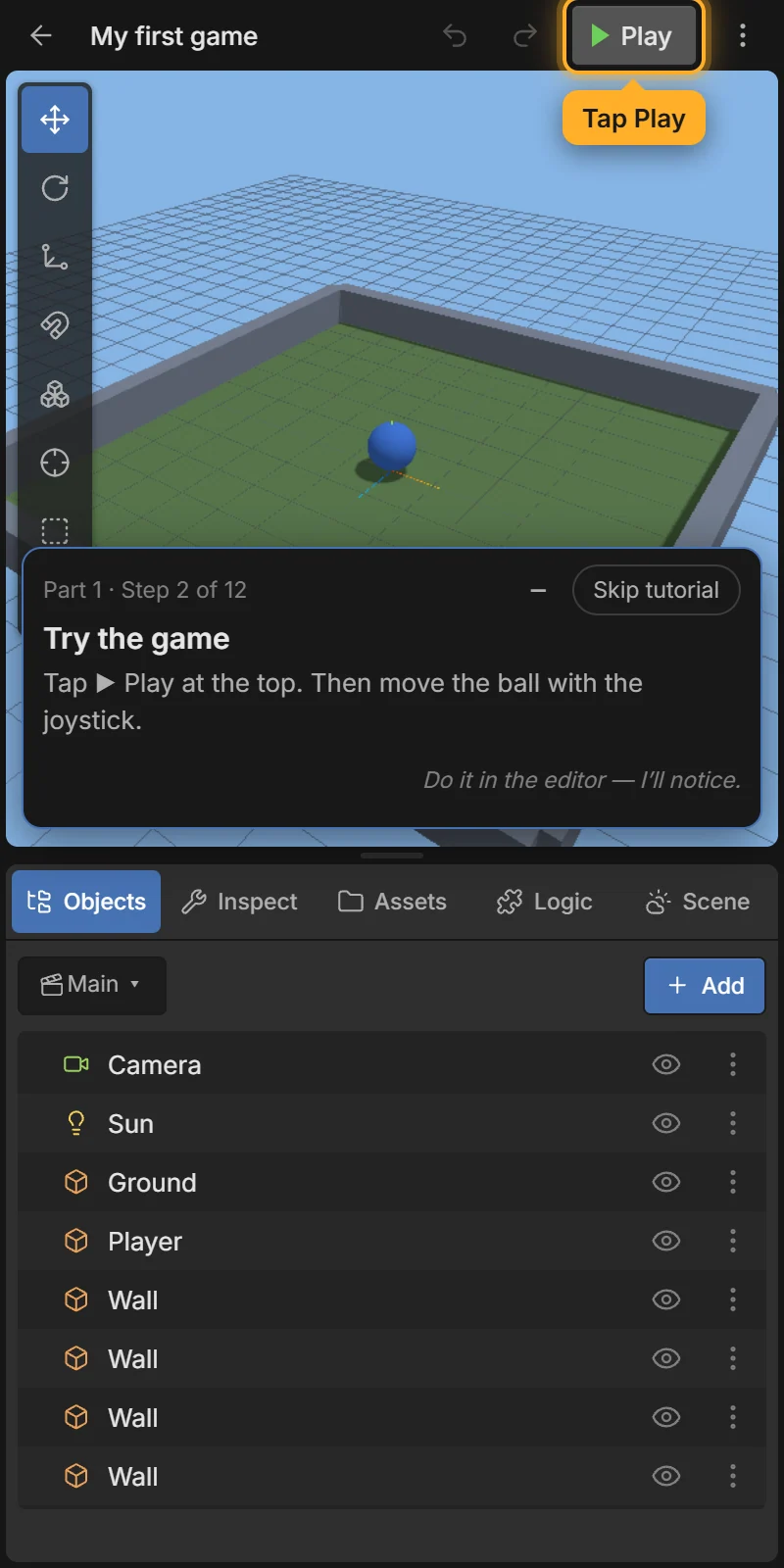
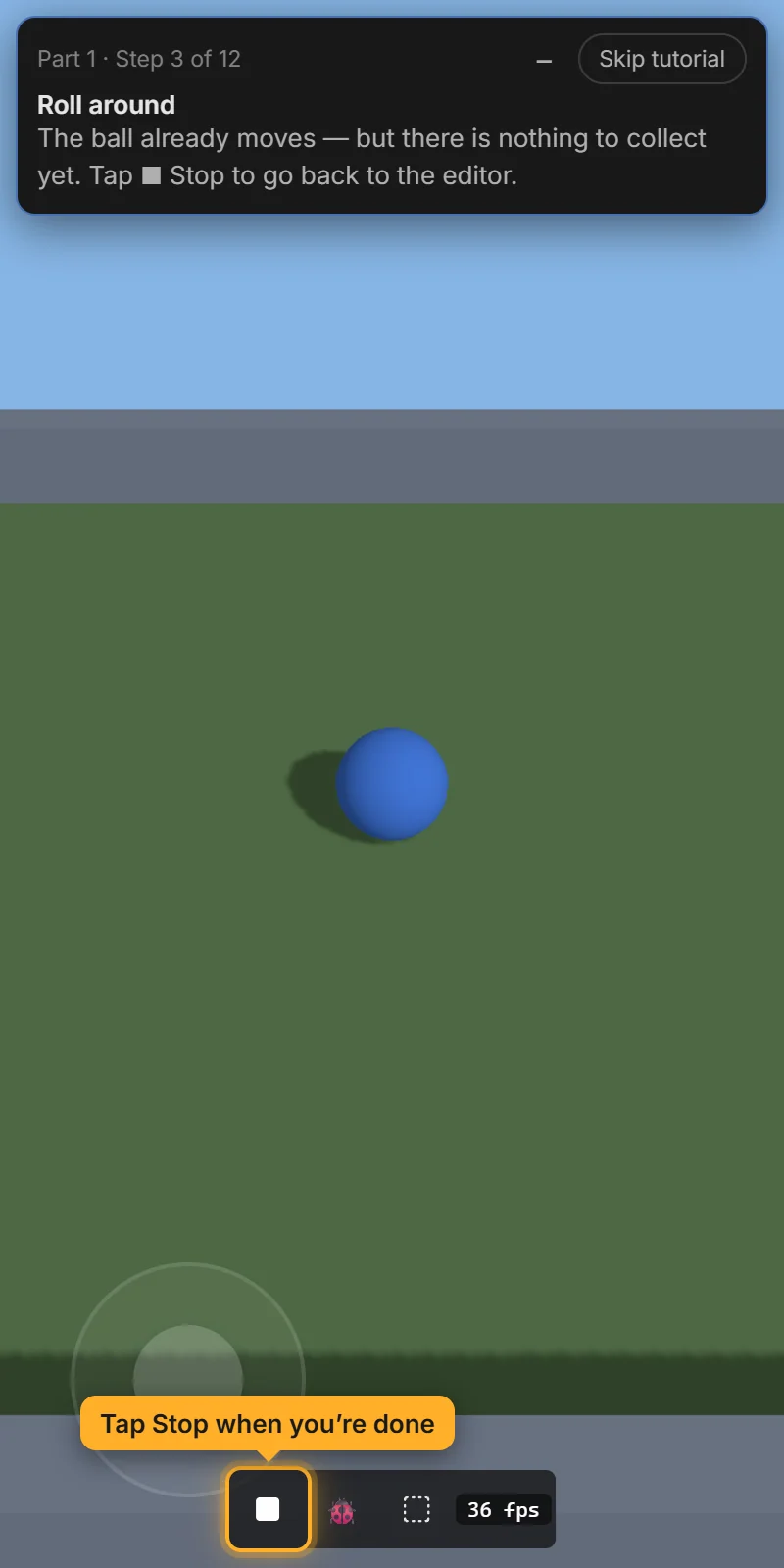
Tap ▶ Play at the top. The game starts full screen. Move the ball with the joystick at the bottom left. There is nothing to collect yet, so tap ■ Stop to go back to the editor.
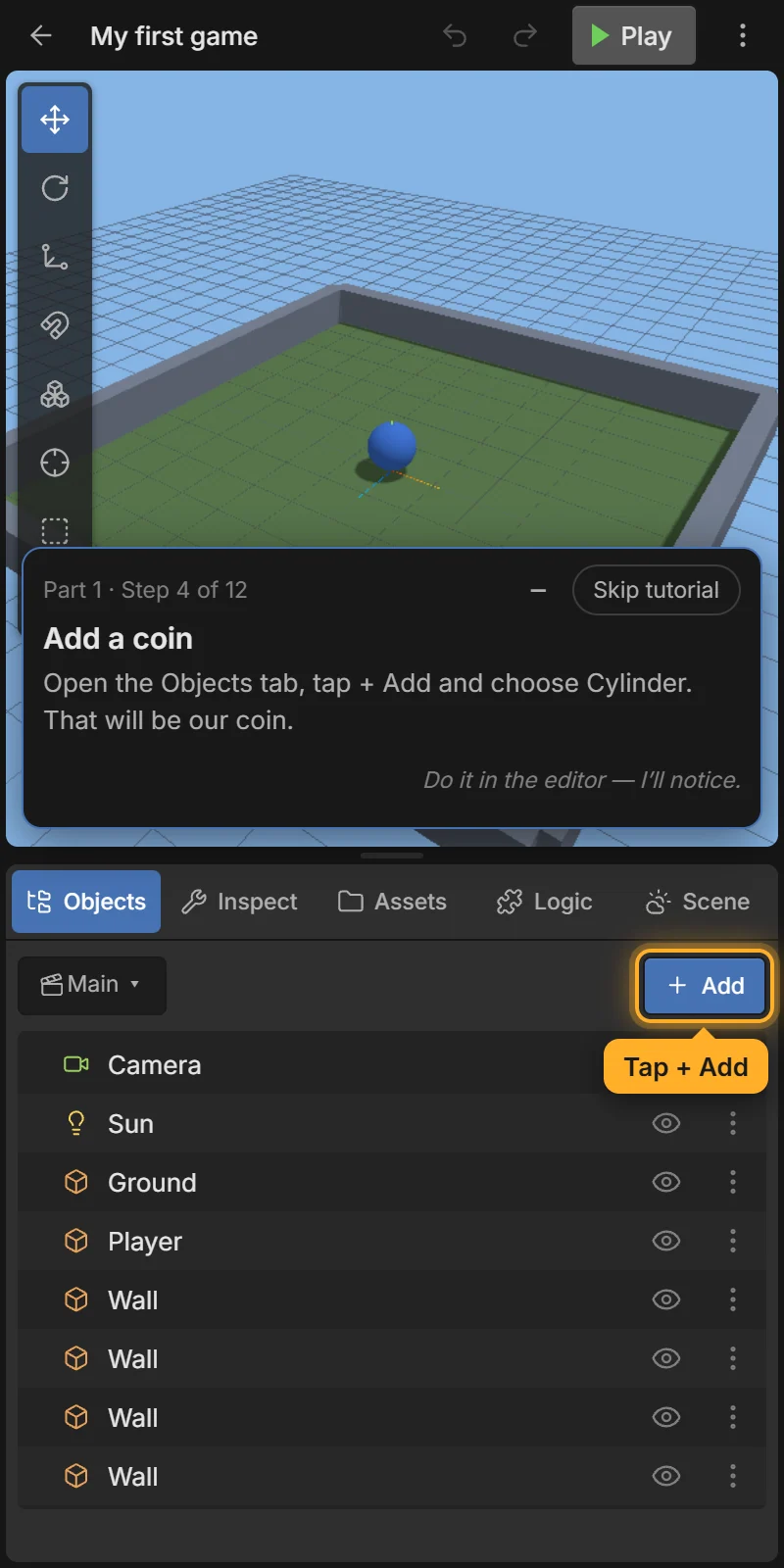
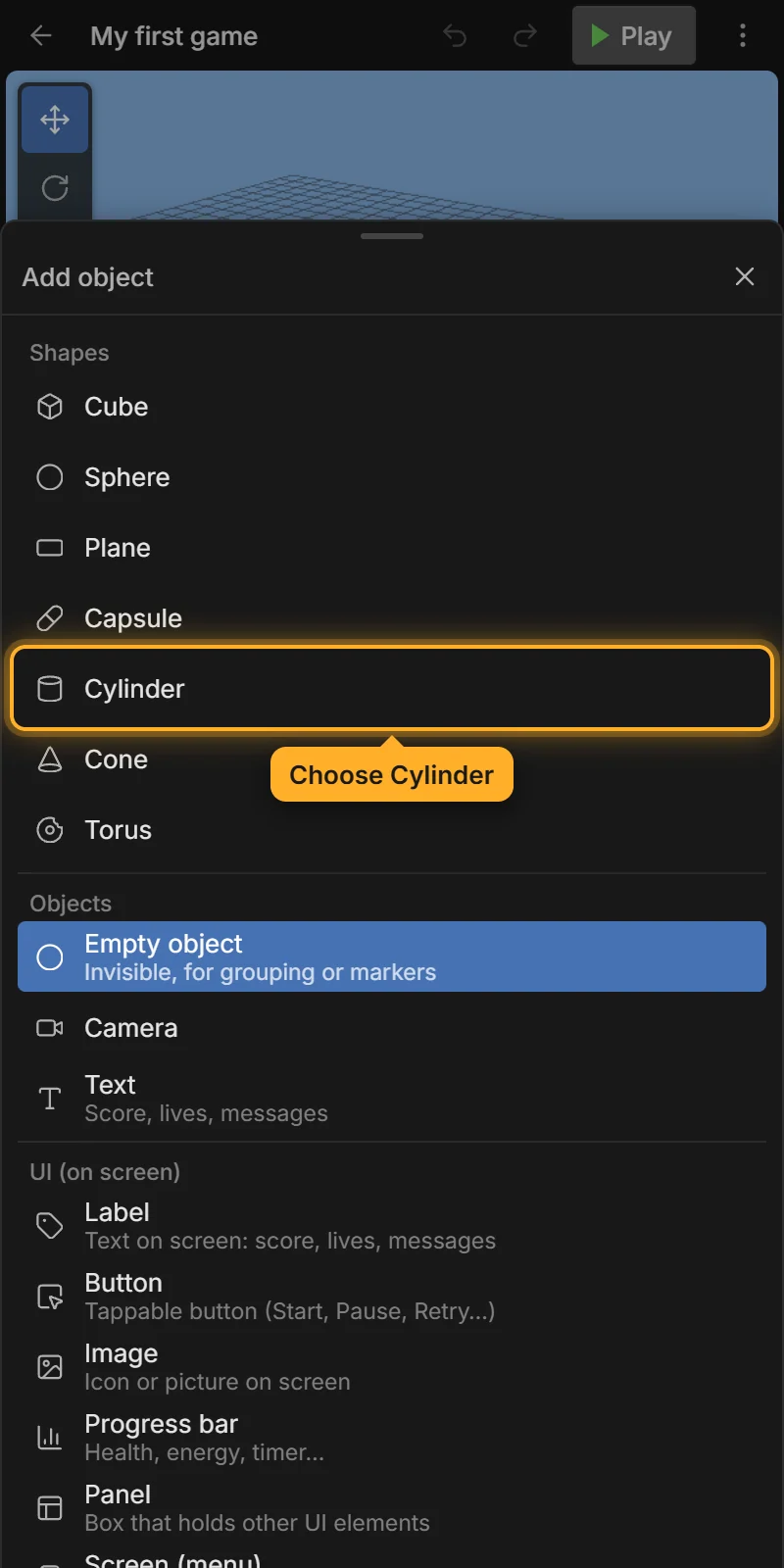
Open the Objects tab, tap + Add and choose Cylinder. A cylinder appears on top of the ball — that will be the coin.
With the cylinder selected, the 3D view shows arrows (the move gizmo). Drag the red or the blue arrow to slide the coin away from the ball. The tutorial shows an animated finger on the arrow to press.
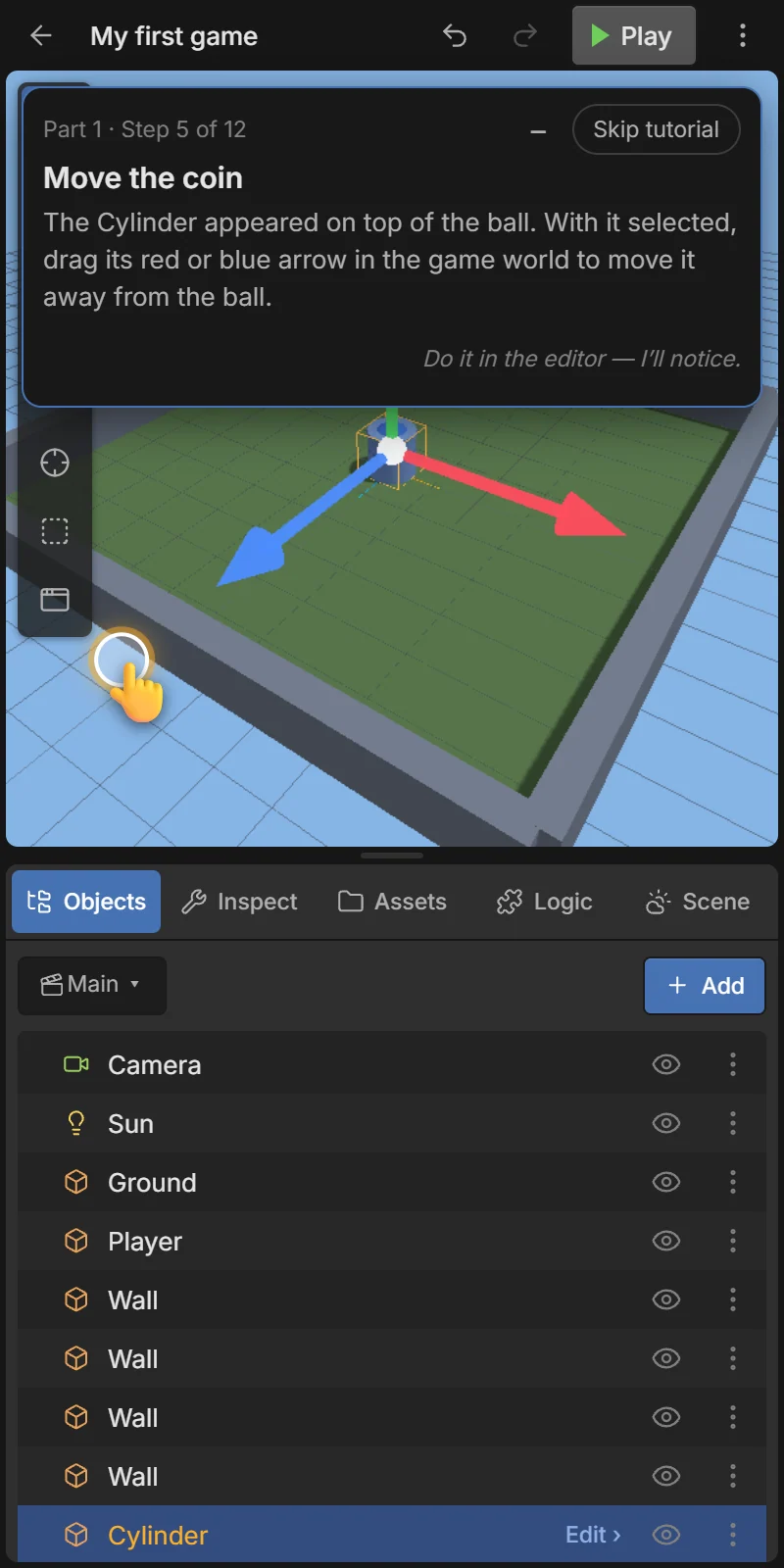
Red moves along X (left/right), blue along Z (forward/back), green along Y (up/down). See The 3D view.
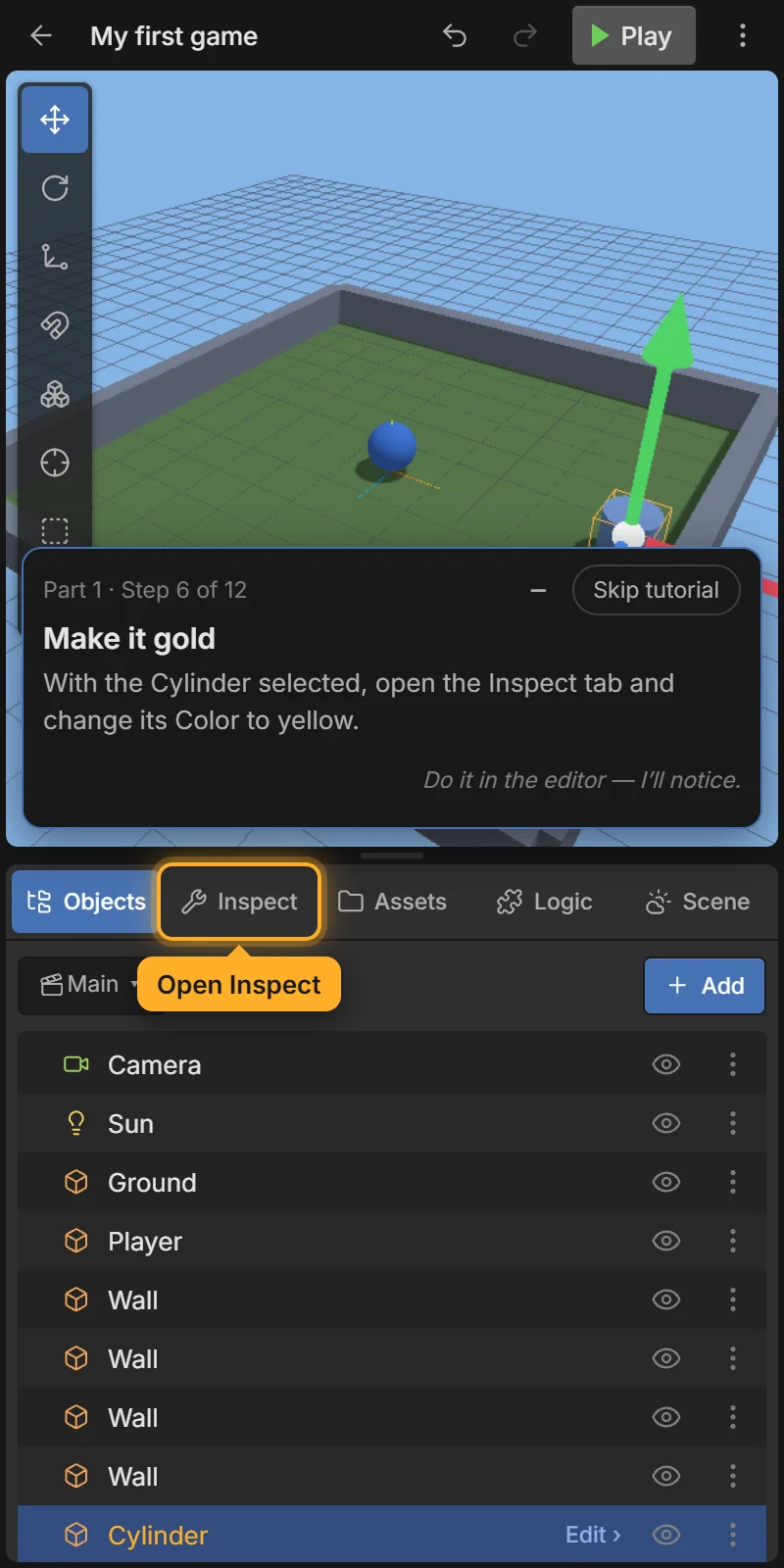
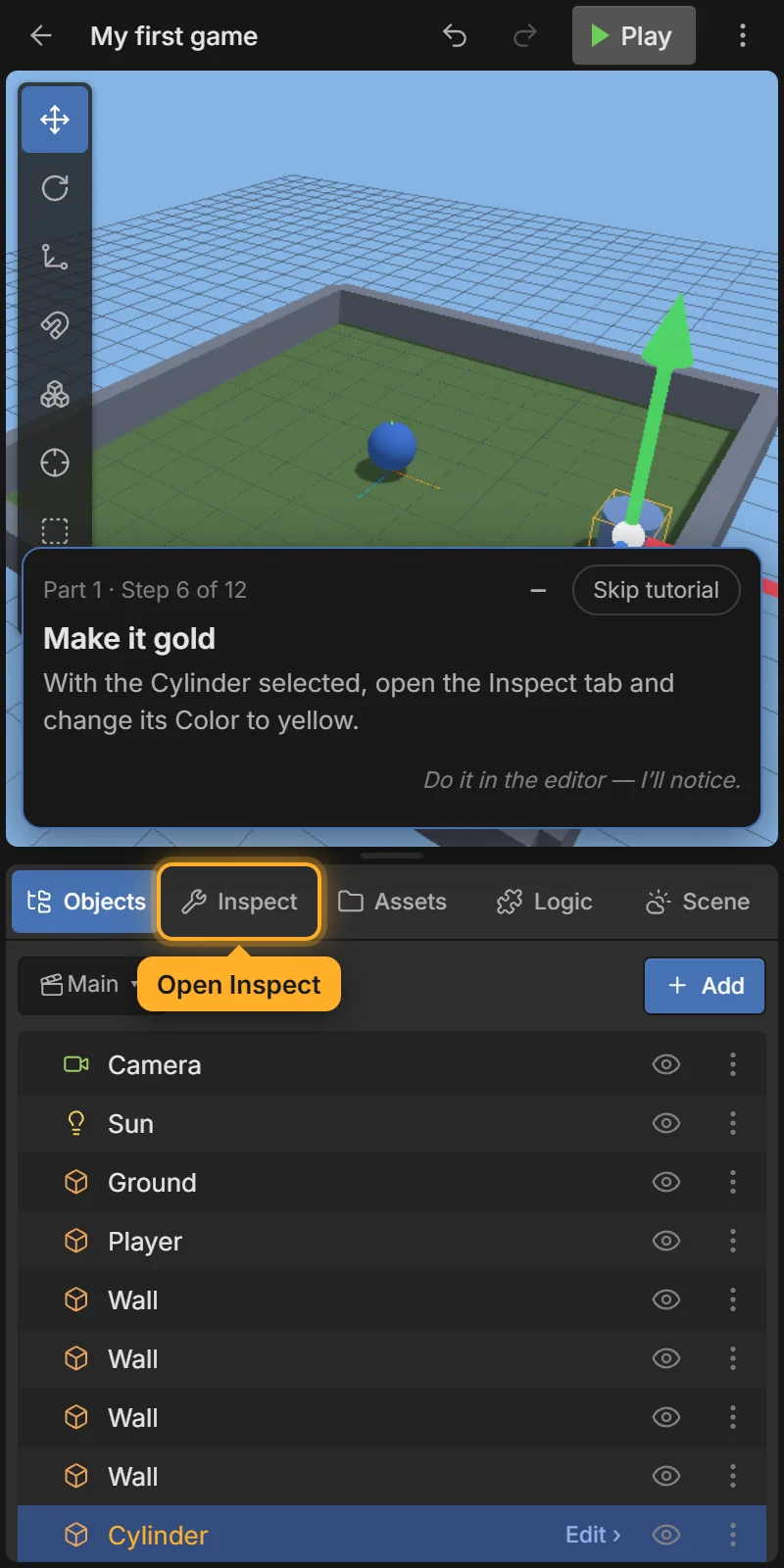
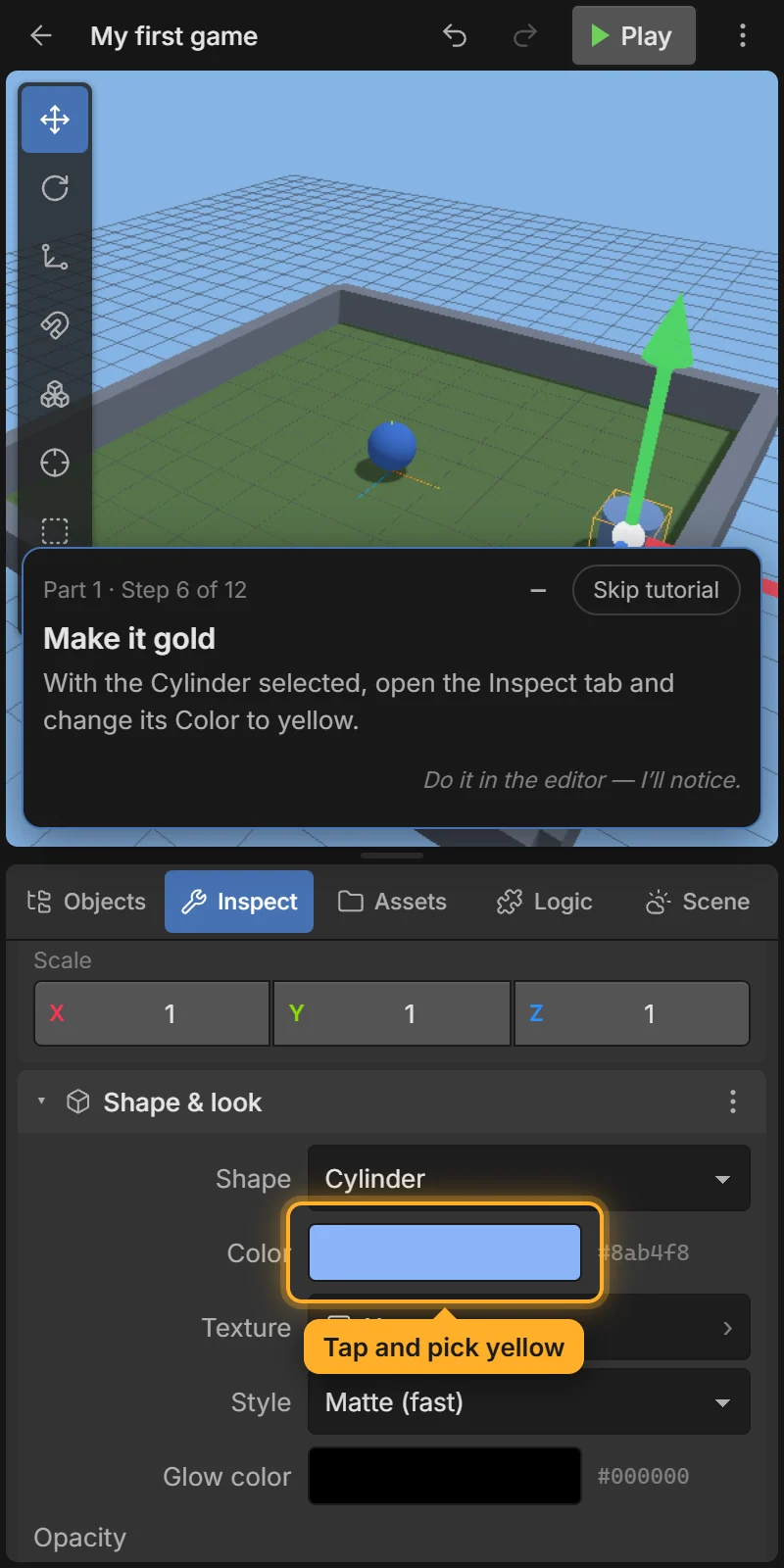
Open the Inspect tab. It shows everything about the selected object. Tap the Color box and pick a yellow.
Events are the rules of your game: WHEN something happens → DO something. Open the Logic tab and tap the event sheet Main events.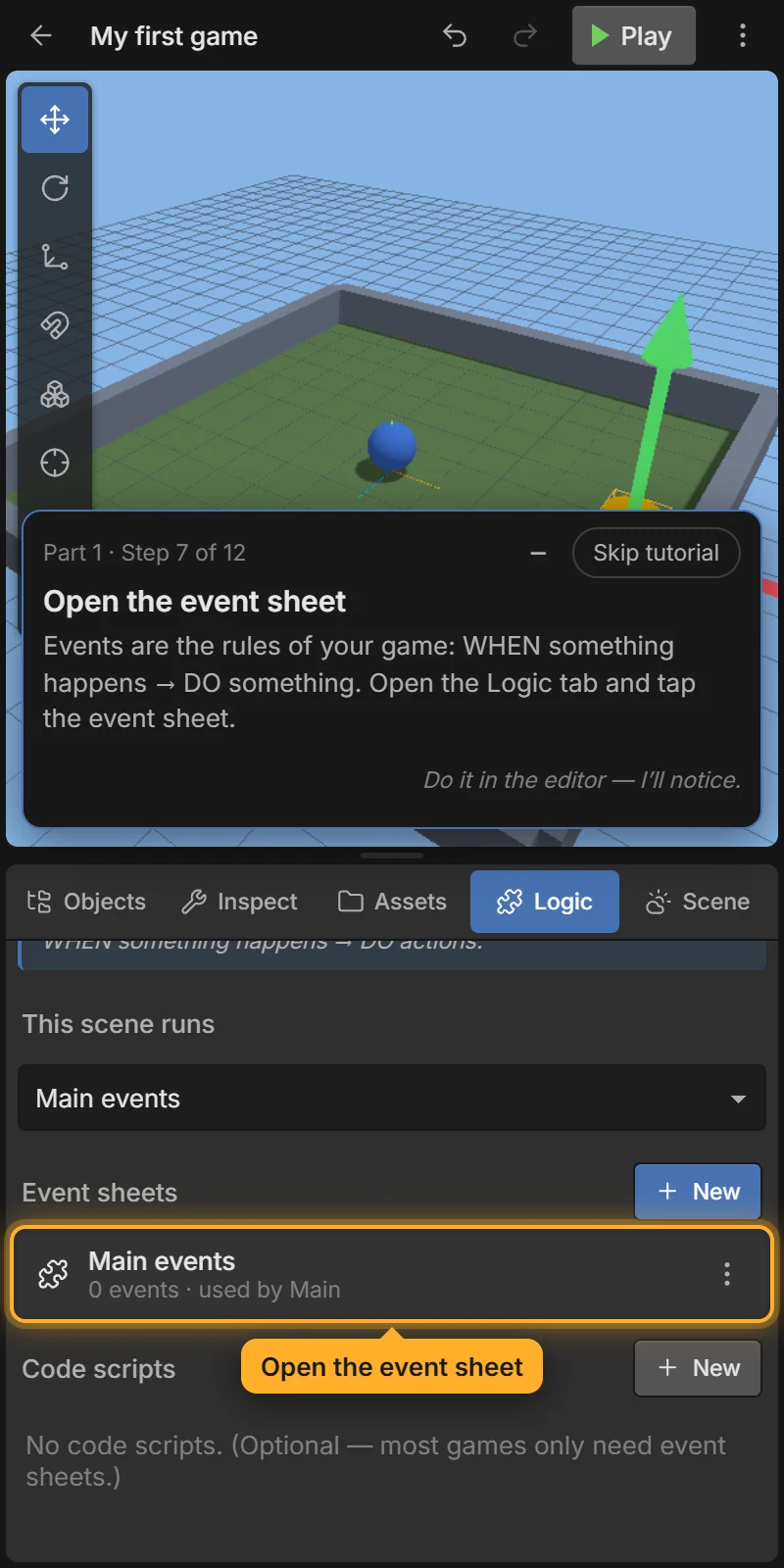
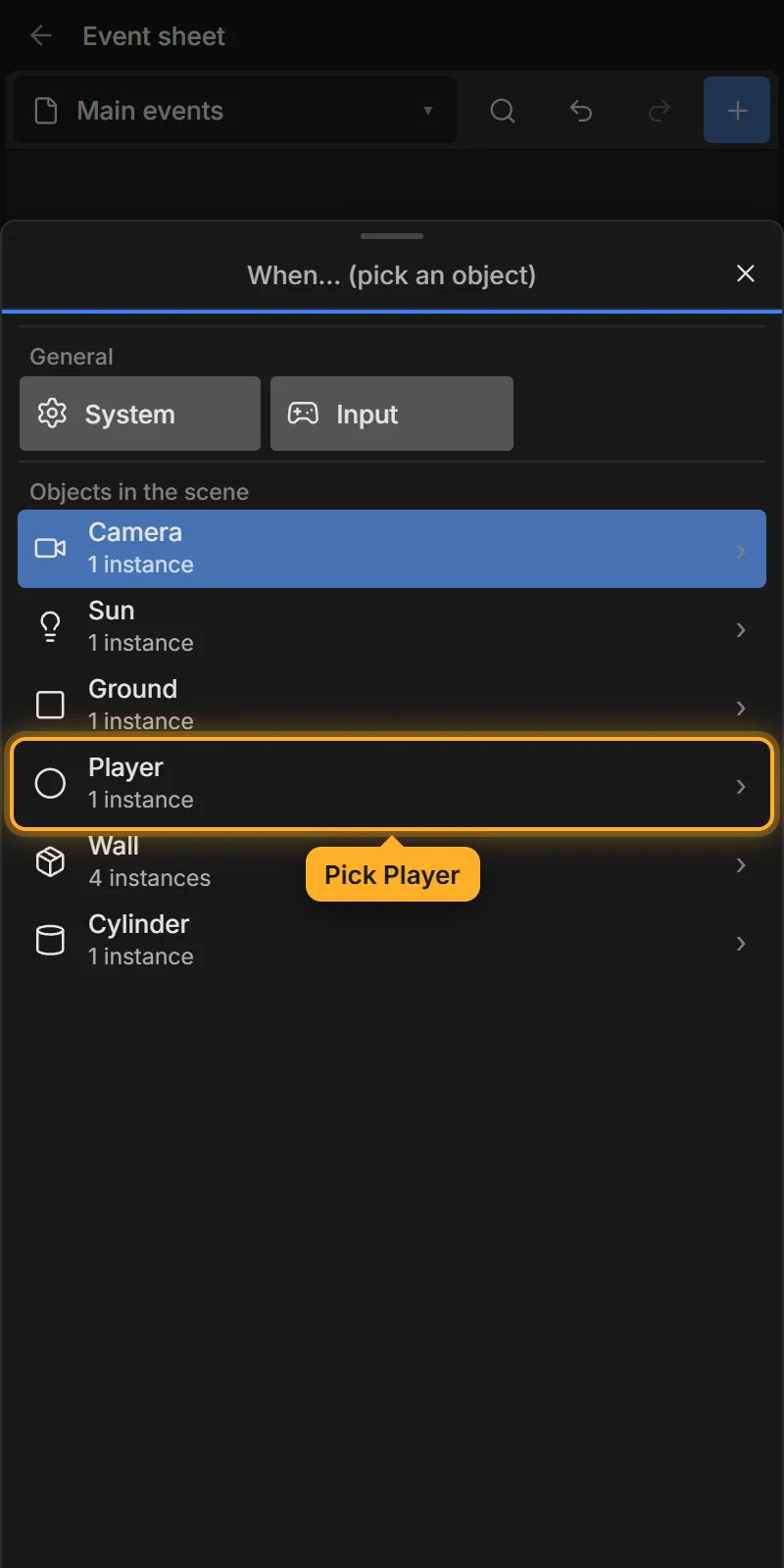
Tap + Add event. First pick what the event is about: Player. Then pick the condition On collision with (under Physics). Set Other object to the coin (Cylinder) and tap ✓ Add condition.
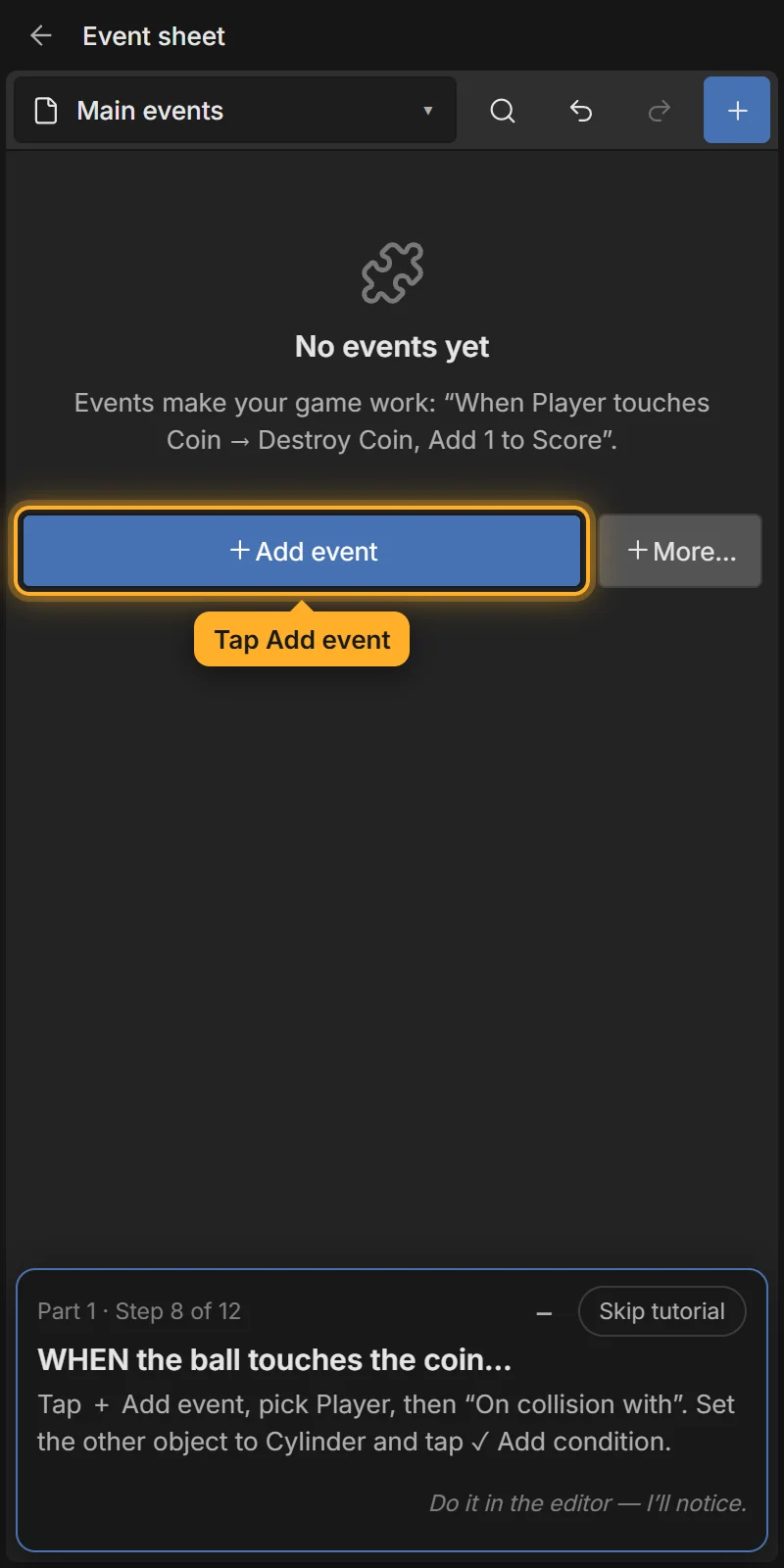
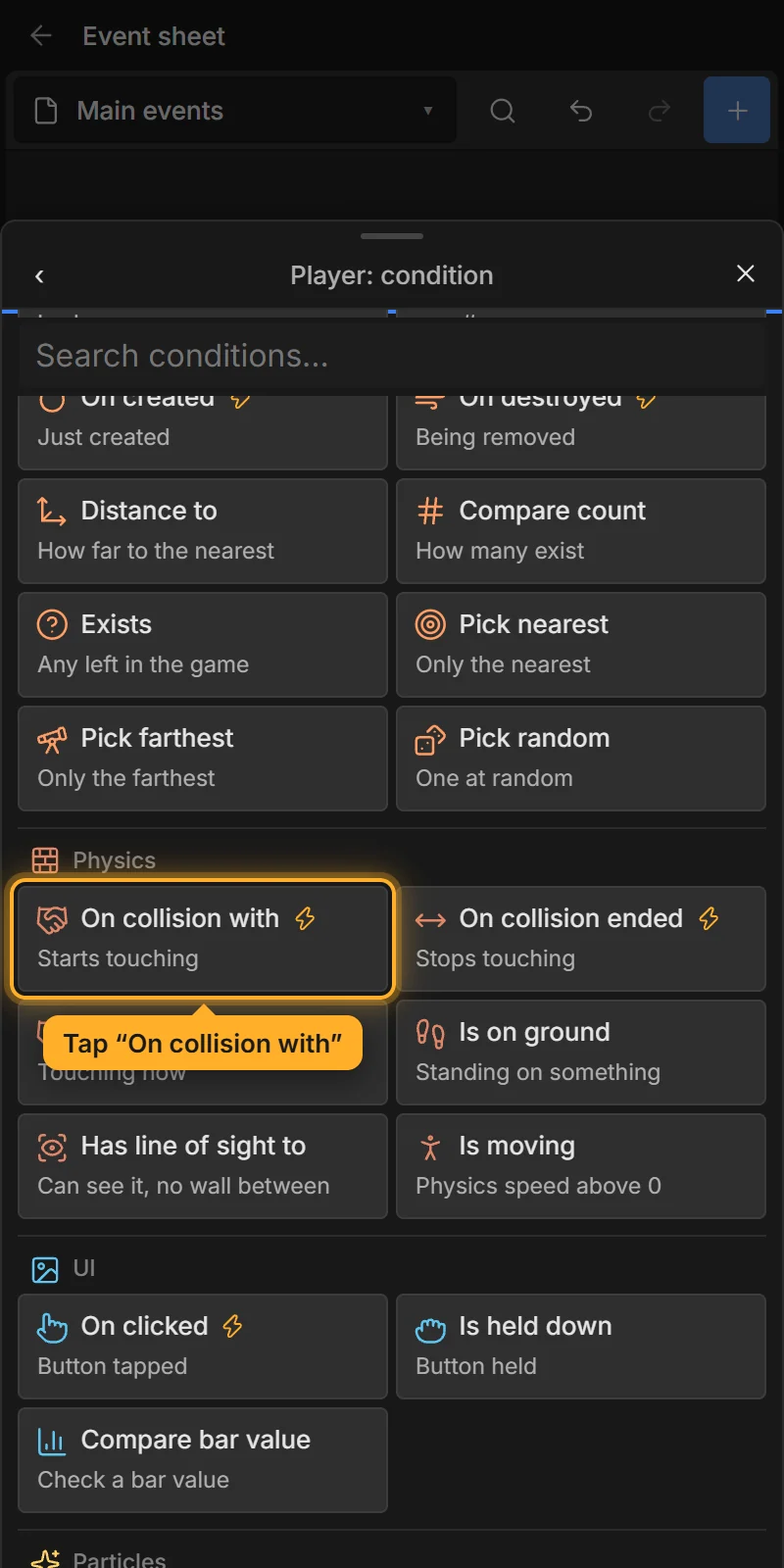
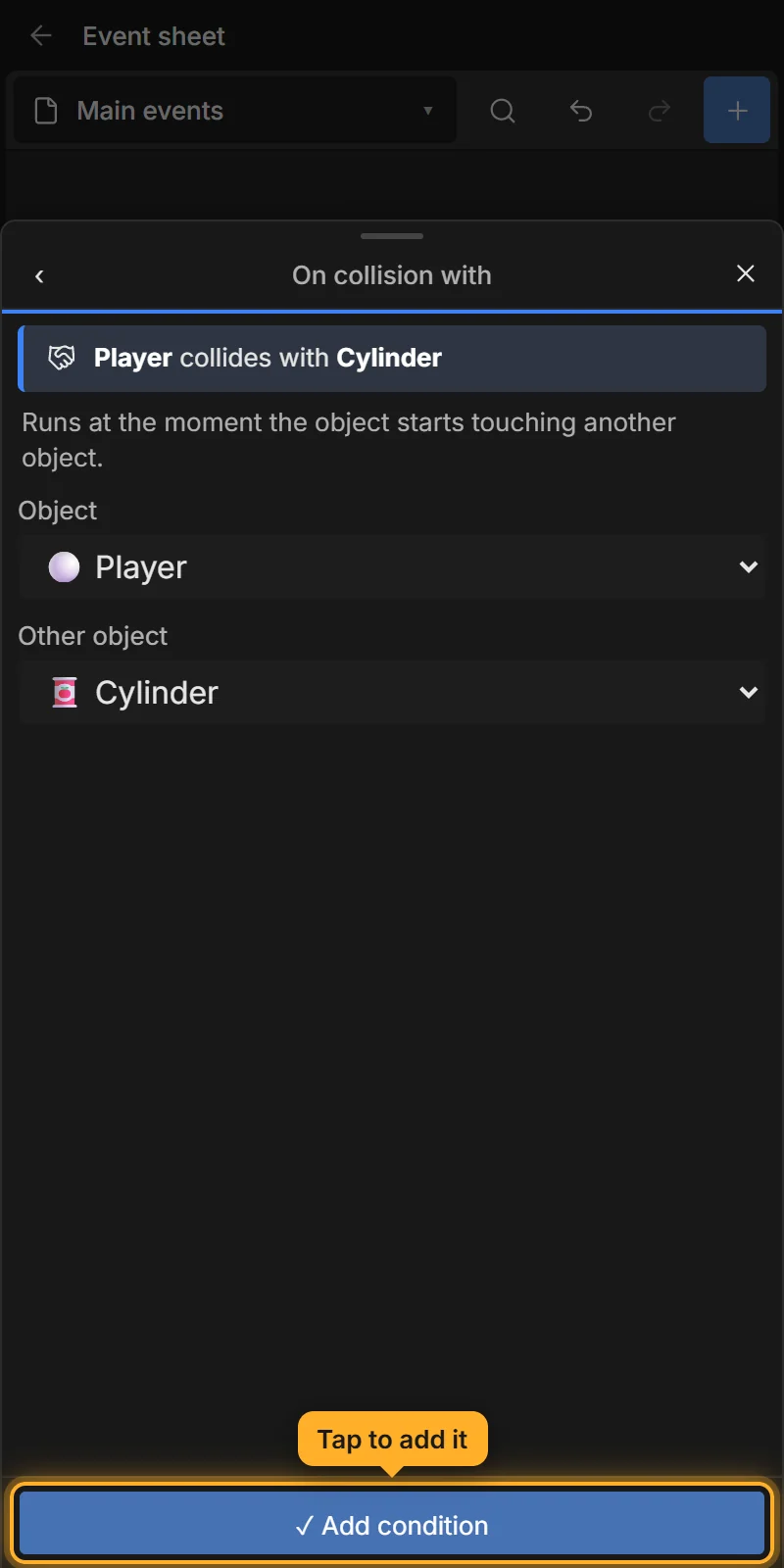
The ⚡ means it is a trigger: it runs once, at the moment the two start touching.
Under your new event tap Add action, pick the coin (Cylinder), then Destroy.
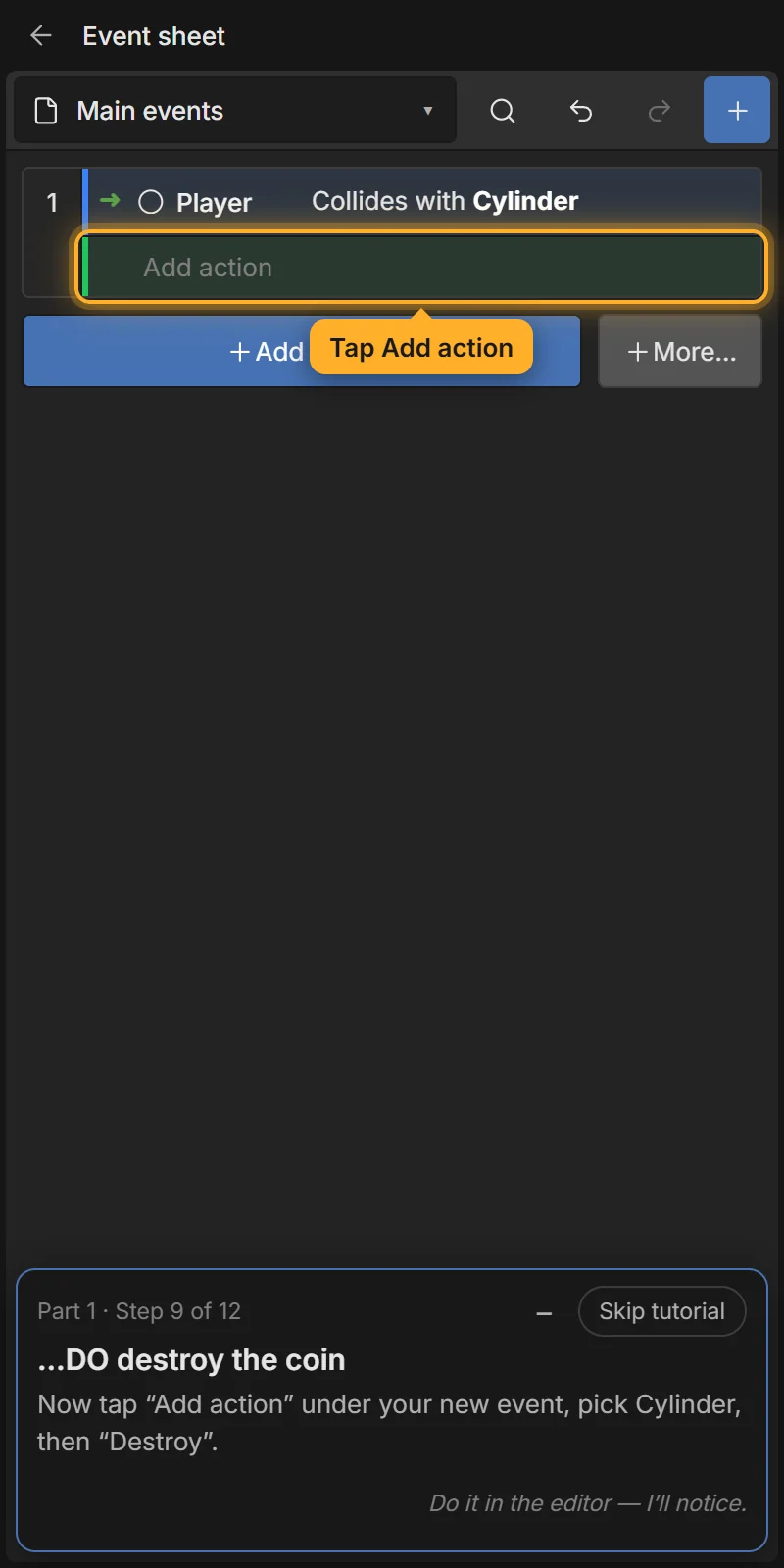
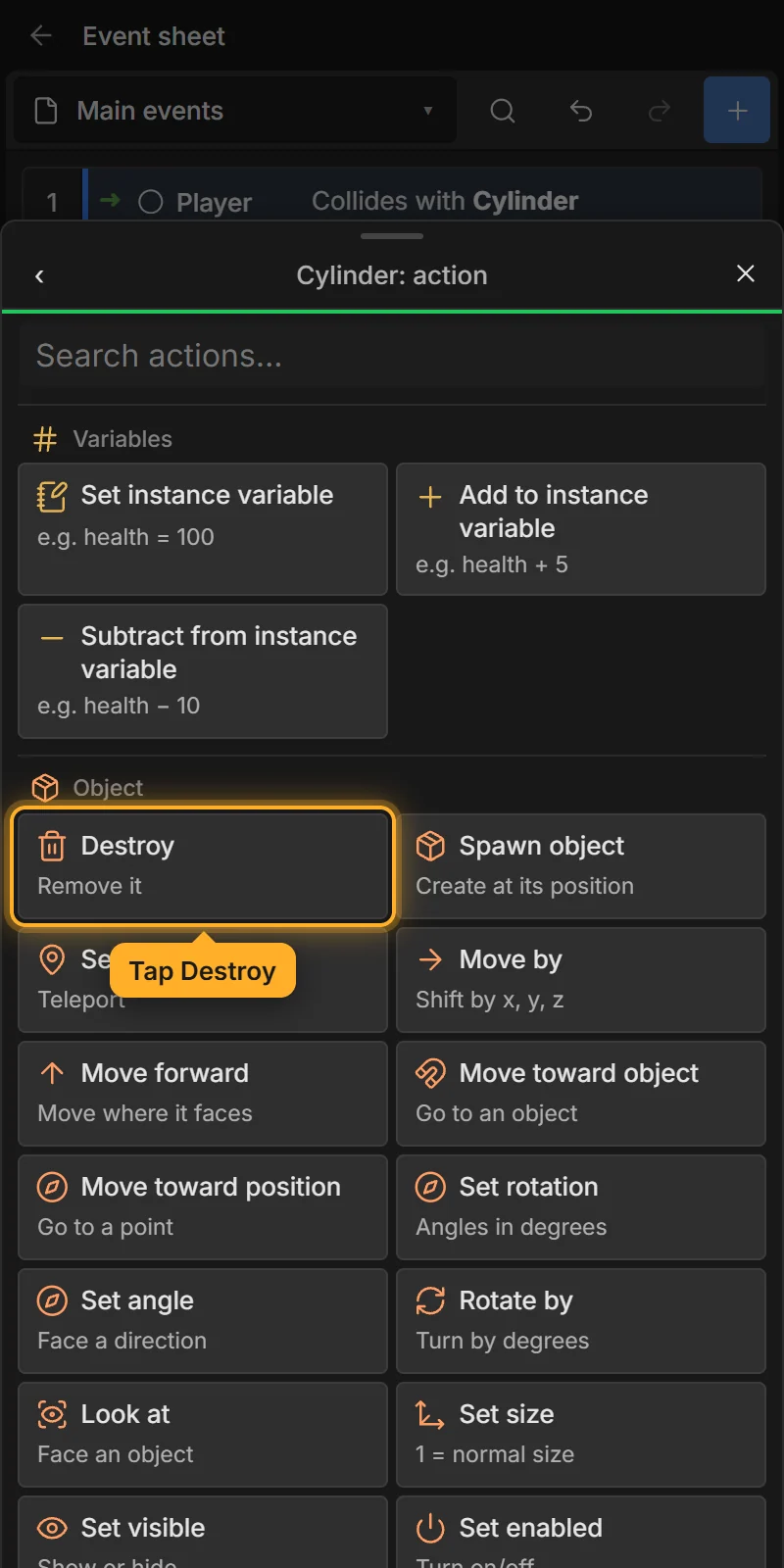
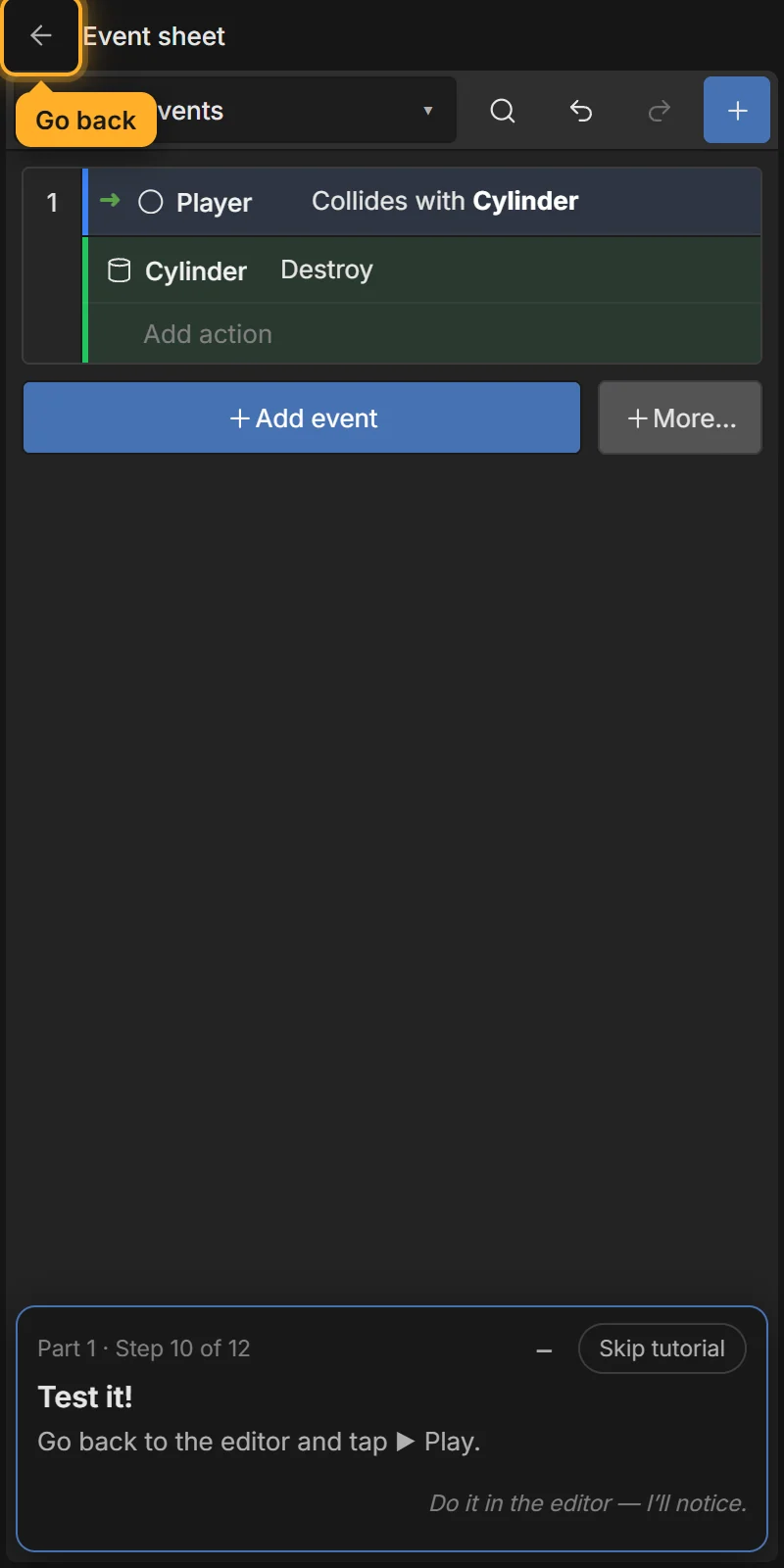
Read the event from left to right: WHEN Player collides with Cylinder → Cylinder: Destroy.
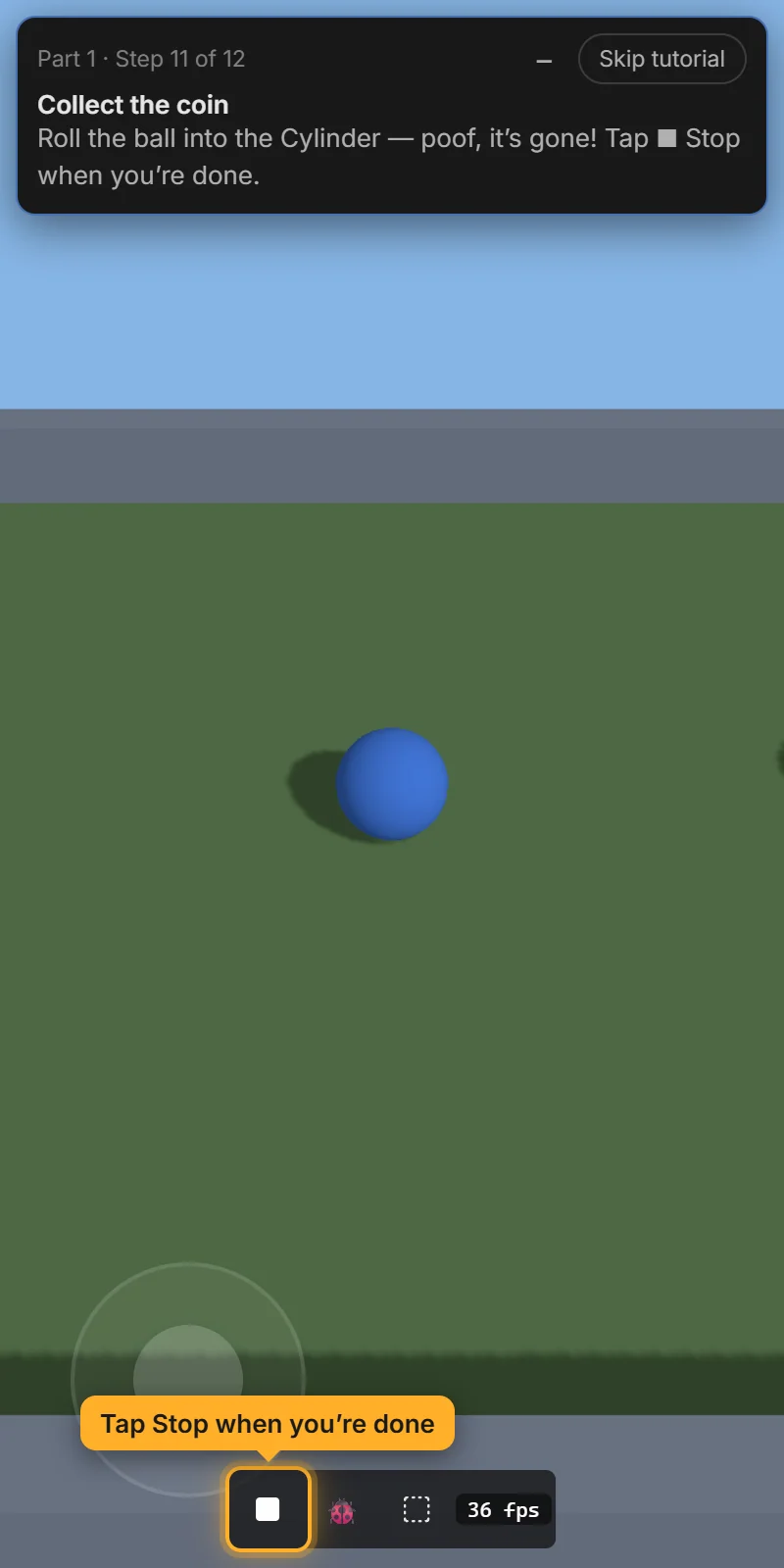
Tap ← to go back to the editor and tap ▶ Play. Roll the ball into the coin — poof, it’s gone! Tap ■ Stop when you’re done.
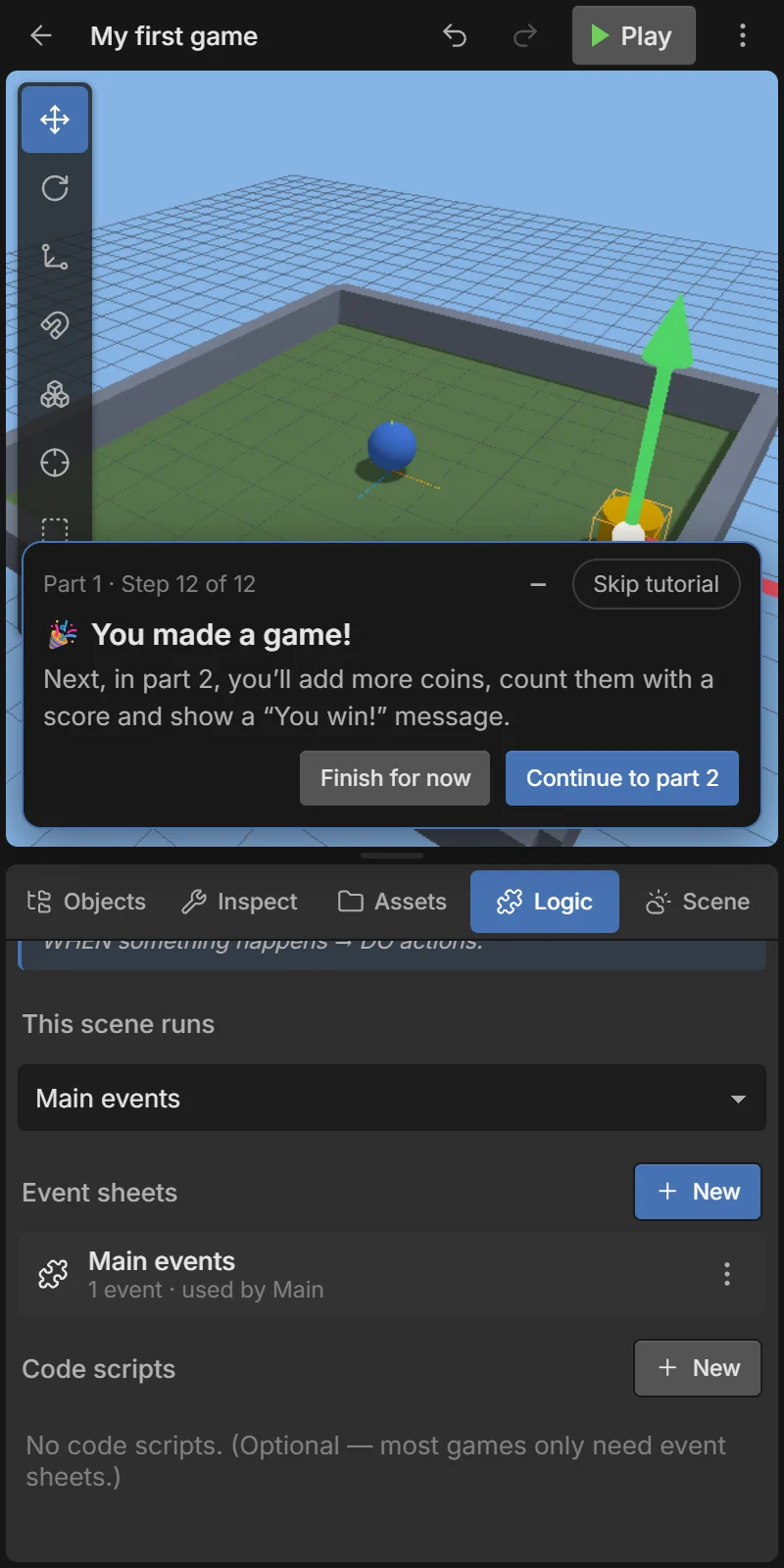
Next: Tutorial 2: Keep score and win — add more coins, count them and show “You win!”.