Install the app

Tiny Game Engine is an Android app. Everything — the editor, playing your game, exporting APKs — runs on the phone, offline.
Requirements
| Phone | Android 7.0 or newer. Games are designed to run well on cheap phones too (see Performance). |
| Storage | About 15 MB for the app, plus your projects and assets. |
| Internet | Only needed for the free model, sound and sky libraries, and to send feedback. Everything else works offline. |
Getting the app
The app is currently in closed testing on Google Play. To join the test, send an email to contact@jeevagames.com with the Google account you use on your phone. You will get a link to install it from the Play Store, and updates arrive automatically.
First launch
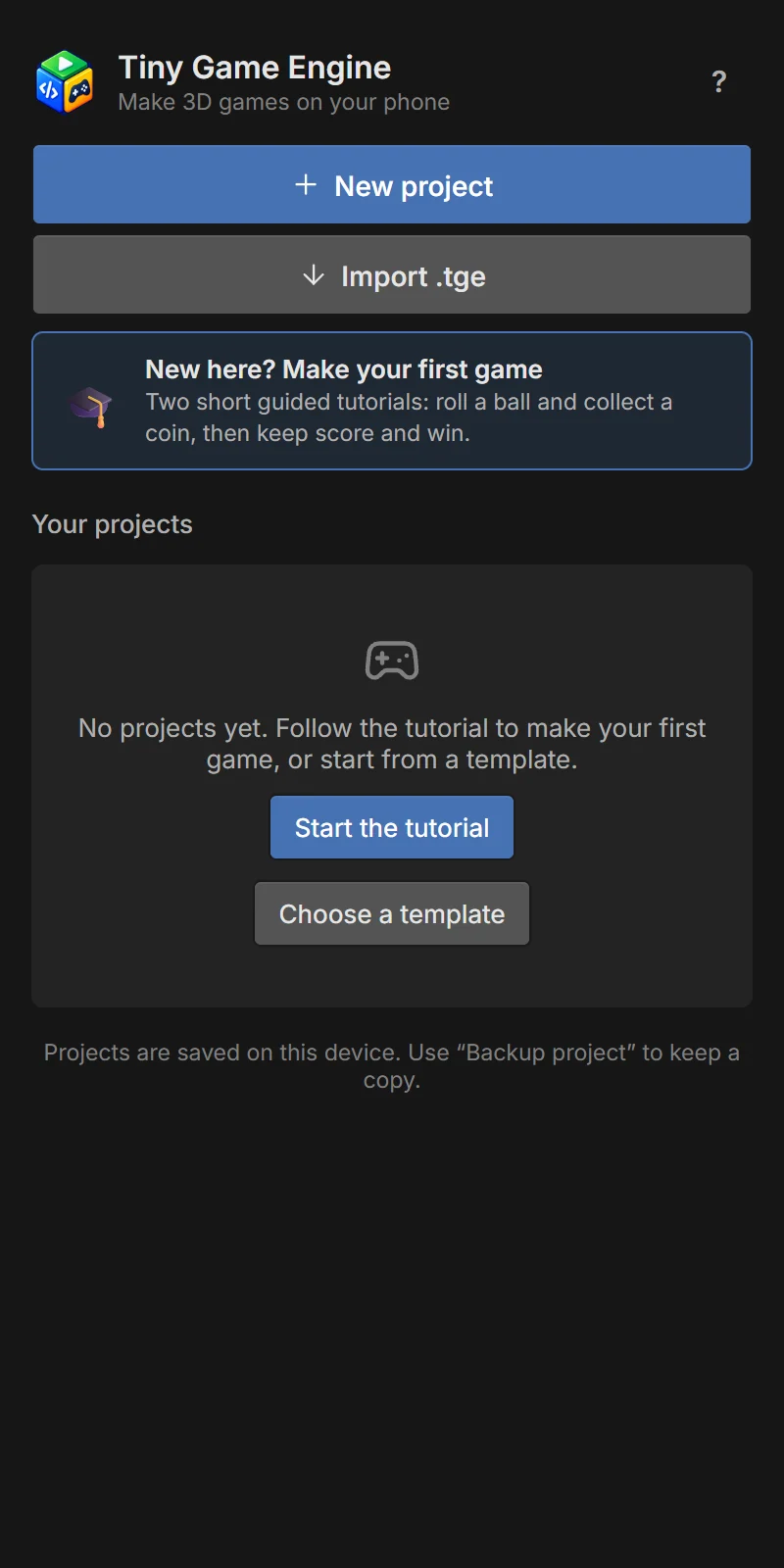
Open Tiny Game Engine. You land on the home screen with no projects yet. From here you can:
- Start the tutorial — the best way to begin: two short guided tutorials make a small game with you. See Your first game.
- Choose a template — start from one of seven ready-made games and change it. See Templates.
Your projects are saved on this phone automatically as you work. There is no account and no cloud; use Backup to keep a copy.
On the Android app, the editor can send anonymous usage statistics (which screens and features are used, and errors) to help improve it. In the EU it is off until you turn it on; elsewhere it is on by default. You can switch it at any time in ? → Usage statistics. See the privacy policy.