How events work
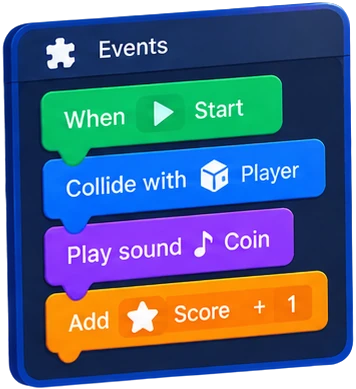
Event sheets are the no-code way to make a game work. They follow the model of Construct: a sheet is a list of events, and every event is
WHEN / IF   <conditions>     all must be true (or any, in an OR block)
THEN        <actions>        run from top to bottom
            <sub-events>     only checked when the parent event ran
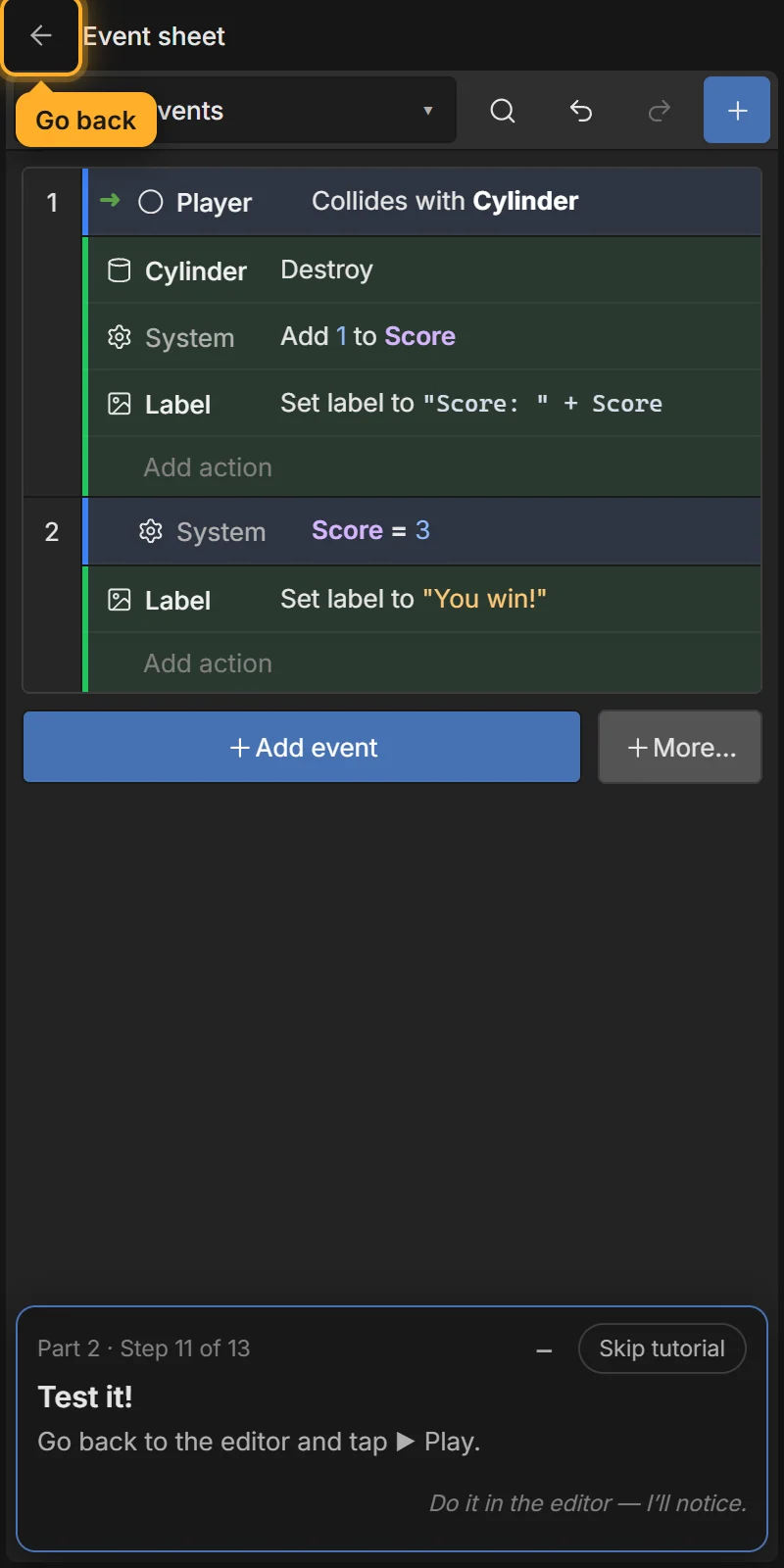
The events above, read aloud:
- WHEN Player collides with Cylinder → DO destroy the Cylinder, add 1 to Score, set the label to "Score: " + Score.
- WHEN Score = 3 → DO set the label to "You win!".
When do events run?
- The sheet runs every frame (about 60 times per second), top to bottom.
- An event whose conditions are all true runs its actions — every frame they stay true. Score = 3 above sets the label again and again; that is fine.
- Trigger conditions (marked ⚡) are different: they run once, at the moment something happens — On start of scene, On collision with, On clicked, On created, On timer finished…
- Every X seconds and Trigger once while true help when you want something to happen once or at a rhythm, not every frame.
Where events live
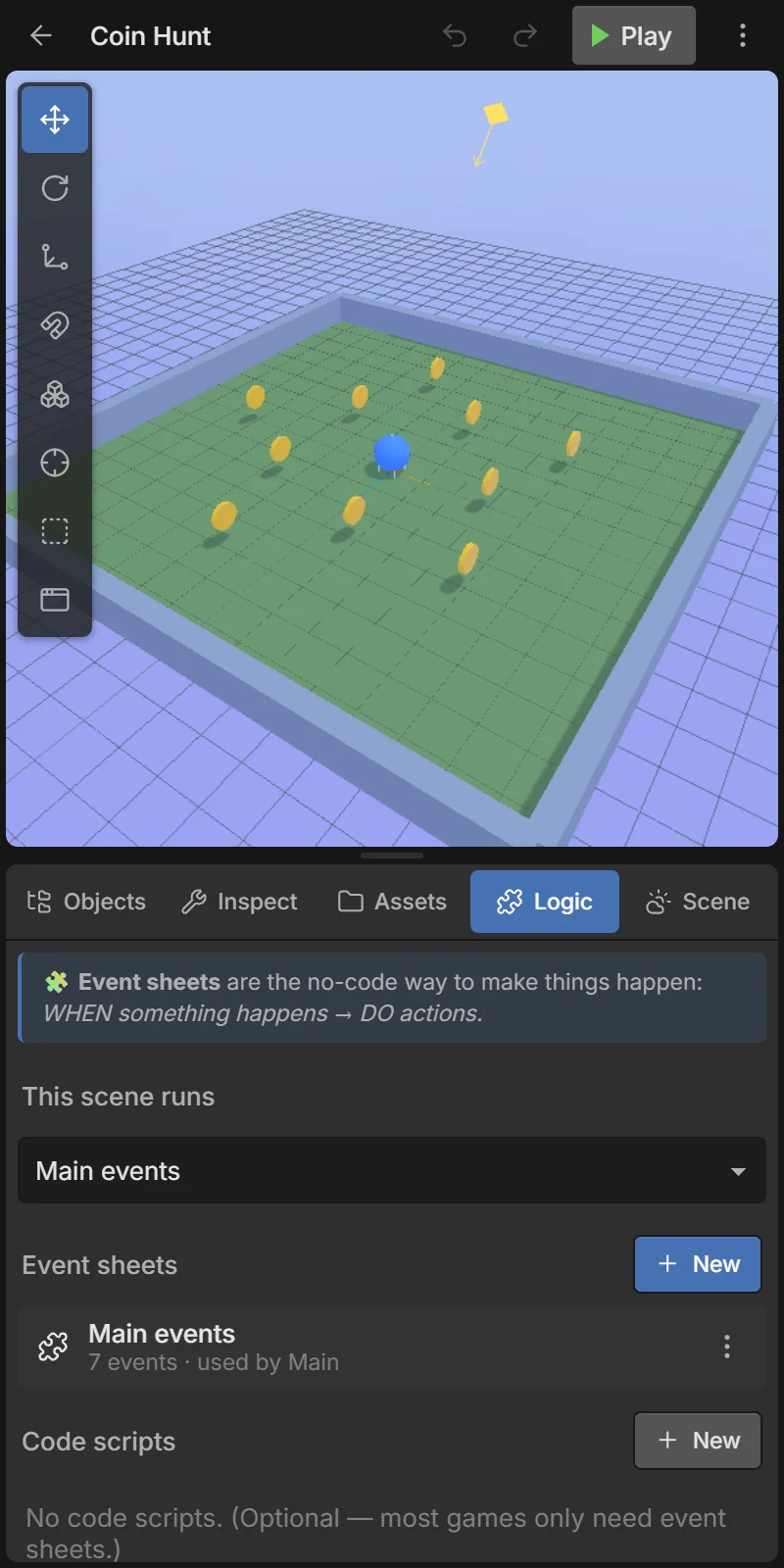
Open Logic. Each scene runs one event sheet, chosen in This scene runs. A new project has Main events. Tap a sheet to open it.
Object types and tags
- An object type is an object name. All objects called
Coin— including copies and objects created while playing — are instances of theCointype. - A tag acts like a family:
#coinmeans every object that has thecointag, whatever its name.
Picking — the key idea
A condition about an object picks the instances that match it. The event’s actions and sub-events then only affect those instances.
- Player collides with Coin picks the one coin that was touched, so Coin: Destroy destroys only that coin — not all coins.
- Enemy: Compare instance variable health ≤ 0 picks only the enemies with no health left, so Enemy: Destroy removes just those.
- If an action targets an object type that no condition picked, it applies to all instances of that type.
- Pick nearest, Pick farthest, Pick random and For each let you choose instances yourself.
Kinds of rows
| Row | What it is |
|---|---|
| Event | Conditions + actions + optional sub-events. |
| Else | Runs when the event directly above did not run. It can have its own conditions (“else if”). |
| Group | A named, foldable folder of events. It can be switched on/off while playing (Set group active). |
| Comment | A yellow note for yourself. The game ignores it. |
| Variable | Declares a variable, e.g. number Lives = 3. |
| Function | Reusable events with parameters, run with Call function. |
| Script | A few lines of JavaScript inside the sheet. |
See Advanced events for else, OR, groups, functions, loops, timers and scripts.
Values are expressions
Every value you type in an event is an expression: 10, Score + 1, "Score: " + Score, Player.x, random(1, 6). Text needs "quotes". See Expressions.
Next
- Using the event sheet editor — adding, editing, moving and finding events.
- Variables — global, scene, local and instance variables.
- Browse every condition and action.