Code scripts (JavaScript)
Most games can be made with behaviors and event sheets alone. When you want more control, write a small JavaScript script. Scripts and event sheets work together: they share variables, and both can find, move, create and destroy objects.
Two kinds of script
| Kind | Where it runs | Create it |
|---|---|---|
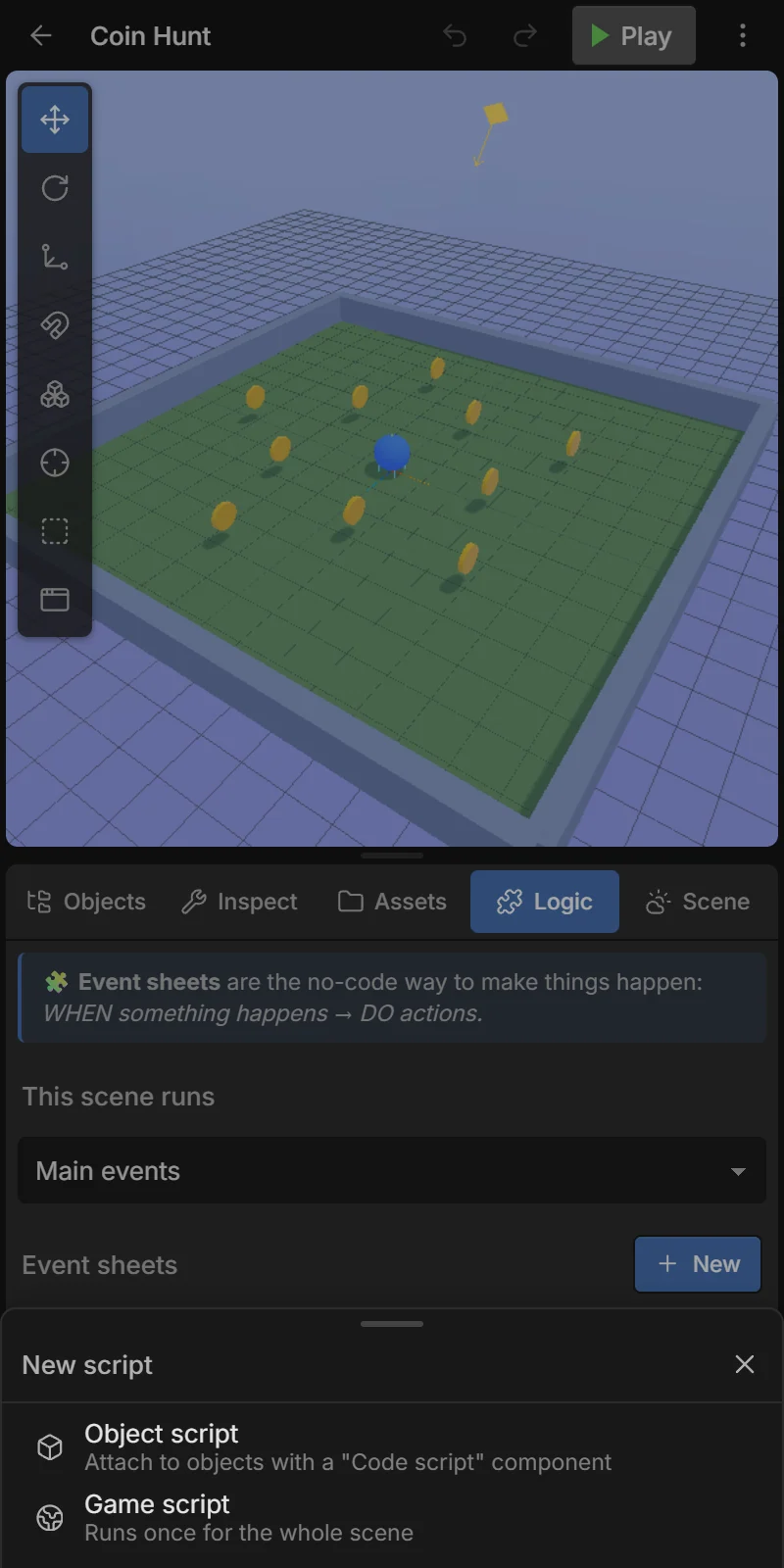
| 📜 Object script | On every object that has a Code script component with it. One copy runs per object, and gets that object as entity. | Logic → Code scripts → + New → Object script, or Inspector → + Add component → Code script → New script… |
| 🌍 Game script | Once for the whole scene. | Logic → Code scripts → + New → Game script |
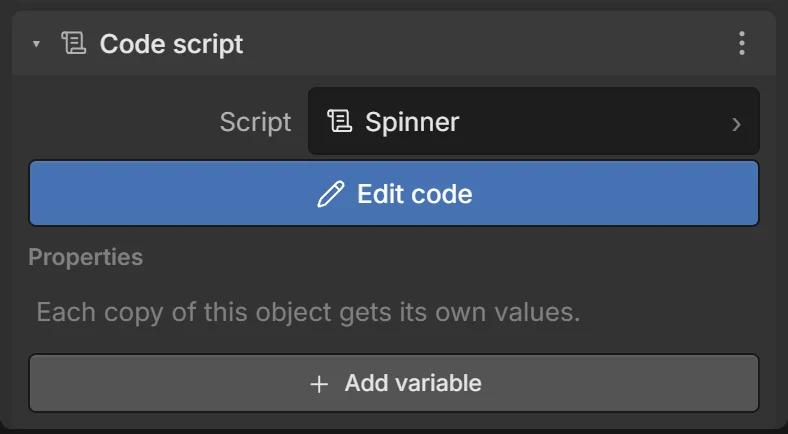
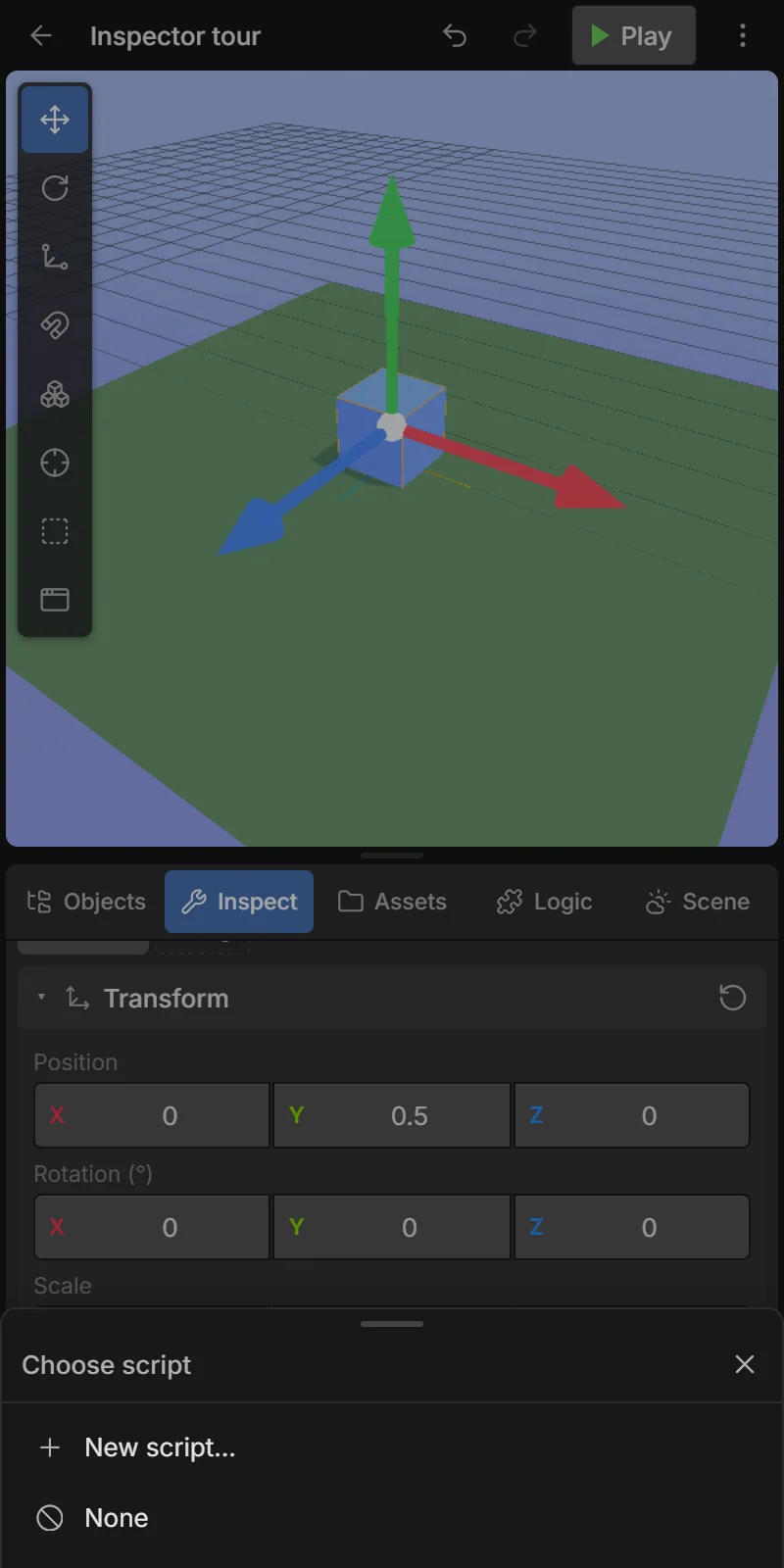
Properties on the Code script component are values you can set per object in the Inspector and read in the script as props (e.g. a different speed per enemy).
The code editor
Tap ✏️ Edit code on the component, or a script in the Logic tab.
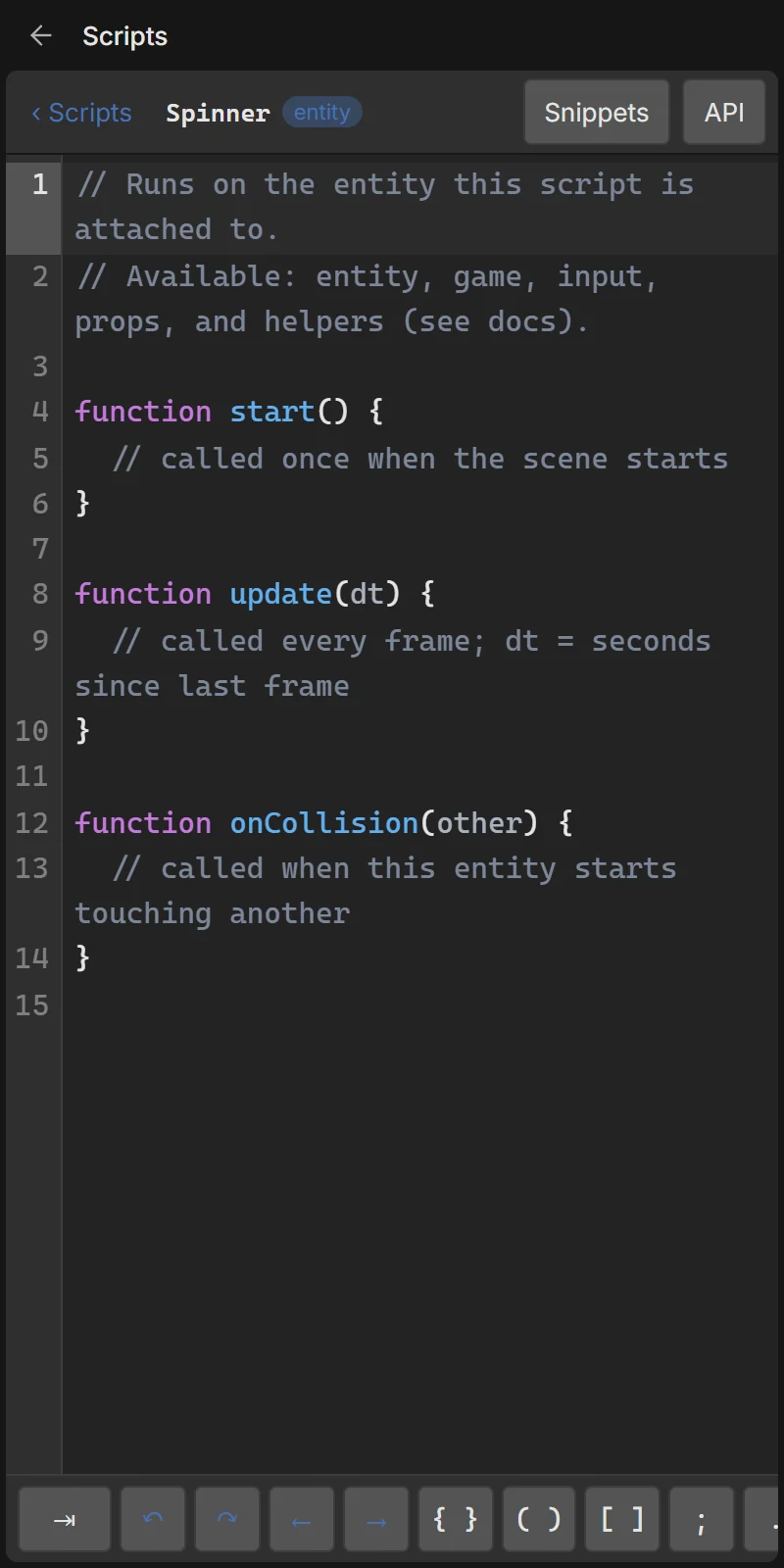
- Autocomplete suggests the engine API as you type (
entity.,game.,input.…). - The key bar above the phone keyboard has the symbols code needs:
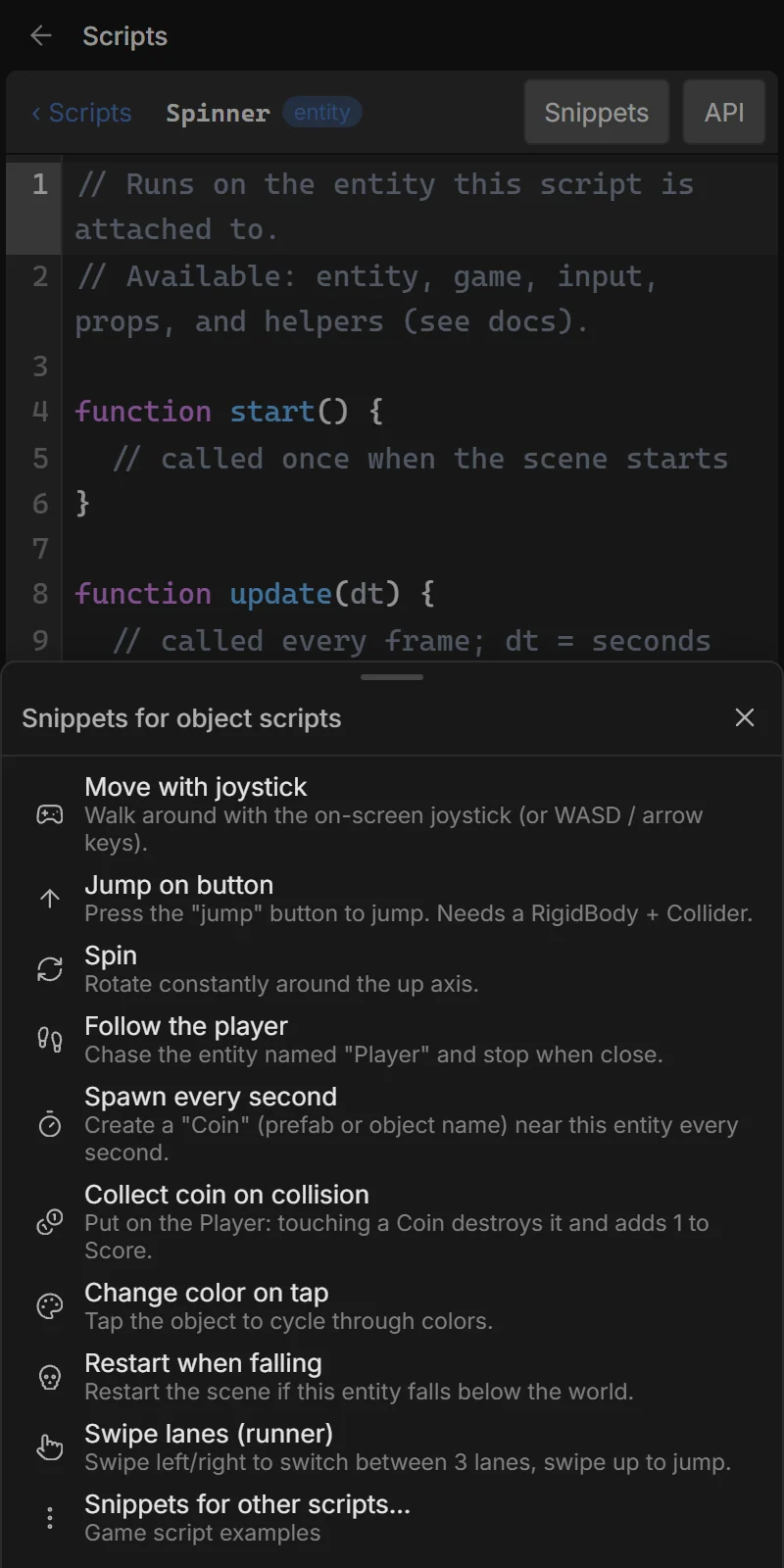
{ } ( ) [ ] ; . = " ' => + - * / < > ! & | , : ?, Tab, undo, redo and cursor keys. - Snippets inserts ready-made code (move with the joystick, jump, collect coins, follow the player…).
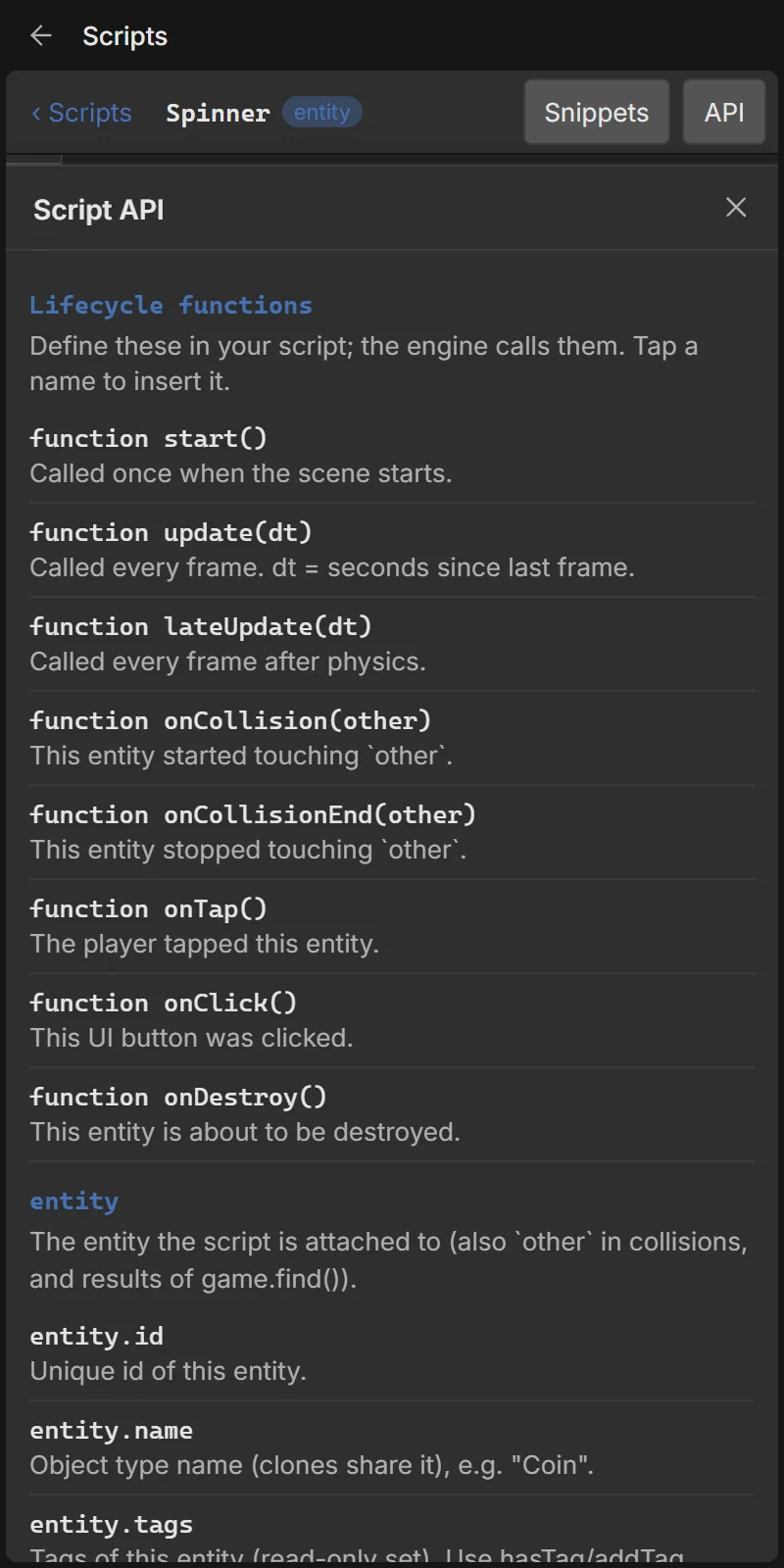
- API opens the full API help. Everything is also in the Scripting API reference.
- Saved automatically as you type.
- Syntax errors show in a yellow bar with the line number as you type. Runtime errors (while playing) show in a red bar and highlight the line; tap the bar to jump to it.
Lifecycle functions
Define any of these; the engine calls them. function update(dt) and export function update(dt) both work.
| Function | When | Object | Game |
|---|---|---|---|
start() | Once, when the scene starts | ✔ | ✔ |
update(dt) | Every frame, before physics. dt = seconds since the last frame | ✔ | ✔ |
lateUpdate(dt) | Every frame, after physics | ✔ | |
onCollision(other) | This object started touching other | ✔ | |
onCollisionEnd(other) | This object stopped touching other | ✔ | |
onTap() | The player tapped this object | ✔ | |
onClick() | This UI button was tapped (game scripts get onClick(button) for every button) | ✔ | ✔ |
onDestroy() | This object is about to be removed | ✔ |
Variables declared at the top of a script keep their values between frames (one set per object for object scripts):
let timer = 0;

function update(dt) {
  timer += dt;
  if (timer > 3) { timer = 0; game.log('3 seconds passed'); }
}
What a script can use
| Name | What it is |
|---|---|
entity | The object this script is on (object scripts). Also the type of other in collisions and of results from game.find(). |
game | The running game: find/spawn/destroy objects, variables, scenes, camera, raycasts, saving. |
input | Joystick (input.axis), buttons (input.isDown('jump')), touches, swipes, keys. |
audio | audio.play('Coin'), audio.stop(). |
props | The values set in the Inspector on the Code script component. Give defaults: props.speed ?? 5. |
vars | A storage object for the script. |
| helpers | lerp, clamp, random, randomInt, deg2rad and JavaScript’s Math. |
Full list: Scripting API.
Units and conventions
- Distances in meters; +Y is up; an object’s forward is −Z.
- Angles in degrees (
entity.rotation.y = 90). - Multiply speeds by
dtso the game runs the same on slow and fast phones. - Colors are CSS hex strings:
"#ff8800".
Examples
Move with the joystick
function update(dt) {
  const speed = props.speed ?? 5;
  entity.translate(input.axis.x * speed * dt, 0, -input.axis.y * speed * dt);
  if (input.axis.x || input.axis.y) {
    entity.rotation.y = Math.atan2(-input.axis.x, input.axis.y) * 180 / Math.PI;
  }
}
Jump (needs a Physics body and a Collider)
function update(dt) {
  if (input.wasPressed('jump') && entity.isOnGround()) {
    const v = entity.getVelocity();
    entity.setVelocity(v.x, 7, v.z);
  }
}
Collect coins
function onCollision(other) {
  if (other.hasTag('coin')) {
    other.destroy();
    game.setVar('Score', Number(game.getVar('Score') ?? 0) + 1);
    audio.play('Coin');
  }
}
Enemy follows the player
function update(dt) {
  const player = game.find('Player');
  if (!player) return;
  const p = player.getWorldPosition();
  entity.lookAt(p.x, entity.position.y, p.z);
  if (entity.distanceTo(player) > 1.5) entity.moveToward(p.x, entity.position.y, p.z, 2 * dt);
}
Spawner (game script)
let timer = 0;
function update(dt) {
  timer += dt;
  if (timer >= 1) {
    timer = 0;
    game.spawn('Coin', { x: random(-5, 5), y: 6, z: random(-5, 5) });
  }
}
Tap to change color
const colors = ['#ff5c6c', '#ffb547', '#3ecf8e', '#4f8cff'];
let i = 0;
function onTap() {
  i = (i + 1) % colors.length;
  entity.setColor(colors[i]);
}
UI: pause button
// Object script on the PauseButton
function onClick() {
  game.find('PauseScreen').visible = true;
  game.pause();
}
// On a HealthBar (progress bar)
entity.setUIValue(entity.getUIValue() - 10);
entity.setText('HP');
entity.setUIColors({ background: '#222', text: '#fff', fill: '#ff5c6c' });