Backup & move projects

Projects are saved only on your phone. Uninstalling the app or clearing its data deletes them. A backup is a single .tge file with everything — scenes, events, scripts and assets.
Make a backup
Either:
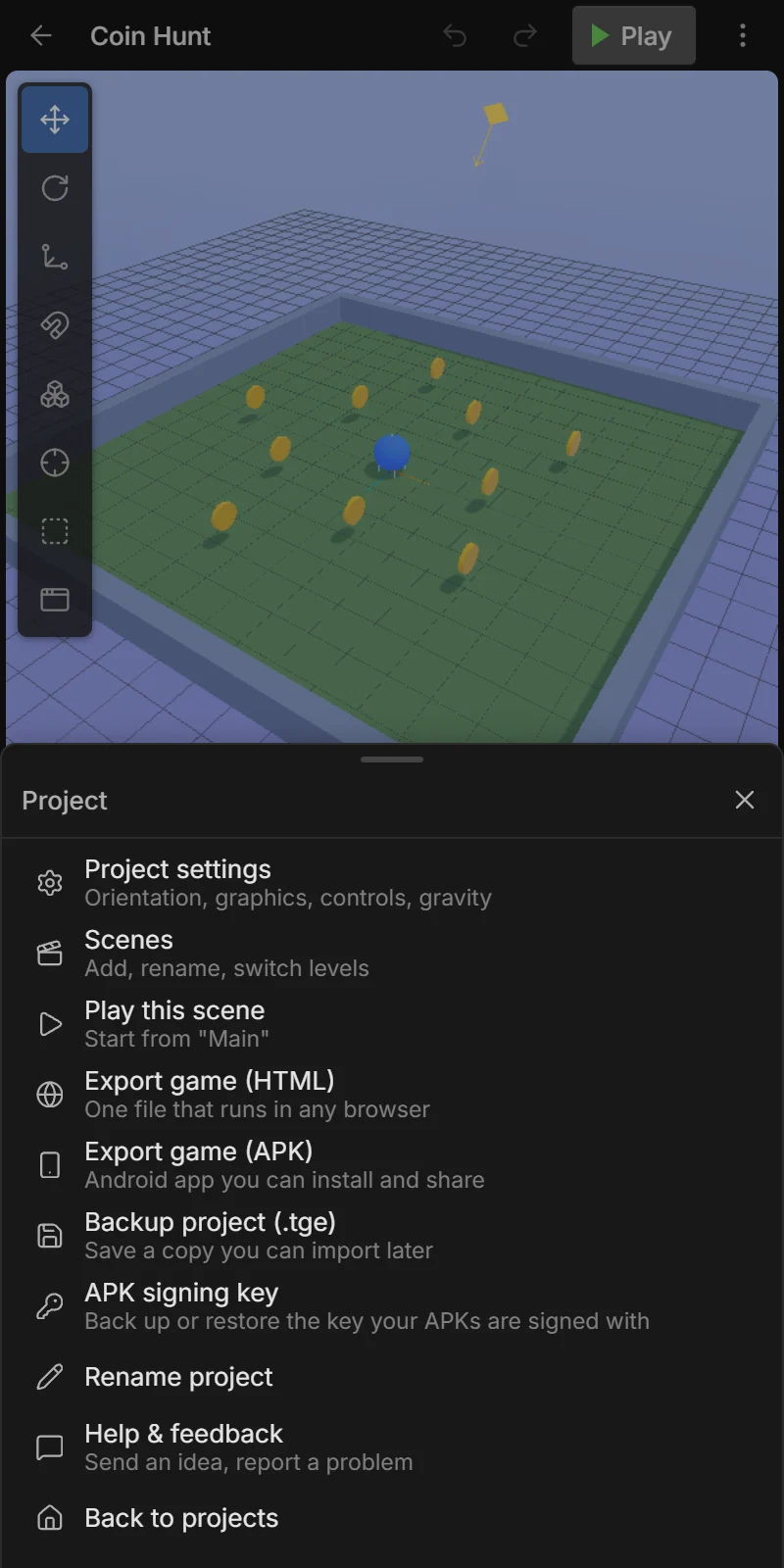
- In the editor: ⋮ → Backup project (.tge), or
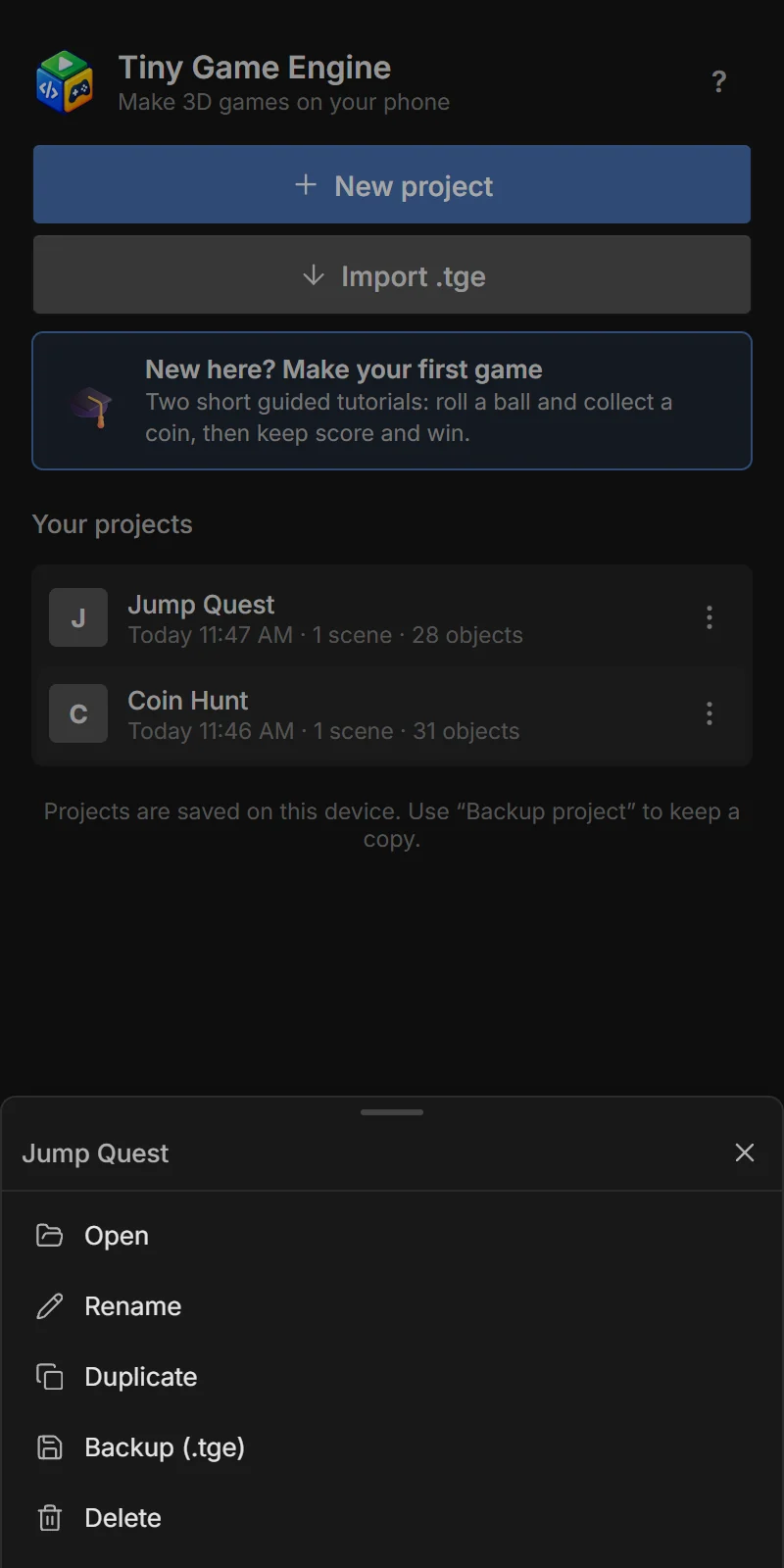
- On the home screen: ⋮ on the project → Backup (.tge).
The share sheet opens: save it to Files or Google Drive, or send it to yourself.
Restore or move to another phone
On the home screen tap ⬇ Import .tge and choose the file. It is added as a new project — it never replaces an existing one, so importing twice gives you two copies.
Share a project with a friend
Send them the .tge file. They import it and can open, play and change your project — a great way to learn from each other or work on a game together.
Good habits
- Back up before big changes, or use Duplicate on the home screen to keep a copy.
- Keep backups outside the phone (Drive, email).
- Also back up your APK signing key once.