Export as HTML
⋮ → Export game (HTML) builds your game as one .html file: the engine, your project and all its assets packed together. It runs offline in any modern browser — on phones, tablets and computers.
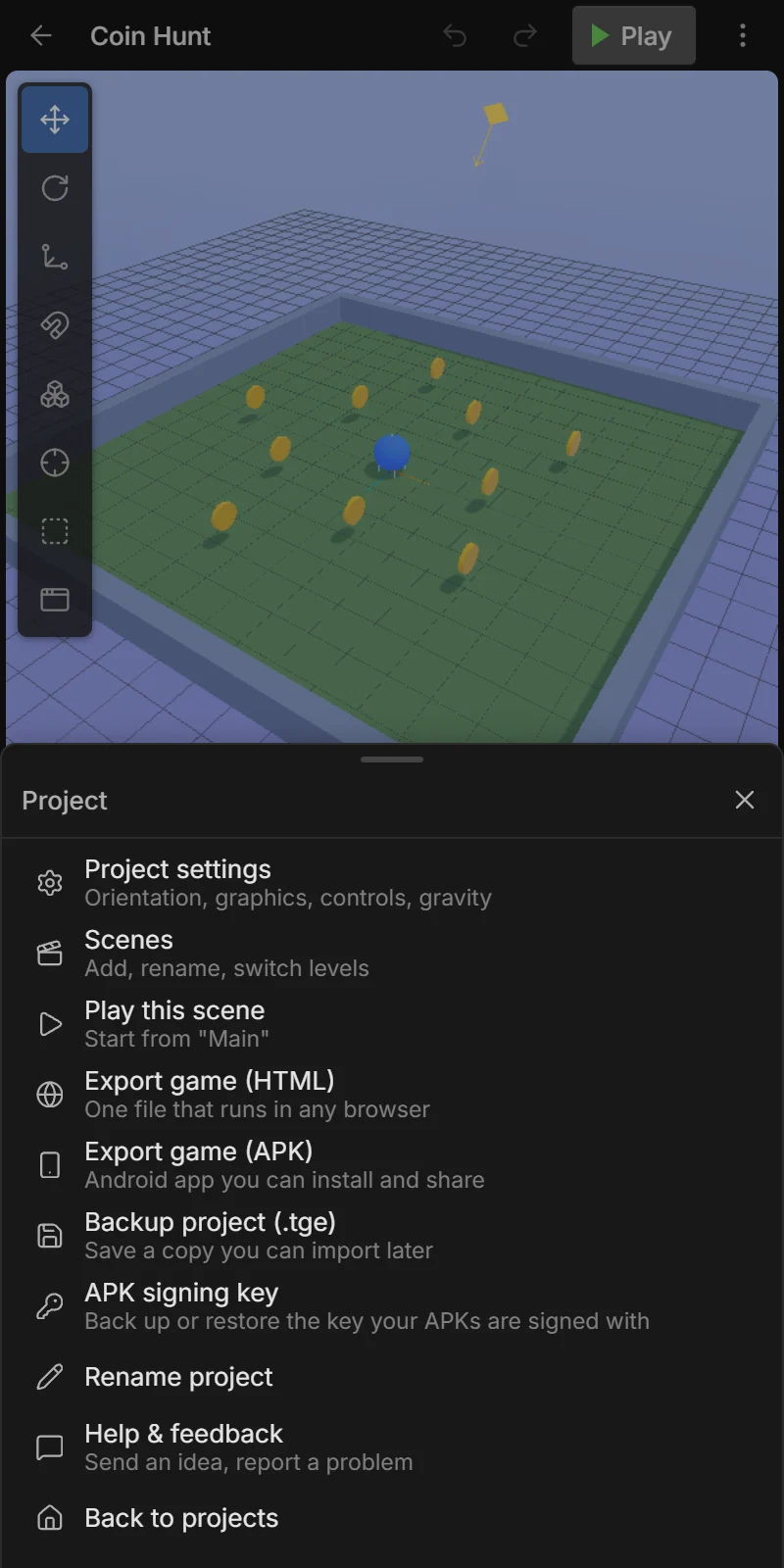
What happens
- The editor builds the file (a Building game… message shows).
- In the Android app, the share sheet opens: save it to Files or Google Drive, or send it to a friend by chat or email. In a browser it downloads.
The file is named after your project, e.g. Coin_Hunt.html.
Playing the file
- Open it in a browser (Chrome, Firefox, Safari, Edge). On phones a Tap to play screen appears first: it unlocks sound and enters full screen.
- It doesn’t need the internet or Tiny Game Engine.
- You can upload it to web game sites such as itch.io (as an HTML game), or to any web host.
Tips
- The file contains every asset in your project, used or not. Delete unused assets in the Assets tab to make it smaller.
- Compressed images (JPG/WebP) and MP3/OGG sounds keep the file small.
- For an installable Android app, use Export as APK.