Cameras & lights

Camera
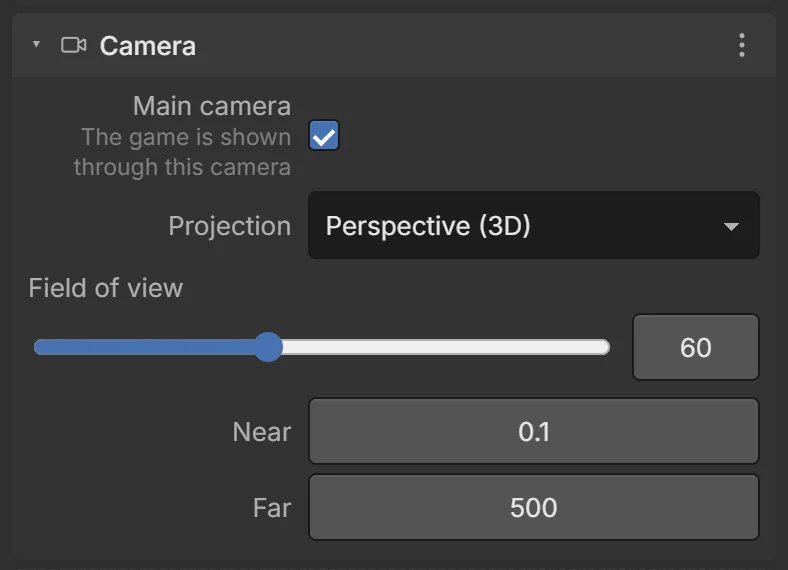
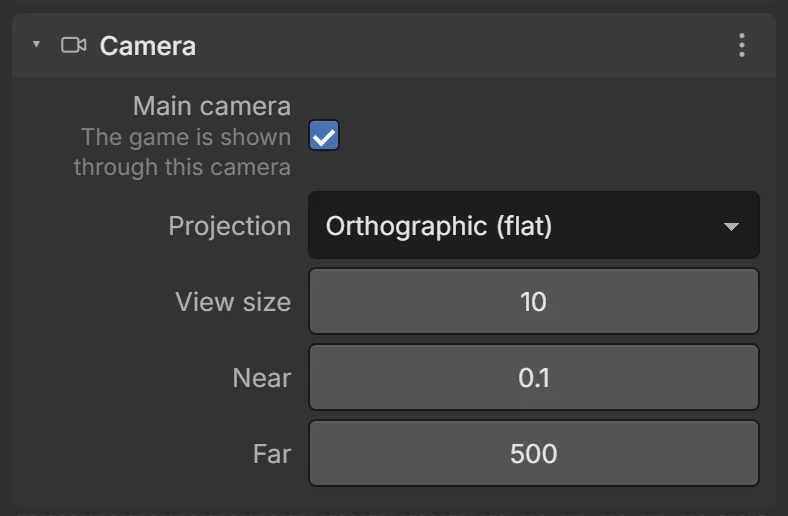
The game is shown through the main camera. Every new scene has one called Camera. What you see in the editor’s 3D view is not the game camera — press ▶ Play to see through it.
| Field | What it does |
|---|---|
| Main camera | The game is shown through this camera. Only one camera should be main. |
| Projection | Perspective (3D) — far things look smaller. Orthographic (flat) — no perspective, like an isometric or 2D game. |
| Field of view | (Perspective) How wide it sees, 20–120°. 60 is normal; lower zooms in. |
| View size | (Orthographic) Half the height of the view, in meters. |
| Near / Far | Nothing closer than Near or farther than Far is drawn. |
Make the camera follow the player
Add the Camera follow behavior to the camera and set its Target to your player. See Behaviors. Actions: Shake camera, Camera look at, Set camera position.
Lights
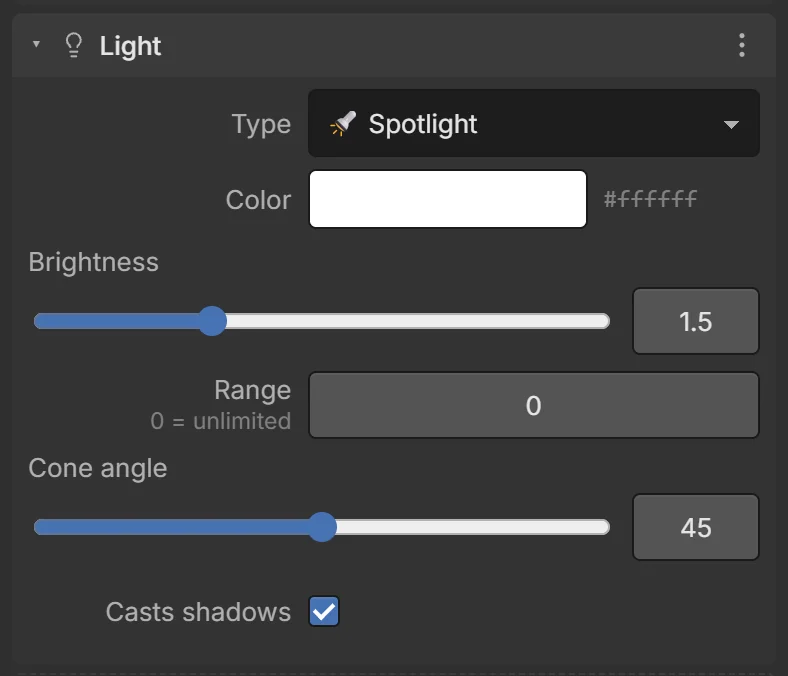
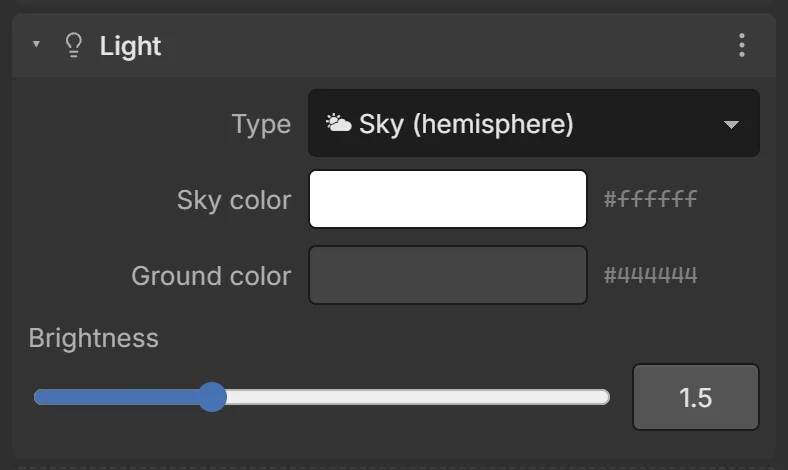
Add lights from + Add → Lights. Every scene starts with a Sun. Change a light’s kind in its Light card.
| Kind | Like… | Notes |
|---|---|---|
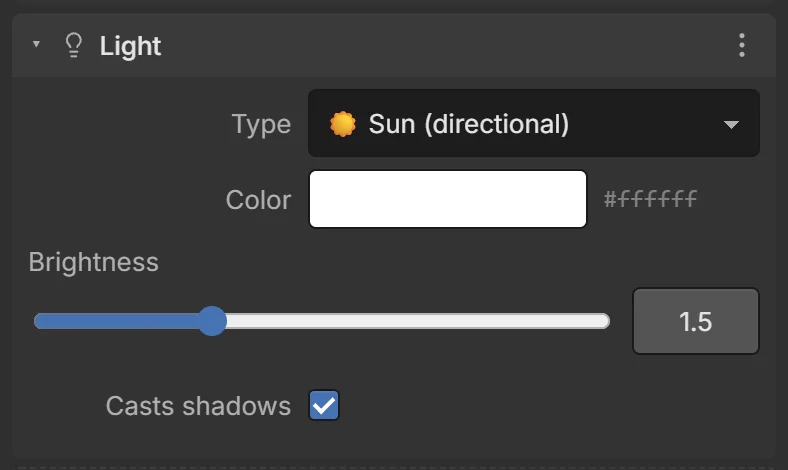
| ☀️ Sun (directional) | Sunlight | Parallel rays from one direction; only its rotation matters. The main light of outdoor scenes. |
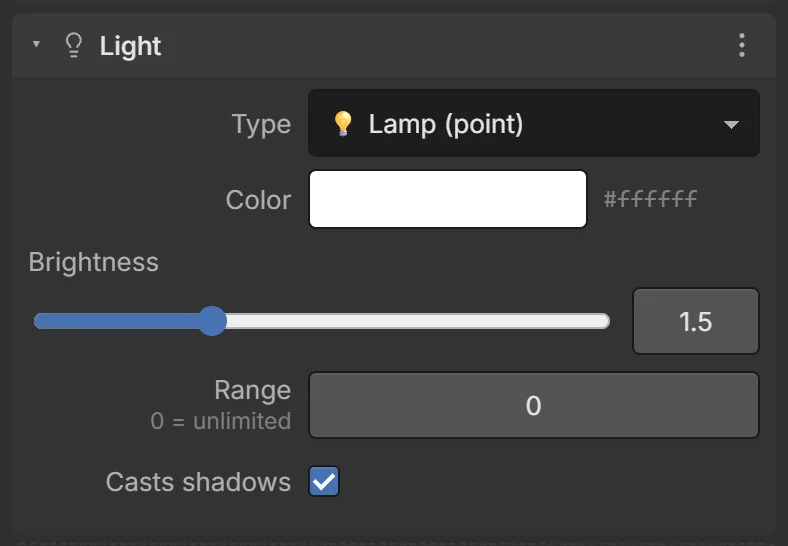
| 💡 Lamp (point) | A light bulb | Shines in all directions from its position. Range limits how far (0 = unlimited). |
| 🔦 Spotlight | A torch | A cone of light. Cone angle sets its width. |
| 🌤 Sky (hemisphere) | Sky and ground bounce | Soft light: Sky color from above, Ground color from below. No shadows. Great fill light. |
Common fields: Color, Brightness (0–5), Casts shadows.
Lighting on phones
Shadows are the most expensive part of drawing. Keep one shadow-casting light (the sun), turn shadows off on lamps, and use Ambient light (Scene tab) or a Sky light to brighten dark areas. You can turn all shadows off in Project settings.