3D models & animation

Besides the built-in shapes you can use real 3D models: characters, cars, trees, buildings, props.
Free models library
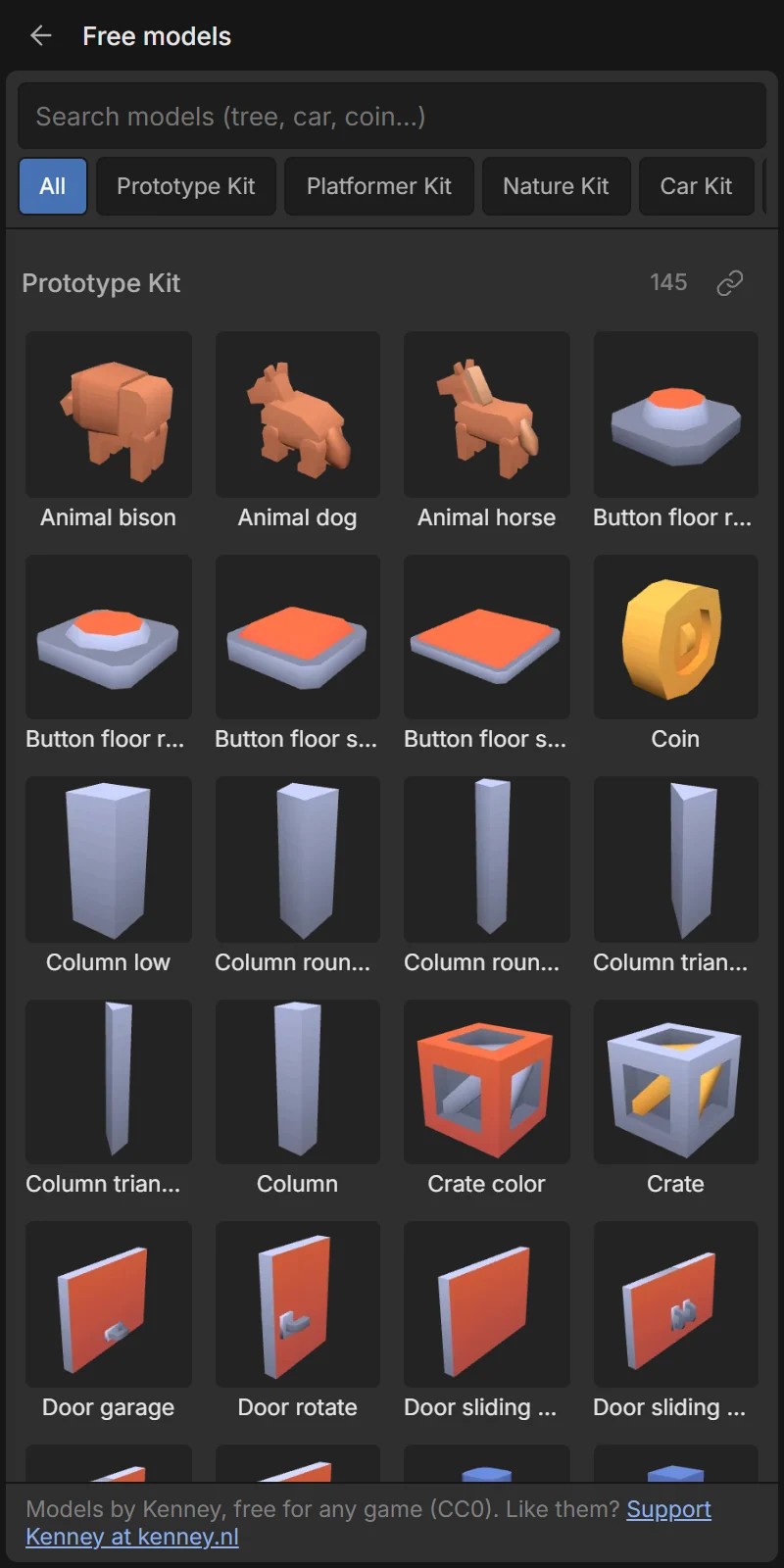
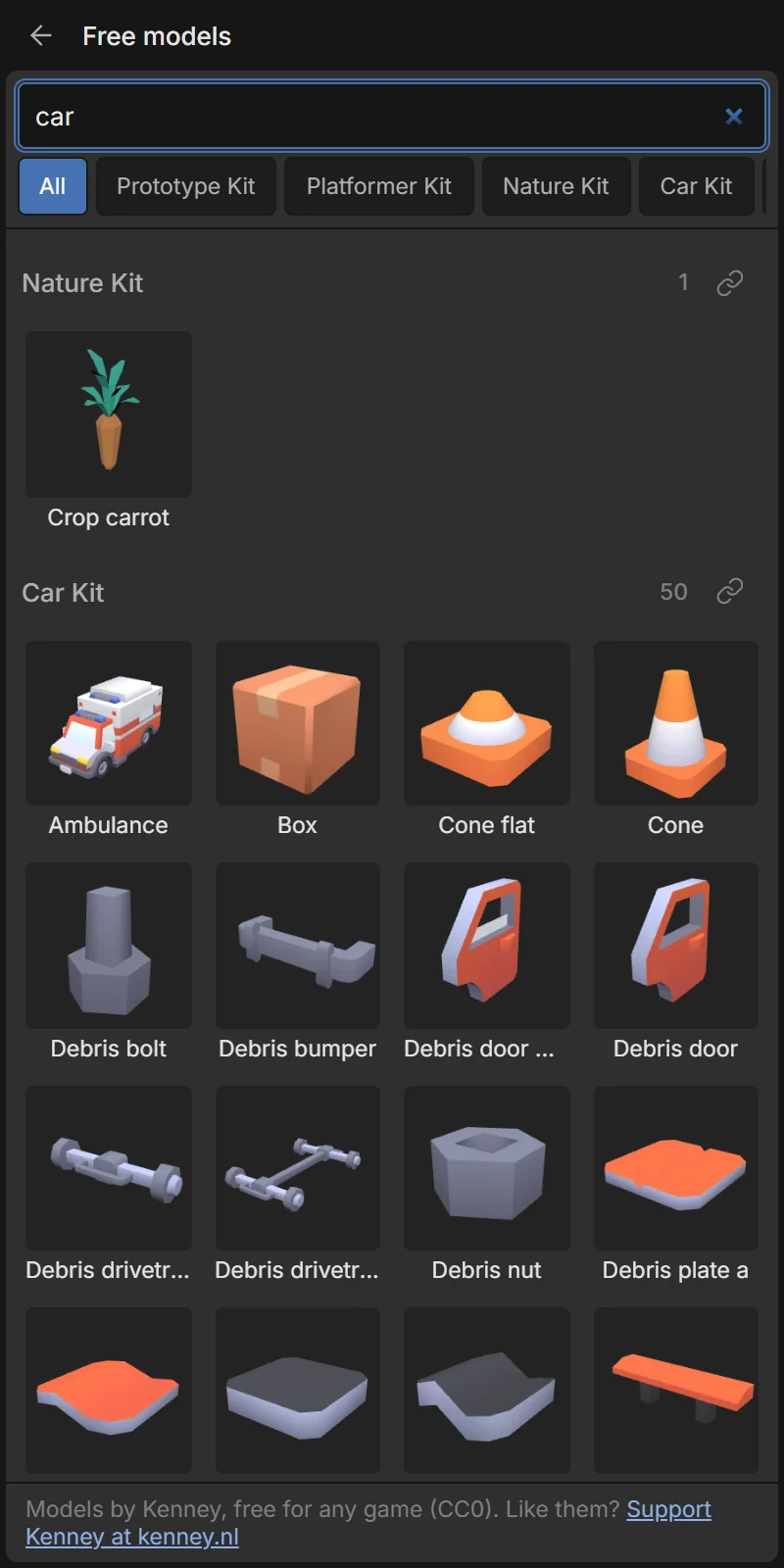
Tap Objects → + Add → Free models library… or Assets → 🌐 Free models. It shows hundreds of models from Kenney kits (characters, platformer pieces, nature, cars, food, furniture…). They are CC0: free for any game, even commercial ones, without credit.
- Search by name (tree, car, coin…) or filter by kit with the chips.
- Tap a model: Add to scene, Add to assets only, or View the kit on kenney.nl.
- Models are downloaded once and then stored in your project (needs internet the first time).
Import your own model
Tap Assets → ⬆ Import or + Add → Import 3D model (.glb)… and pick a .glb file (a .gltf works only if it’s a single file). Free sources: Kenney, Quaternius, Poly Pizza, Sketchfab (check each model’s licence).
Keep models low-poly (a few thousand triangles) and textures small (1024 px). Many objects of the same model are cheap; many different high-detail models are not.
Model settings
Put a model on an object with Shape & look → Shape: 3D model (file) and choose the Model.
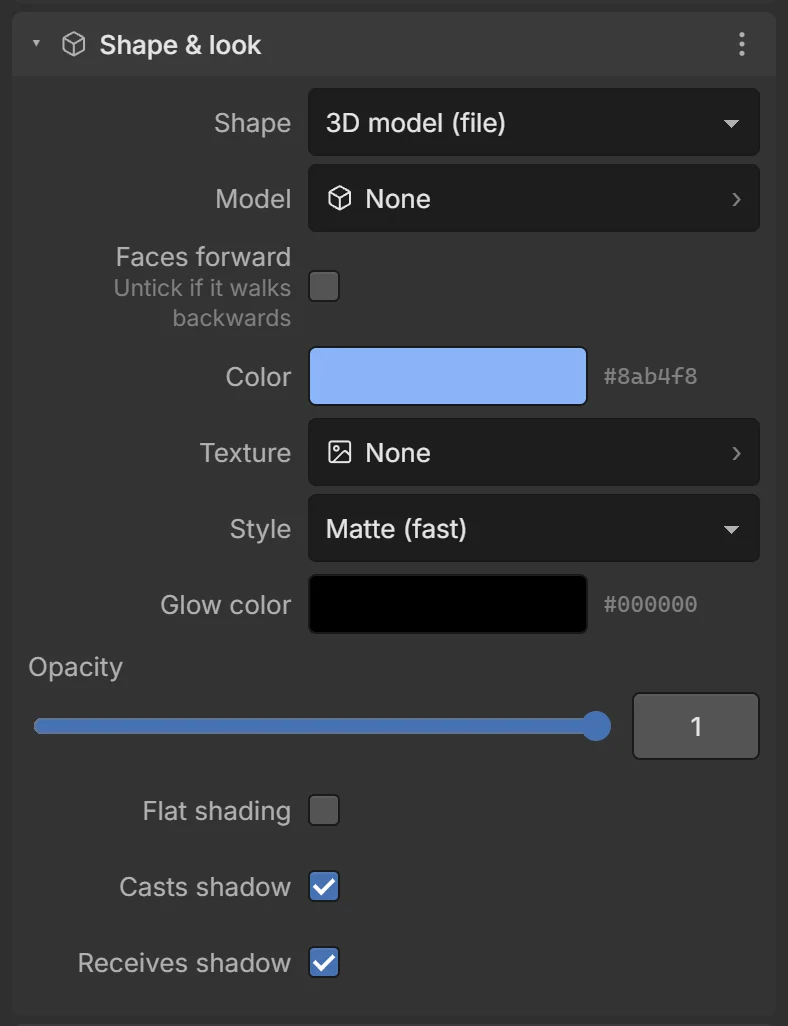
| Field | What it does |
|---|---|
| Model | The model asset. |
| Faces forward | Turns the model 180° so its front matches the object’s forward (−Z), which behaviors and Look at use. Untick it if a character walks backwards. |
| Animation | The animation clip to play (models with clips only), with ▶ preview in the editor. None (still) = no animation. |
| Play on start | Loop the chosen clip from the start of the game. |
| Animation speed | 1 = normal, 2 = twice as fast. |
Animations while playing
- The Platformer, Top-down and Follow target behaviors animate characters automatically (with Animate on): idle when standing, walk / sprint when moving, jump / fall in the air — using whichever of these clips the model has.
- Actions: Play animation (loop or once), Stop animation, Set animation speed. Condition: On animation finished, Is playing animation.
- Scripts:
entity.playAnimation('wave', false),entity.getAnimationNames().
Colliders for models
With Collider → Automatic, a model uses its real shape: exact triangles for objects that never move, convex parts for moving ones. See Physics.