Physics
Tiny Game Engine uses the Rapier physics engine. Two components work together:
- a Collider gives an object a shape to touch things with;
- a Physics body makes it part of the physics world: gravity, mass, friction, bouncing.
Shapes added from the + Add menu already have a Collider. A new scene’s Ground has a static Physics body, so things can stand on it.
Collider
| Field | What it does |
|---|---|
| Shape | The collision shape (see below). |
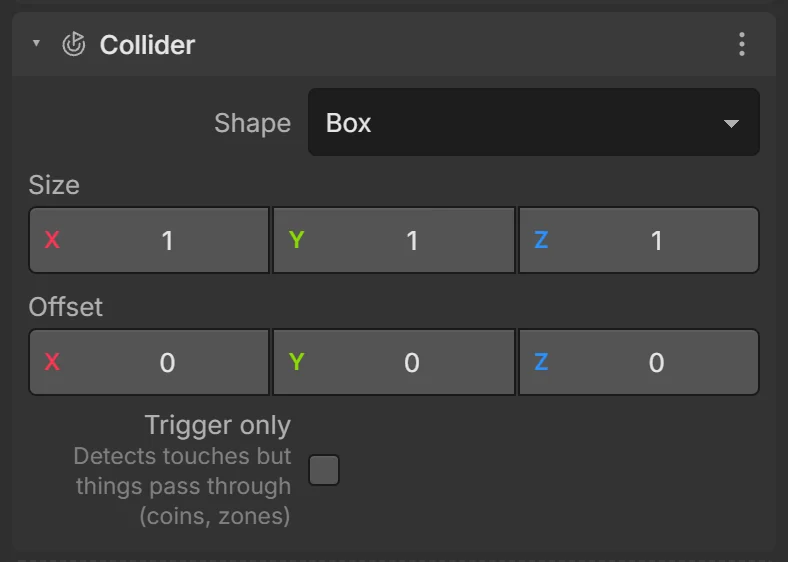
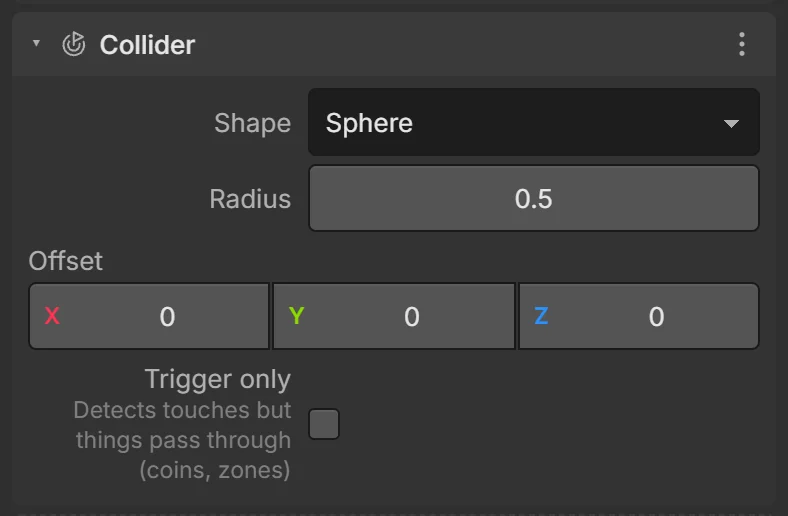
| Size / Radius / Height | For box, sphere and capsule shapes (before the object’s scale). |
| Offset | Moves the shape relative to the object. |
| Trigger only | Detects touches, but things pass through: coins, checkpoints, finish lines, danger zones. |
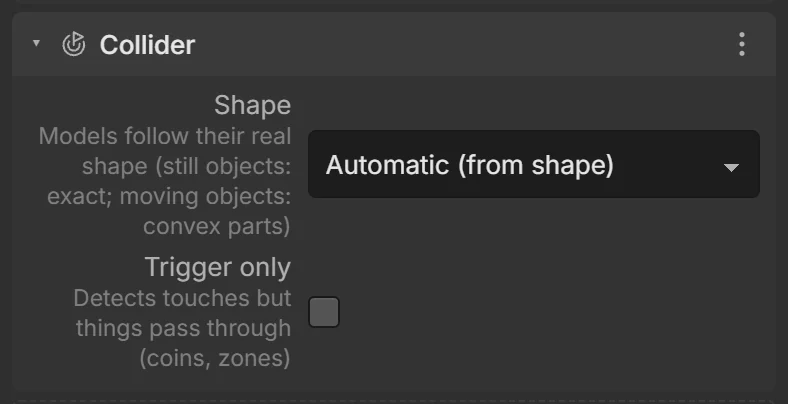
Collider shapes
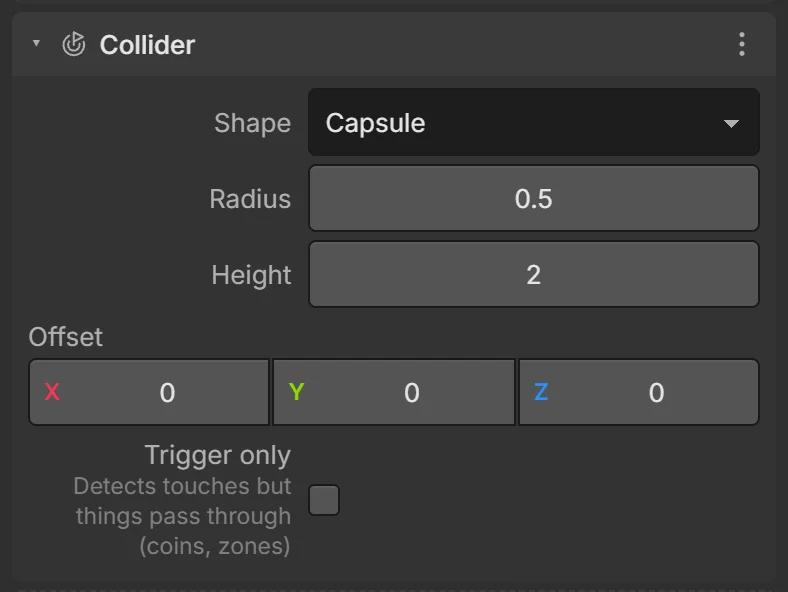
| Shape | Use for |
|---|---|
| Automatic (from shape) | The default. Follows the visible shape and scale. Models follow their real shape (still objects: exact; moving objects: convex parts). |
| Box | Crates, walls, platforms. |
| Sphere | Balls, round pickups. |
| Capsule | Characters — slides smoothly over steps and bumps. |
| Convex hull (models) | One shrink-wrapped hull around a model. Fast; fills in gaps and dents. |
| Exact mesh (models) | Follows every triangle. Best for still scenery: trees, arches, ramps, race tracks. |
Turn on Colliders in the viewport toolbar (or in Play mode) to see them.
Physics body
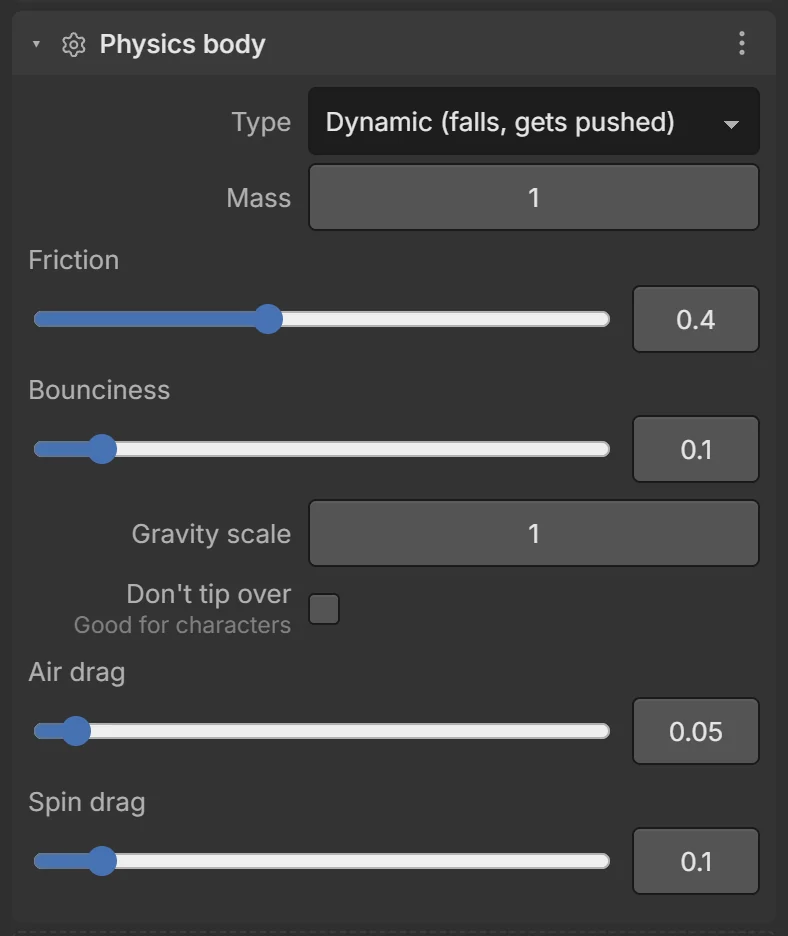
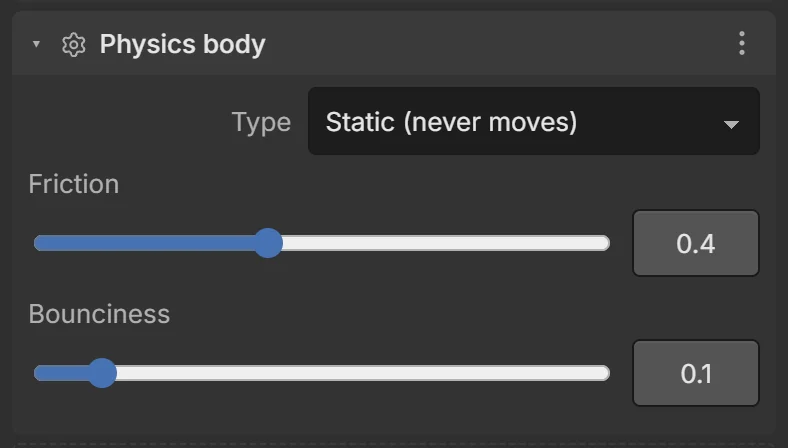
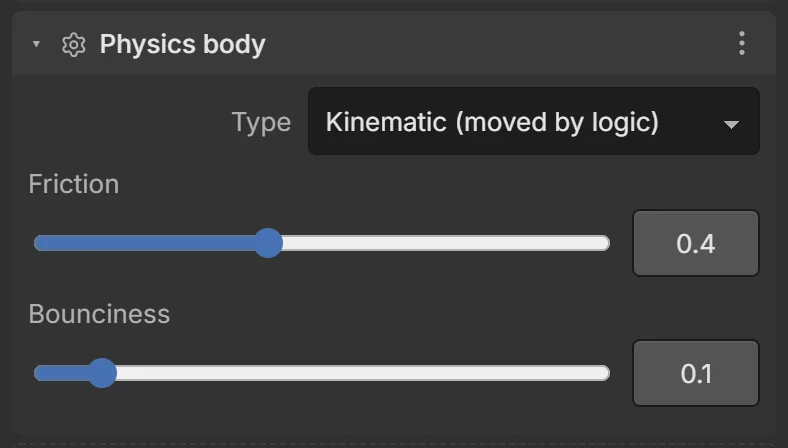
| Type | Behaves like… |
|---|---|
| Dynamic (falls, gets pushed) | A real object: gravity, collisions, forces. Players, balls, crates, cars. |
| Static (never moves) | Ground, walls, buildings. Cheapest. |
| Kinematic (moved by logic) | Moving platforms, doors, elevators: moved by events/behaviors/tweens, pushes dynamic objects but isn’t pushed. |
| Field | What it does |
|---|---|
| Mass | (Dynamic) Heavier objects push lighter ones. |
| Friction | 0 = ice, 1 = rubber. |
| Bounciness | 0 = no bounce, 1 = bounces back fully. |
| Gravity scale | (Dynamic) 1 = normal, 0 = floats, 2 = falls fast, negative = rises. |
| Don’t tip over | (Dynamic) Keeps it upright — for characters. |
| Air drag / Spin drag | (Dynamic) Slows moving / spinning over time. |
The world’s gravity is set in Project settings (Earth: 0, −9.82, 0).
Collisions in events
| Condition | True when… |
|---|---|
| ⚡ On collision with | the object starts touching another (once per touch). |
| ⚡ On collision ended | it stops touching. |
| Is touching | it is touching right now (every frame). |
| Is on ground | it stands on something. |
| Has line of sight to | nothing solid is between it and another object. |
Actions: Set velocity, Push (impulse) (a kick), Apply force (a push over time), Jump. In scripts: entity.applyImpulse(0, 5, 0), game.raycast(from, to). See the Conditions and Actions reference.
Common problems
- Falls through the floor — the floor needs a Collider (and a static body); very fast small objects may need a bigger collider.
- Doesn’t move — a behavior like Platformer or Car needs a dynamic body.
- Rolls over / tips — tick Don’t tip over.
- Coins block the player — tick Trigger only on the coin’s collider.