Sound
Get sounds
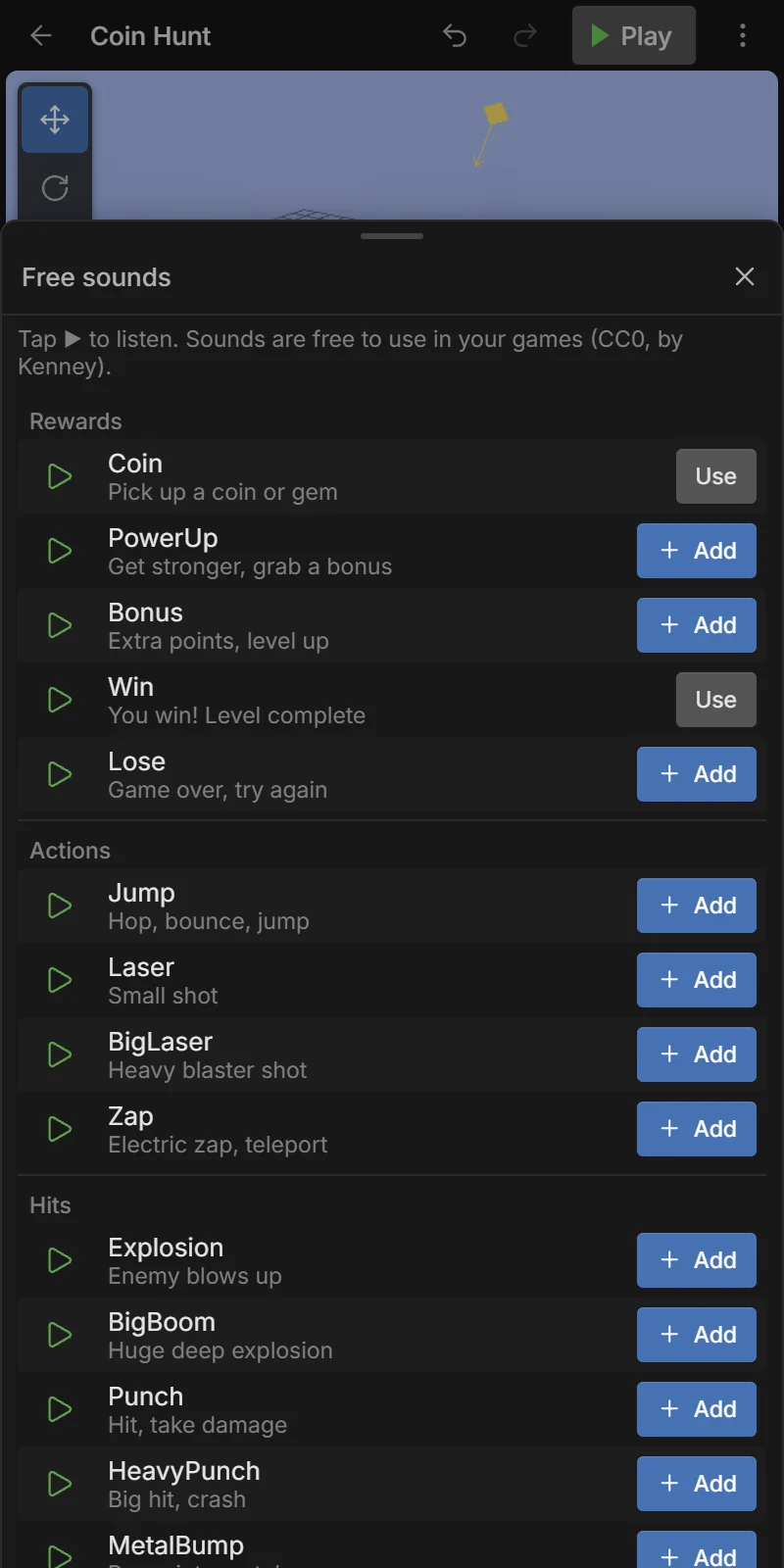
Assets → 🔊 Free sounds opens 27 game sounds by Kenney (CC0, free for any game), grouped as Rewards (Coin, PowerUp, Bonus, Win, Lose), Actions (Jump, Laser, Zap…), Hits (Explosion, Punch, GlassBreak…), menu clicks and engine hums.
- Tap ▶ to listen.
- + Add puts it in your project; Use means it is already there.
Your own sounds: Assets → ⬆ Import an MP3, OGG, WAV or M4A. Preview any sound from its menu in the Assets tab (Preview sound).
Play a sound from an event
The simplest way: Add action → Audio → Play sound, choose the sound, a volume and whether it loops. Stop sound stops it, Set master volume changes the volume of everything.
Example — a coin sound: WHEN Player collides with Coin → Audio: Play sound Coin.
The Sound component
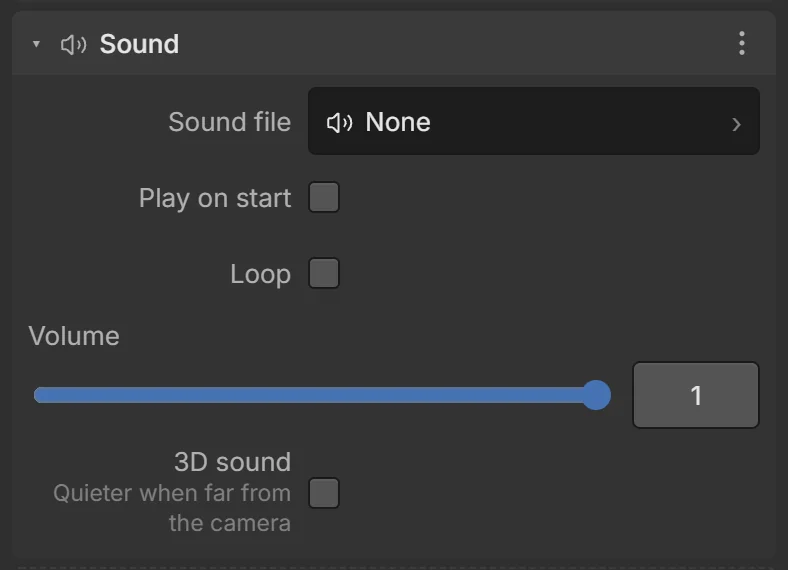
For a sound that belongs to an object — an engine hum on a car, a waterfall, background music — add the Sound component:
| Field | What it does |
|---|---|
| Sound file | The sound asset (or pick a free one). |
| Play on start | Starts when the scene starts. |
| Loop | Repeats forever. |
| Volume | 0–1. |
| 3D sound | Quieter when the object is far from the camera. |
Actions Play its sound / Stop its sound control it.
Browsers only allow sound after the player touches the screen. Exported games show a Tap to play screen that unlocks sound; in the editor the ▶ Play tap does it.